
Clack
Clack tracks writing progress from Notion and Google Docs with a calendar and AI assistant.
Source rating 5.0
(97)
0 views
0 saves
Unknown
Verdict
A quick read before you dig into the full page.
- Best if
- Clack tracks writing progress from Notion and Google Docs with a calendar and AI assistant
- Pick this when
- Clack tracks writing progress from Notion and Google Docs with a calendar and AI assistant
Overview
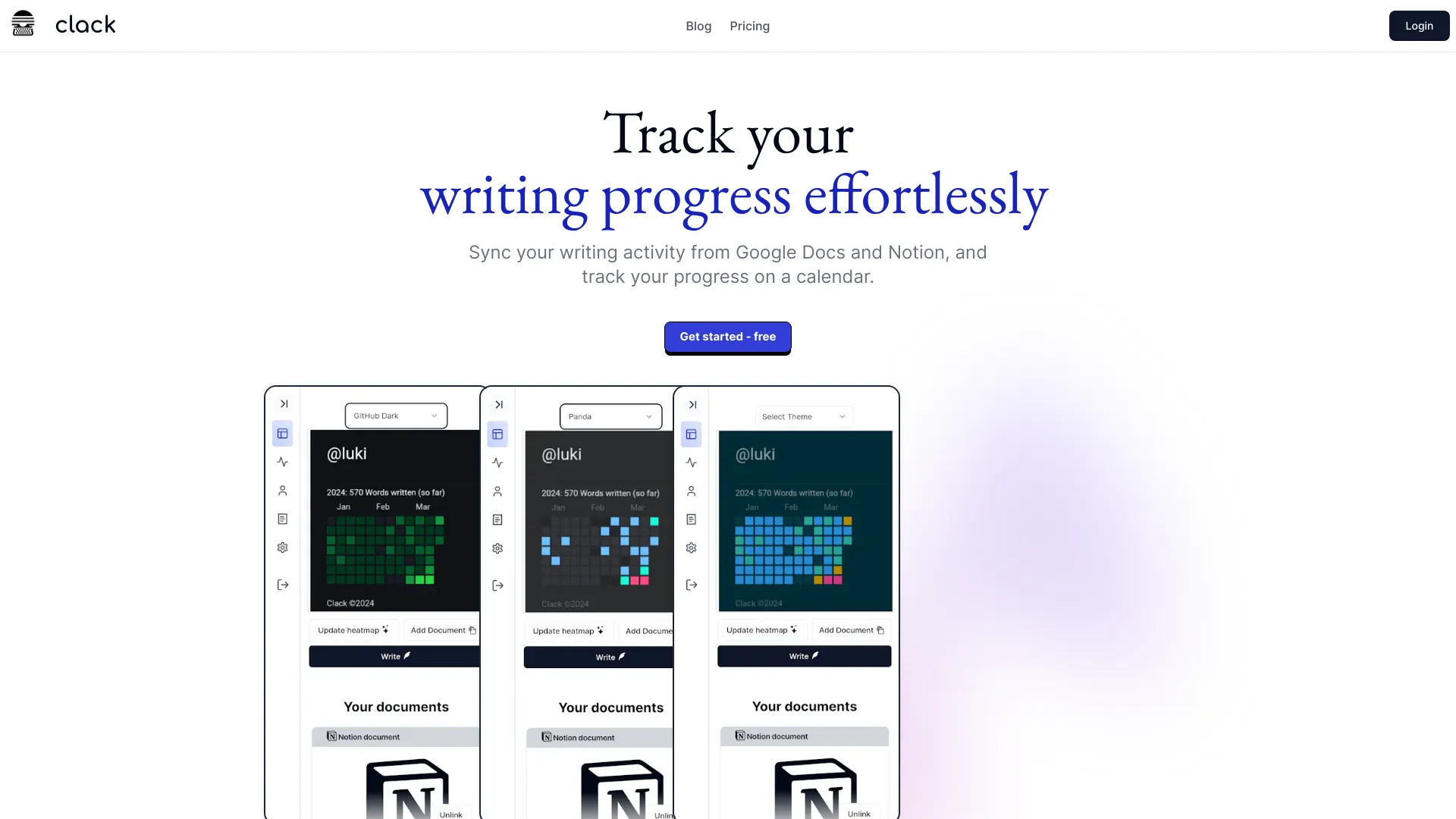
Clack syncs your writing activity from Notion and Google Docs, displaying progress on a calendar, similar to GitHub's commit calendar. It also includes an AI assistant and a Notion-style WYSIWYG editor. Clack helps you track your writing progress effortlessly by syncing your writing activity from Google Docs and Notion, and tracking your progress on a calendar.
Access & connections
Where you can use Clack, and what it plugs into.
Platforms
Capabilities
What this tool accepts, produces, and is strongest at.
Highlights
- Sync writing activity from Notion and Google Docs
- Display progress on a calendar
- AI assistant
- Notion-style WYSIWYG editor
- Multiple heatmap themes
- Secure document storage
- Notion Integration
- Google Integration
FAQ 5
What is Clack?
Clack syncs your writing activity from Notion and Google Docs, displaying progress on a calendar, similar to GitHub's commit calendar. It also includes an AI assistant and a Notion-style WYSIWYG editor. Clack helps you track your writing progress effortlessly by syncing your writing activity from Google Docs and Notion, and tracking your progress on a calendar.
How to use Clack?
Connect your Notion and Google Docs accounts to Clack. The platform will then sync your writing activity and display your progress on a calendar. Use the AI assistant and Notion-style WYSIWYG editor to enhance your writing.
What platforms does Clack integrate with?
Clack seamlessly integrates with Notion and Google Docs.
Does Clack offer an AI assistant?
Yes, Clack comes with an AI assistant to enhance your writing experience.
Is my data secure with Clack?
Yes, your documents are stored encrypted with AES-256-CBC encryption for maximum security.
Related tools
Recommended


Clack