
Chronify
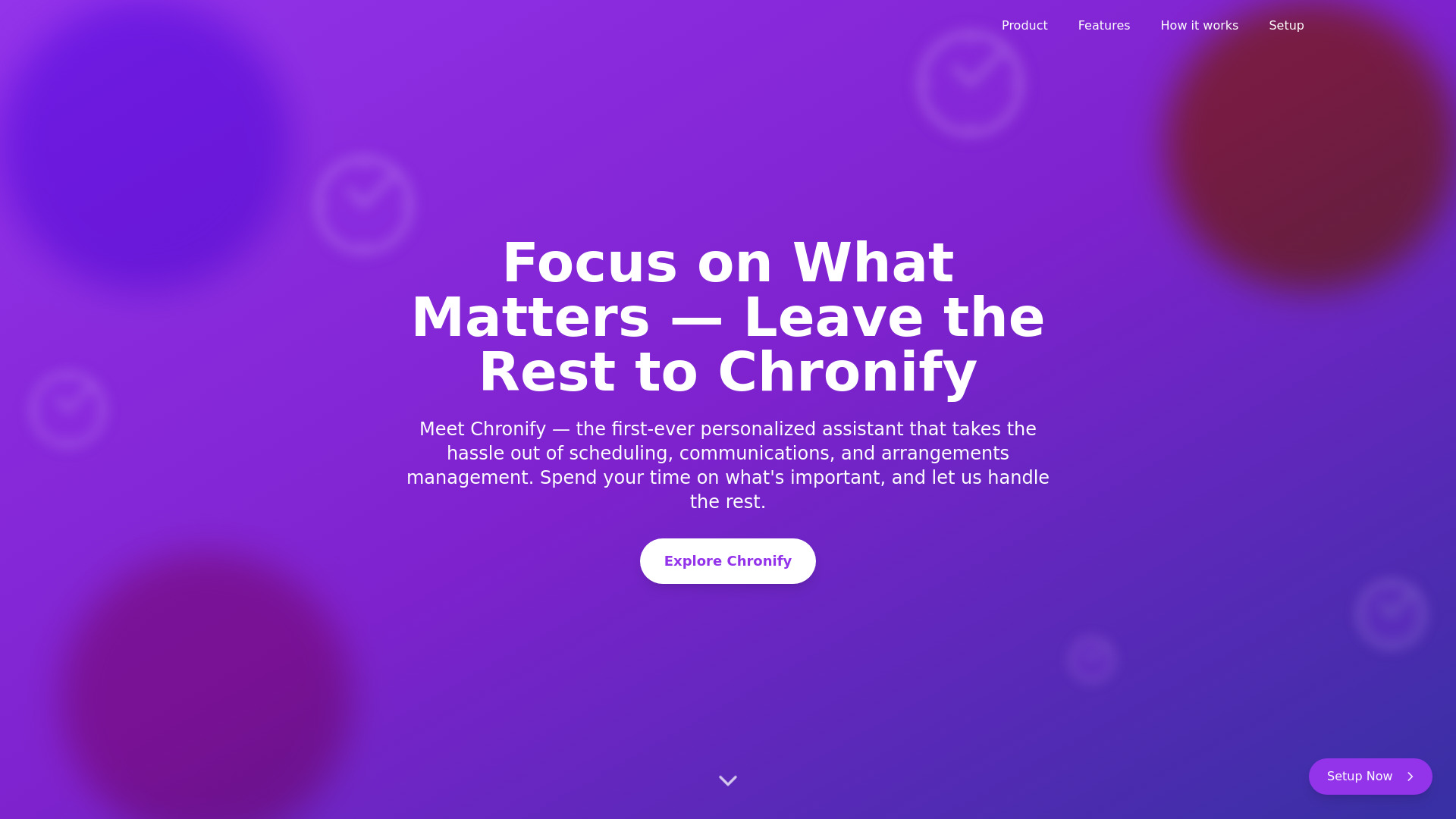
Chronify is an AI-powered personal assistant for scheduling, communications, and arrangements management.
Source rating 5.0
(65)
397 views
397/mo traffic
0 saves
Unknown
Verdict
A quick read before you dig into the full page.
- Best if
- Chronify is an AI-powered personal assistant for scheduling, communications, and arrangements management
- Pick this when
- Chronify is an AI-powered personal assistant for scheduling, communications, and arrangements management
Overview
Chronify is your personal AI assistant, designed to handle secondary tasks so you can focus on what matters. From scheduling meetings to managing communications and arrangements, Chronify handles it all - just like a human PA would do.
Access & connections
Where you can use Chronify.
Platforms
Capabilities
What this tool accepts, produces, and is strongest at.
Highlights
- Scheduling Assistant
- Communications Manager (Coming Soon)
- Arrangements Manager (Coming Soon)
- Time Mastery
- One-Place Task Management
- Proactive Schedule Management
FAQ 4
What is Chronify?
Chronify is your personal AI assistant, designed to handle secondary tasks so you can focus on what matters. From scheduling meetings to managing communications and arrangements, Chronify handles it all - just like a human PA would do.
How to use Chronify?
1. Sign up and create an account. 2. Import your calendars. 3. Input your tasks and events. 4. Let Chronify automatically adjust your schedule.
How do I get started with Chronify?
Install the extension from your preferred browser's store, sign in to your Google Calendar, look for the Chronify logo, click the logo to open the sidebar, complete your account setup, and start enjoying automated scheduling.
What does Chronify's Scheduling Assistant do?
Chronify's Scheduling Assistant manages your time, from scheduling meetings to sending reminders, so you don't have to. It learns your preferences and optimizes your day.
Related tools
Recommended




Chronify