
Chrome Built-In AI Gemini Nano Test Page
Test Chrome's built-in offline AI model, Gemini Nano.
Verdict
A quick read before you dig into the full page.
- Best if
- Test Chrome's built-in offline AI model, Gemini Nano
- Pick this when
- Test Chrome's built-in offline AI model, Gemini Nano
Overview
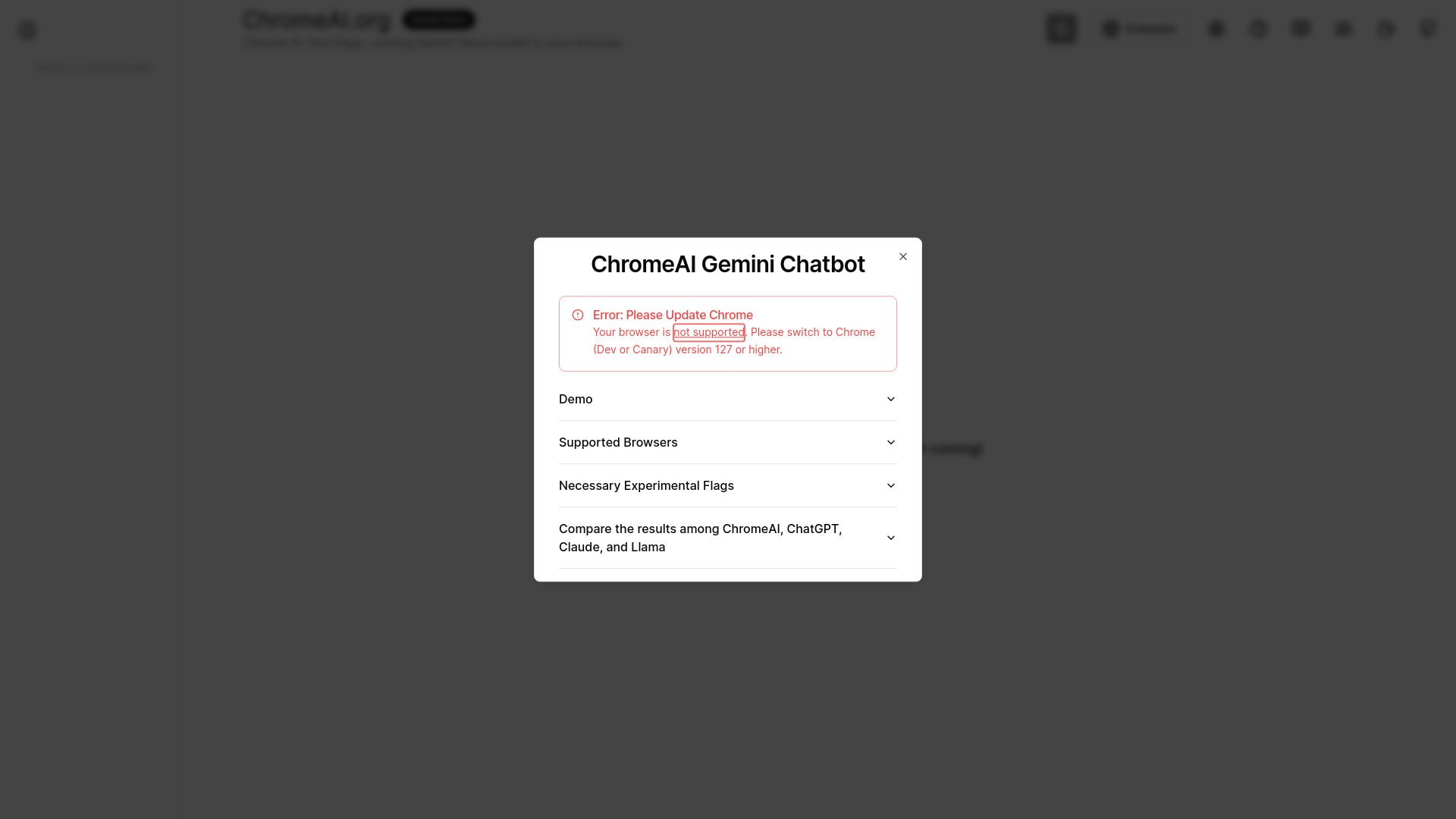
The Chrome Developer Edition has integrated Gemini Nano, enabling offline use of built-in AI models. This ensures seamless operation even without an internet connection, while also guaranteeing data security and fast response times. The page allows you to run Chrome built-in large language model AI locally in your browser and test Gemini Nano.
Access & connections
Where you can use Chrome Built-In AI Gemini Nano Test Page, and what it plugs into.
Platforms
Integrations
Capabilities
What this tool accepts, produces, and is strongest at.
Highlights
- Offline AI model usage
- Local large language model execution
- Gemini Nano testing
FAQ 5
What is Chrome Built-In AI Gemini Nano Test Page?
How to use Chrome Built-In AI Gemini Nano Test Page?
What is Gemini Nano?
What Chrome version is required to use Gemini Nano?
Do I need an internet connection to use Gemini Nano?
Related tools
Recommended

Nextbrowser ✓
FreemiumAI Browser Agent that automates professional tasks through chat.

Clico ✓
FreemiumAI that lives where you type.

AdControlCenter ✓
Free TrialRun every ad network from one dashboard

NewsBang
UnknownAI-powered news platform providing summaries, insights, and interactive podcasts.