
chrome-ai
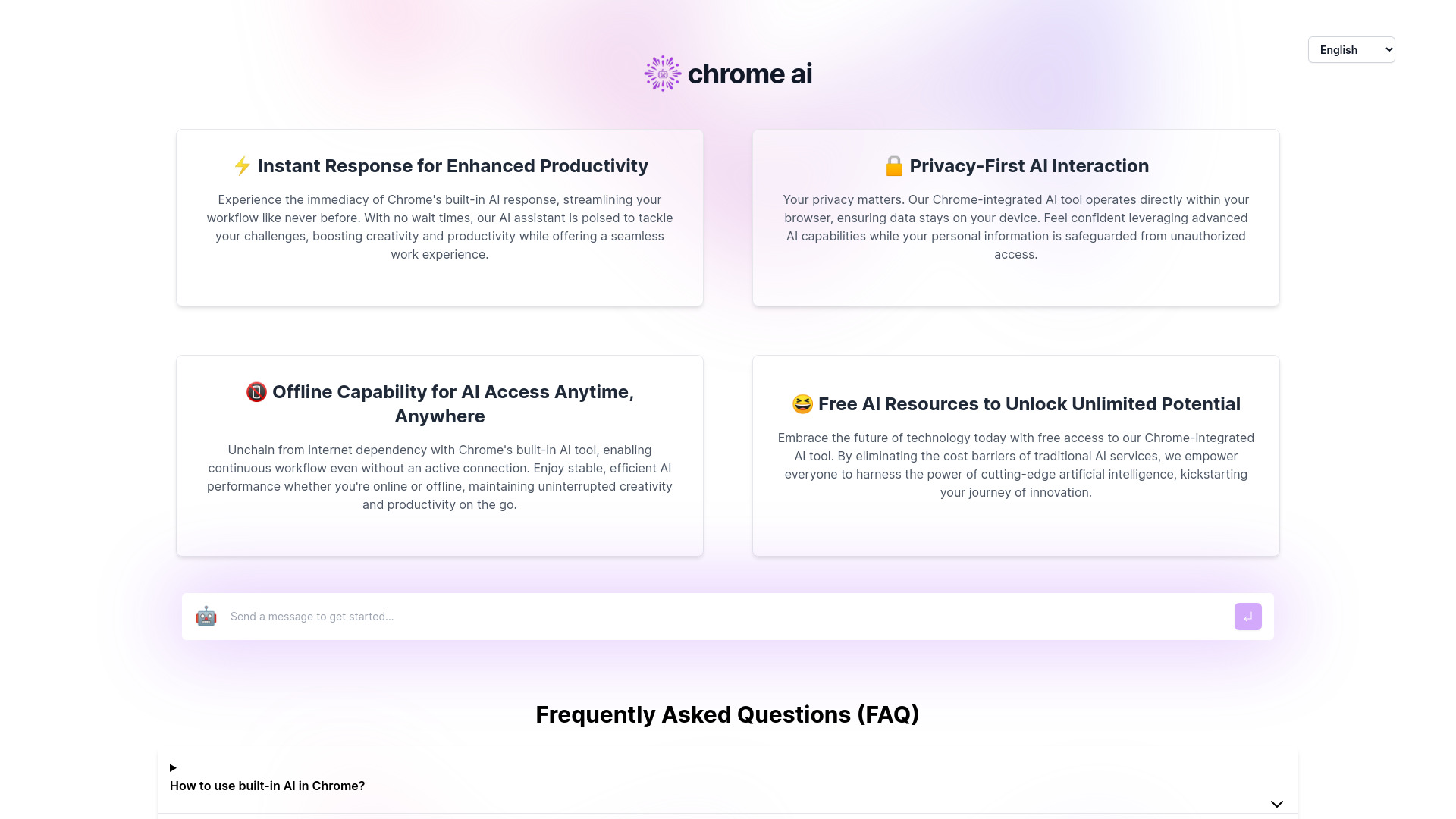
Interactive interface for Chrome's built-in AI model, enhancing productivity and creativity.
Source rating 5.0
(86)
0 views
0 saves
Unknown
Verdict
A quick read before you dig into the full page.
- Best if
- Interactive interface for Chrome's built-in AI model, enhancing productivity and creativity
- Pick this when
- Interactive interface for Chrome's built-in AI model, enhancing productivity and creativity
Overview
A website that offers an interactive interface with Chrome's built-in AI model and provides guidance on enabling this feature. It facilitates developers to test and understand the capabilities of Chrome's built-in AI model in advance. The tool enhances creativity and productivity by providing instant responses, privacy-focused interaction, offline capabilities, and free access to advanced AI resources.
Access & connections
Where you can use chrome-ai, and what it plugs into.
Platforms
Integrations
Capabilities
What this tool accepts, produces, and is strongest at.
Highlights
- Instant response for enhanced productivity
- Privacy-first AI interaction
- Offline capability for AI access anytime, anywhere
- Free AI resources to unlock unlimited potential
FAQ 9
What is Chrome Built-in AI Tool?
A website that offers an interactive interface with Chrome's built-in AI model and provides guidance on enabling this feature. It facilitates developers to test and understand the capabilities of Chrome's built-in AI model in advance. The tool enhances creativity and productivity by providing instant responses, privacy-focused interaction, offline capabilities, and free access to advanced AI resources.
How to use Chrome Built-in AI Tool?
Refer to the official documentation or the brief guide provided on the website to learn how to enable and use the built-in AI in Chrome. The tool operates directly within the browser.
How to use built-in AI in Chrome?
Refer to the official documentation for more accurate information, or you can also check out the brief guide provided on the website.
What is the Chrome Built-in AI Tool?
The Chrome Built-in AI Tool is an innovative feature that allows users to interact with advanced AI capabilities directly within the Chrome browser. It enhances users' browsing and productivity experiences by providing instant AI-powered responses and support.
Do I need to be online to use the AI tool?
Our AI tool offers both online and offline functionality. While some features may require an internet connection, many core capabilities are designed to work offline, ensuring you can stay productive anytime, anywhere.
How does the Chrome AI tool protect my privacy?
We prioritize user privacy by processing data locally within your browser whenever possible, minimizing data transmission to external servers. Additionally, we adhere to strict privacy standards and do not share your personal information with third parties without your consent.
Is the Chrome Built-in AI Tool free to use?
Yes, our AI tool is free to use, with no hidden costs. We believe in democratizing AI technology and empowering users with powerful tools for creativity and productivity without financial barriers.
What are the system requirements for using the AI tool?
The AI tool is designed to work seamlessly across various platforms and devices where Chrome can be installed. For optimal performance, we recommend using the latest version of Chrome on a device that meets the browser's minimum system requirements.
Can I use the AI tool on other browsers?
Currently, the AI tool is exclusive to the Chrome browser. We leverage Chrome's unique capabilities to deliver the best possible experience, and it is not available on other browsers at this time.
Related tools
Recommended



chrome-ai