
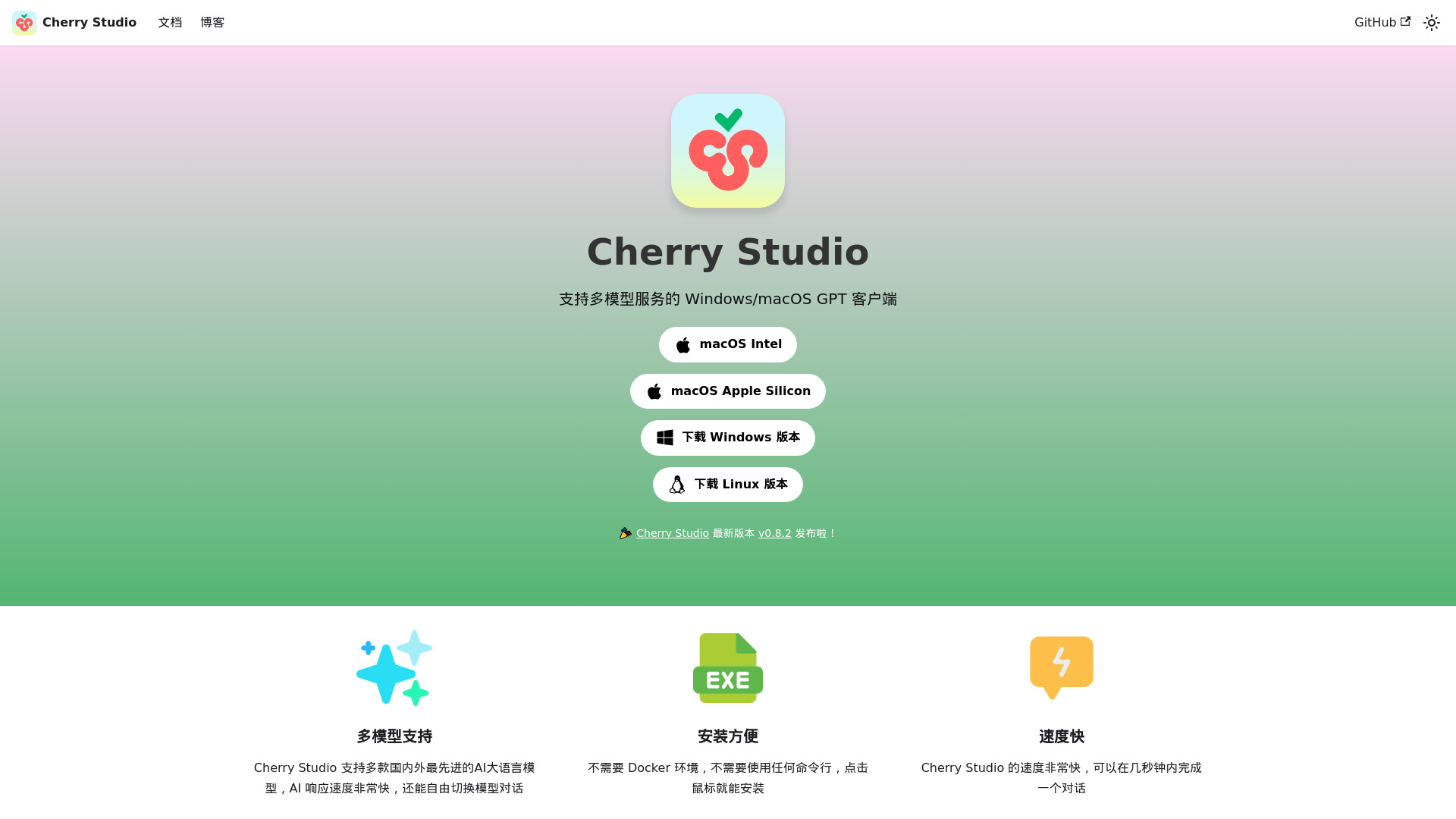
Cherry Studio
Multi-model AI desktop client for various platforms.
Verdict
A quick read before you dig into the full page.
- Best if
- You are students and need: Improving work and learning efficiency with AI assistance
- Pick this when
- Multi-model AI desktop client for various platforms
Overview
Cherry Studio AI is a multi-model AI desktop client available on iOS, macOS, Windows, and Linux. It allows users to quickly switch between multiple advanced LLM models to improve work and learning efficiency. It supports integration with various service providers and offers features like local data storage for privacy, personalized knowledge bases, AI drawing, AI translation, and a library of built-in assistants.
Best for
Short scenarios where Cherry Studio tends to shine.
-
Improving work and learning efficiency with AI assistance
Best for Students
-
Creating AI-generated images
Best for Researchers
-
Translating text
Best for Writers
-
Building a personalized AI knowledge base from local files and web pages
Best for Developers
Example outputs 1
Sample generations and before/after results for Cherry Studio.
Access & connections
Where you can use Cherry Studio.
Platforms
Capabilities
What this tool accepts, produces, and is strongest at.
Highlights
- Multi-model AI support
- Cross-platform availability (iOS, macOS, Windows, Linux)
- Local data storage for privacy
- Personalized knowledge base integration
- AI drawing
- AI translation
- Built-in AI assistants
People also view
Tools that often show up alongside Cherry Studio in collections and comparisons.

Runable ✓
FreemiumThe Best Way to Work with AI

Raccoon AI ✓
FreemiumThe AI Coworker for Apps, Research, Docs & Everything Else

PaioClaw ✓
Free TrialMost Secure and Easiest OpenClaw Ever. Live in 60 seconds.

iDox.ai Guardrail ✓
Free TrialStop sensitive data leaks to AI tools.

Flowith AI ✓
FreemiumUnleash deep work with AI-powered flow.
FAQ 6
What is Cherry Studio AI?
How to use Cherry Studio AI?
Is Cherry Studio AI free?
Where is my data stored when using Cherry Studio AI?
What file formats are supported for the knowledge base?
What platforms does Cherry Studio AI support?
Related tools
Recommended
Runable ✓
FreemiumThe Best Way to Work with AI
Flowith AI ✓
FreemiumUnleash deep work with AI-powered flow.
Raccoon AI ✓
FreemiumThe AI Coworker for Apps, Research, Docs & Everything Else
PaioClaw ✓
Free TrialMost Secure and Easiest OpenClaw Ever. Live in 60 seconds.
iDox.ai Guardrail ✓
Free TrialStop sensitive data leaks to AI tools.