

Checkget ✓
AI-powered browser assistant for everyday tasks
Free + from $4.99/mo
Verdict
A quick read before you dig into the full page.
- Best if
- AI-powered browser assistant for everyday tasks
- Skip if
- Limited to desktop browsing
- Pick this when
- Available on any website
Considering ChatGPT instead? Compare side by side
Overview
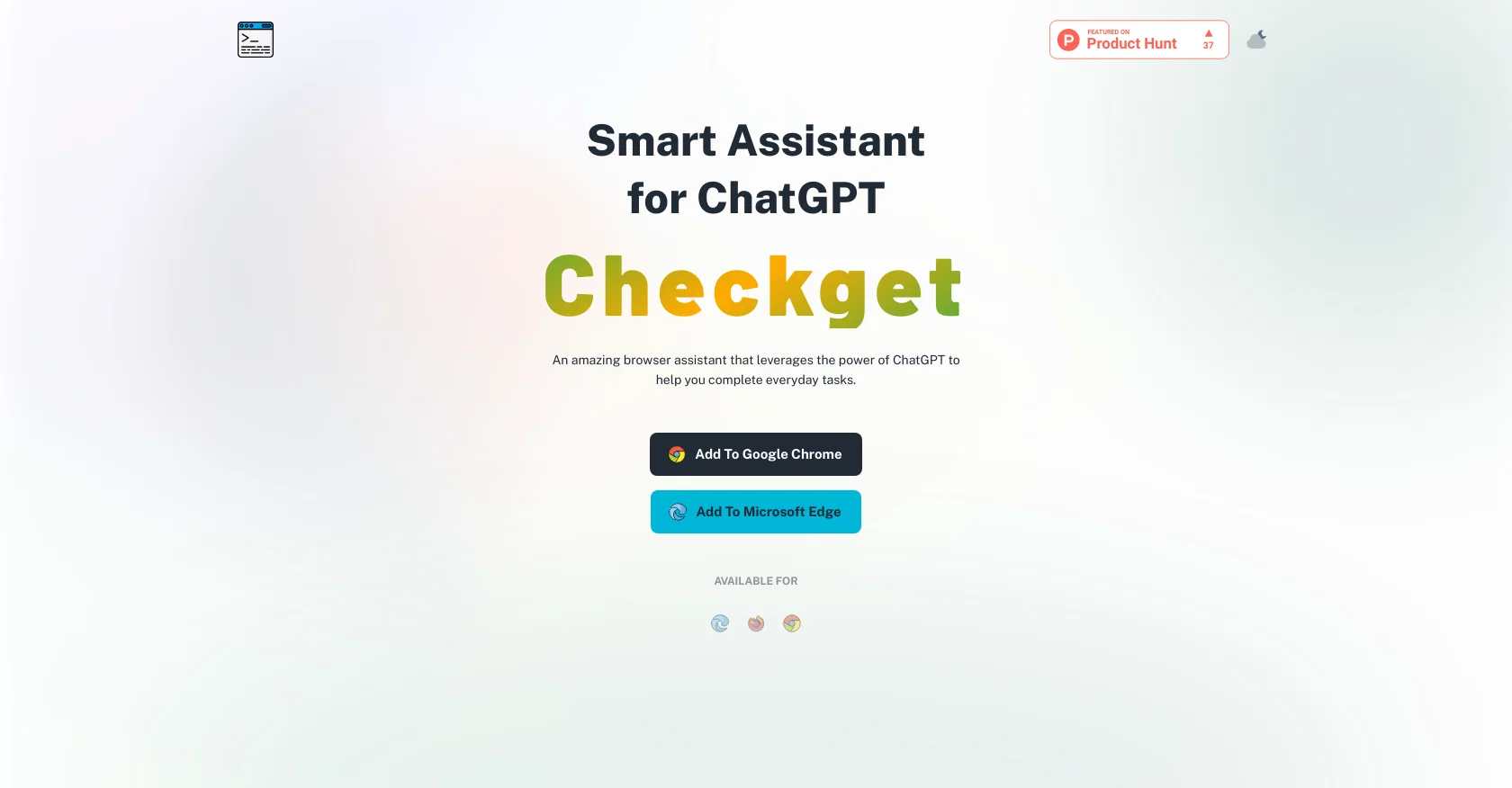
Checkget is an AI-powered browser extension that serves as a smart assistant for everyday tasks. When installed, users can access Checkget from any website by pressing ⌘+K (Mac) / Alt+K (Windows) for quick access and time-saving.
With ChatGPT's AI capabilities, Checkget can automatically recognize different scenarios, from replying to an email to explaining code. Users can select text and let Checkget summarize, translate, fix grammatical errors, make text longer or shorter, and even change the tone of voice.
Checkget also comes with a dark mode, which is easier on the eyes, and it encrypts everything sent to maintain privacy and security. Users can use the local mode to communicate directly with ChatGPT and set an ApiKey, allowing for extra privacy.
Checkget is available as an browser extension for Google Chrome and Microsoft Edge, making it accessible to anyone, anywhere. Overall, Checkget is a versatile tool that uses AI technology to help users complete everyday tasks with ease, making it a valuable addition to any web browsing experience.
Access & connections
Where you can use Checkget, and what it plugs into.
Platforms
Capabilities
What this tool accepts, produces, and is strongest at.
Input
- Text
- API
Output
- Text
- API
Pros & cons
Pros
- Available on any website
- Quick access with keyboard shortcuts
- Recognizes different scenarios
- Email response automation
- Text summarization feature
- Translation feature
- Grammar correction
- Text length modification
Show 12 more
- Tone of voice modification
- Dark mode available
- Data encryption for security
- Local mode for privacy
- Customizable through ApiKey
- Available for Google Chrome
- Available for Microsoft Edge
- Data stays between user and ChatGPT
- Direct communication with ChatGPT
- Information retrieval capability
- Text rephrasing functionality
- Accessible to all users
Cons
- Only for Chrome and Edge
- Requires specific key commands
- Potential language translation errors
- Dependent on ChatGPT efficiency
- Incorrect grammar fix possible
- Text length adjustment limitations
- Tone of voice inaccuracies
- Inability to support other extensions
Show 2 more
- Limited to desktop browsing
- Potential privacy risks, despite encryption
Compare alternatives
Similar tools in the catalog — with a clear reason to open each one.

ChatGPT ✓
FreemiumAsk anything, create anything, and move from idea to action.
Why look Offers a public API
Full comparison
Smarter ChatGPT by Athena AI ✓
FreemiumAI assistant that gets your tasks done. Smarter than ChatGPT.
Why look Offers a public API
Full comparison
Free AI Chatbot & Image Generator ✓
FreeFree AI chat and image creation, no signup required
Why look Fully free option
Full comparison
KoalaChat ✓
FreemiumThe best AI writer and chatbot for your needs
Free + from $9/mo
Full comparison

Releases 1
FAQ 12
What is Checkget?
How does Checkget use ChatGPT's AI capabilities?
What kinds of tasks can Checkget help with?
How is Checkget accessed from websites?
Can Checkget help me reply to emails?
What different scenarios can Checkget recognize?
How can Checkget improve my writing?
How can I use Checkget to translate text?
What is the purpose of the dark mode in Checkget?
How does Checkget maintain privacy and security?
Can I use Checkget in local mode for additional privacy?
How can I set an ApiKey with Checkget?
Related tools
Recommended

Opera AI Prompts ✓
FreeYour faster, smarter, safer web companion

Stunning ✓
PaidBuild AI-powered websites in seconds

Typing Mind ✓
PaidChatGPT with superpowers

Superpower GPT ✓
FreemiumManagement and export of ChatGPT conversations.

Eightify
UnknownAI-powered YouTube video summarizer extracting key ideas for quick content assessment.

AutoGPT ✓
Free TrialRun AutoGPT in your browser for free