

ChatLit Codes ✓
Supercharge your browser with GPT API magic
Verdict
A quick read before you dig into the full page.
- Best if
- Supercharge your browser with GPT API magic
- Skip if
- Limited customization
- Pick this when
- Google Chrome extension
Considering ChatGPT instead? Compare side by side
Overview
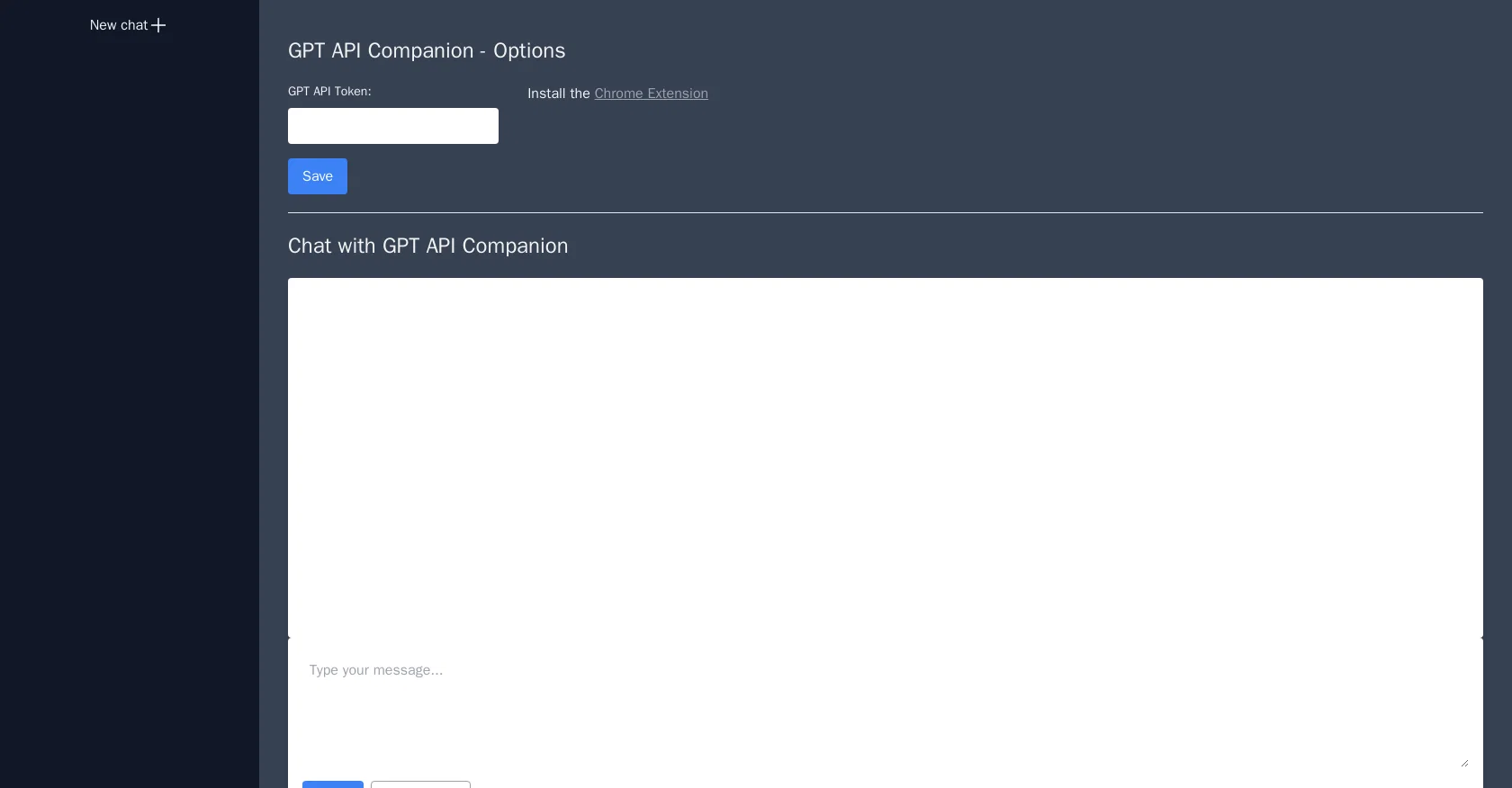
GPT API Companion is a Google Chrome extension that provides access to GPT (Generative Pre-trained Transformer) API, a powerful tool for natural language processing.
With this tool, users can input text and receive generated text output from the GPT API model, which has been pre-trained on a large corpus of text. The extension includes options to save GPT API tokens and manage them through a dashboard.
The GPT API Companion chat feature allows users to directly interact with the API and generate text output in real-time. Users can choose between GPT 3.5 or GPT 4 models, each with varying degrees of natural language generation capabilities.
The extension is particularly helpful for writers, content creators, and developers who need to generate large amounts of high-quality text for their work.
Overall, GPT API Companion provides a convenient and efficient way to access GPT API's natural language processing capabilities. Its user-friendly interface and ability to generate text output in real-time make it a valuable tool for anyone looking to bootstrap their natural language processing capabilities.
Best for
Short scenarios where ChatLit Codes tends to shine.
-
Supercharge your browser with GPT API magic
Example outputs 1
Sample generations and before/after results for ChatLit Codes.
Access & connections
Where you can use ChatLit Codes, and what it plugs into.
Platforms
Capabilities
What this tool accepts, produces, and is strongest at.
Input
- API
Output
- API
Pros & cons
Pros
- Google Chrome extension
- Access to GPT API
- Real-time text generation
- GPT 3.5 and 4 options
- Save and manage API tokens
- User-friendly interface
- Beneficial for content creators
- Direct API interaction
Show 7 more
- Ideal for developers
- Real-time dashboard management
- Generates high-quality text
- Convenient access
- Efficient processing
- Bootstrap natural language processing
- Chat feature included
Cons
- Limited to Chrome browser
- Relies on internet connection
- Inefficient for large texts
- No multi-language support
- High dependence on GPT API
- Potentially high API cost
- Requires GPT API tokens
- No offline mode
Show 2 more
- Limited customization
- Requires frequent model selection
Compare alternatives
Similar tools in the catalog — with a clear reason to open each one.

ChatGPT ✓
FreemiumAsk anything, create anything, and move from idea to action.
Why look Offers a public API
Full comparison
Smarter ChatGPT by Athena AI ✓
FreemiumAI assistant that gets your tasks done. Smarter than ChatGPT.
Why look Offers a public API
Full comparison
Free AI Chatbot & Image Generator ✓
FreeFree AI chat and image creation, no signup required
Why look Offers a public API
Full comparison
KoalaChat ✓
FreemiumThe best AI writer and chatbot for your needs
Free + from $9/mo
Full comparisonPeople also view
Tools that often show up alongside ChatLit Codes in collections and comparisons.
KoalaChat ✓
FreemiumThe best AI writer and chatbot for your needs

FlowGPT ✓
FreemiumVisualize ChatGPT conversations on a canvas board.

Chatmind app ✓
PaidAI-powered mind mapping for effortless brainstorming
ChatGPT ✓
FreemiumAsk anything, create anything, and move from idea to action.
Smarter ChatGPT by Athena AI ✓
FreemiumAI assistant that gets your tasks done. Smarter than ChatGPT.
Free AI Chatbot & Image Generator ✓
FreeFree AI chat and image creation, no signup required

Skillaeo ✓
FreemiumSee how ChatGPT, Claude & Gemini describe your brand

Slashspace (Formerly RabbitHoles AI) ✓
PaidIntelligence canvas for ambitious work
Releases 1
FAQ 12
What is the GPT API Companion?
How does GPT API Companion generate text?
Can I interact with the GPT API Companion in real-time?
What are the differences between GPT 3.5 and GPT 4 models in the GPT API Companion?
Is GPT API Companion useful for content creators?
How can I save GPT API tokens with GPT API Companion?
What is the function of the dashboard in GPT API Companion?
How can I install the GPT API Companion extension on Google Chrome?
Can I use the GPT API Companion if I'm not a writer, content creator or developer?
How does GPT API Companion aid in natural language processing?
What is the input and output process in GPT API Companion?
Is the interface of GPT API Companion user-friendly?
Related tools
Recommended

VenturusAI ✓
FreemiumBusiness idea analysis and reporting.

Stratup.ai ✓
FreemiumInnovative idea generation for businesses.

GPTinf ✓
PaidBypass AI detectors with one-click rephrasing.

LearnGPT ✓
FreeLearn any topic with AI-powered guidance

AI Toolbox for innovators ✓
FreeSupercharge innovation with AI-powered tools

LearningStudioAI ✓
Free TrialAI-powered authoring tool for effortless online course creation.