
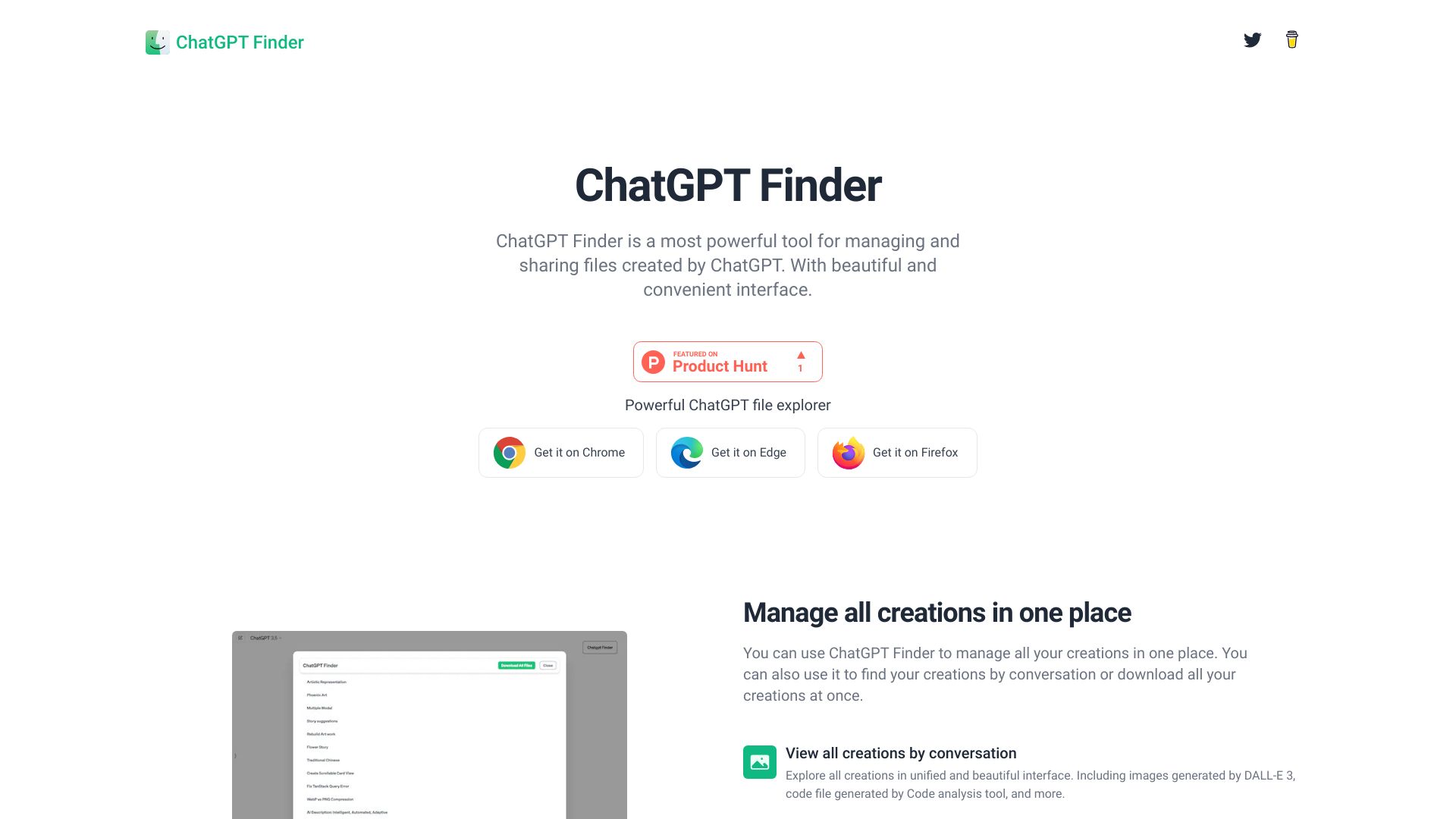
ChatGPT Finder
Browser extension to manage and explore ChatGPT-created files.
Source rating 5.0
(86)
100 views
100/mo traffic
0 saves
Unknown
Verdict
A quick read before you dig into the full page.
- Best if
- Browser extension to manage and explore ChatGPT-created files
- Pick this when
- Browser extension to manage and explore ChatGPT-created files
Overview
ChatGPT Finder is a browser extension designed to enhance the management and exploration of files created within ChatGPT. It is available for Chrome, Edge, and Firefox. The extension provides features such as previewing files, downloading DALL-E images, and downloading all files generated during ChatGPT conversations. It aims to provide a convenient and powerful interface for managing and sharing ChatGPT creations.
Access & connections
Where you can use ChatGPT Finder, and what it plugs into.
Platforms
Integrations
Capabilities
What this tool accepts, produces, and is strongest at.
Highlights
- Preview files generated by ChatGPT
- Download DALL-E images
- Download all files from a conversation
- Manage creations in one place
- Explore DALL-E 3 prompts
FAQ 5
What is ChatGPT Finder?
ChatGPT Finder is a browser extension designed to enhance the management and exploration of files created within ChatGPT. It is available for Chrome, Edge, and Firefox. The extension provides features such as previewing files, downloading DALL-E images, and downloading all files generated during ChatGPT conversations. It aims to provide a convenient and powerful interface for managing and sharing ChatGPT creations.
How to use ChatGPT Finder?
Install the ChatGPT Finder browser extension (available for Chrome, Edge, and Firefox). Once installed, use it within ChatGPT to manage, explore, and download your creations.
What browsers is ChatGPT Finder available for?
ChatGPT Finder is available for Chrome, Edge, and Firefox.
What can I do with ChatGPT Finder?
You can use ChatGPT Finder to manage all your ChatGPT creations in one place, explore DALL-E 3 prompts, download files, and more.
How do I download specific creations?
You can use ChatGPT Finder to download creations of specific conversations with one click.
Related tools
Recommended




ChatGPT Finder