
ChatGPT Everywhere
Chrome extension for accessing ChatGPT on any website, including Gmail.
Source rating 5.0
(71)
0 views
0 saves
Unknown
Verdict
A quick read before you dig into the full page.
- Best if
- Chrome extension for accessing ChatGPT on any website, including Gmail
- Pick this when
- Chrome extension for accessing ChatGPT on any website, including Gmail
Overview
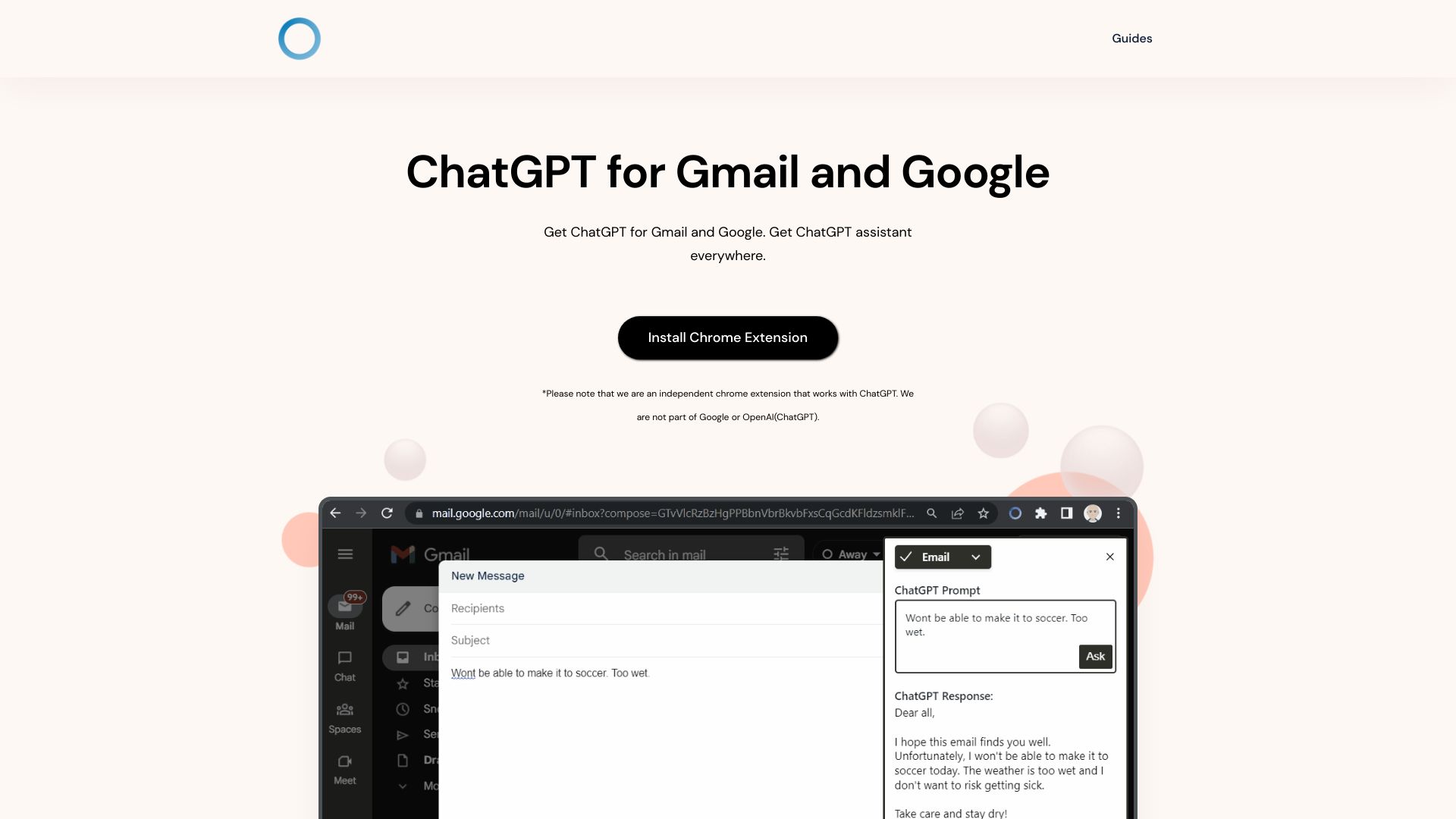
ChatGPT Everywhere is a Chrome extension that allows users to access ChatGPT directly on any website. By pressing ctrl+space or clicking the extension icon, users can open a ChatGPT window. It also offers a feature to rewrite emails on Gmail. The extension aims to provide instant access to ChatGPT's language model, enabling users to get answers, gather information, and streamline their workflow across the web.
Access & connections
Where you can use ChatGPT Everywhere, and what it plugs into.
Platforms
Capabilities
What this tool accepts, produces, and is strongest at.
Highlights
- Access ChatGPT on any website
- Rewrite emails on Gmail
- Google Search Query Response
- Sidebar Everywhere
FAQ 6
What is ChatGPT Everywhere Chrome Extension?
ChatGPT Everywhere is a Chrome extension that allows users to access ChatGPT directly on any website. By pressing ctrl+space or clicking the extension icon, users can open a ChatGPT window. It also offers a feature to rewrite emails on Gmail. The extension aims to provide instant access to ChatGPT's language model, enabling users to get answers, gather information, and streamline their workflow across the web.
How to use ChatGPT Everywhere Chrome Extension?
1. Download and install the Chrome extension.
2. Go to Google or click the extension icon.
3. Type your question and see the result from ChatGPT.
2. Go to Google or click the extension icon.
3. Type your question and see the result from ChatGPT.
Is the extension free?
At present, all features are free! Premium features that will enable you to do more are coming soon.
Can I open it regardless of the page I am on?
Yes, you can easily access our powerful language model with just one click. Simply click on the ChatGPT Everywhere icon on the top right of the browser.
Why is it asking me to login after opening the sidebar?
Our tool works on ChatGPT, so for our tool to work, you need to be signed into ChatGPT. Sometimes when the session expires with ChatGPT we would prompt you to login back again so we can show the response.
Is ChatGPT Everywhere part of OpenAI?
No. We are an independent startup.
Related tools
Recommended




ChatGPT Everywhere