
ChatGPT Email
AI-powered tool for writing professional emails using GPT-4, Claude, and Gemini.
Source rating 5.0
(74)
0 views
0 saves
Freemium
Free + from $5 / month
Verdict
A quick read before you dig into the full page.
- Best if
- AI-powered tool for writing professional emails using GPT-4, Claude, and Gemini
- Skip if
- You need enterprise SLAs or a fully managed team plan right away
- Pick this when
- Freemium · Free + from $5 / month
Overview
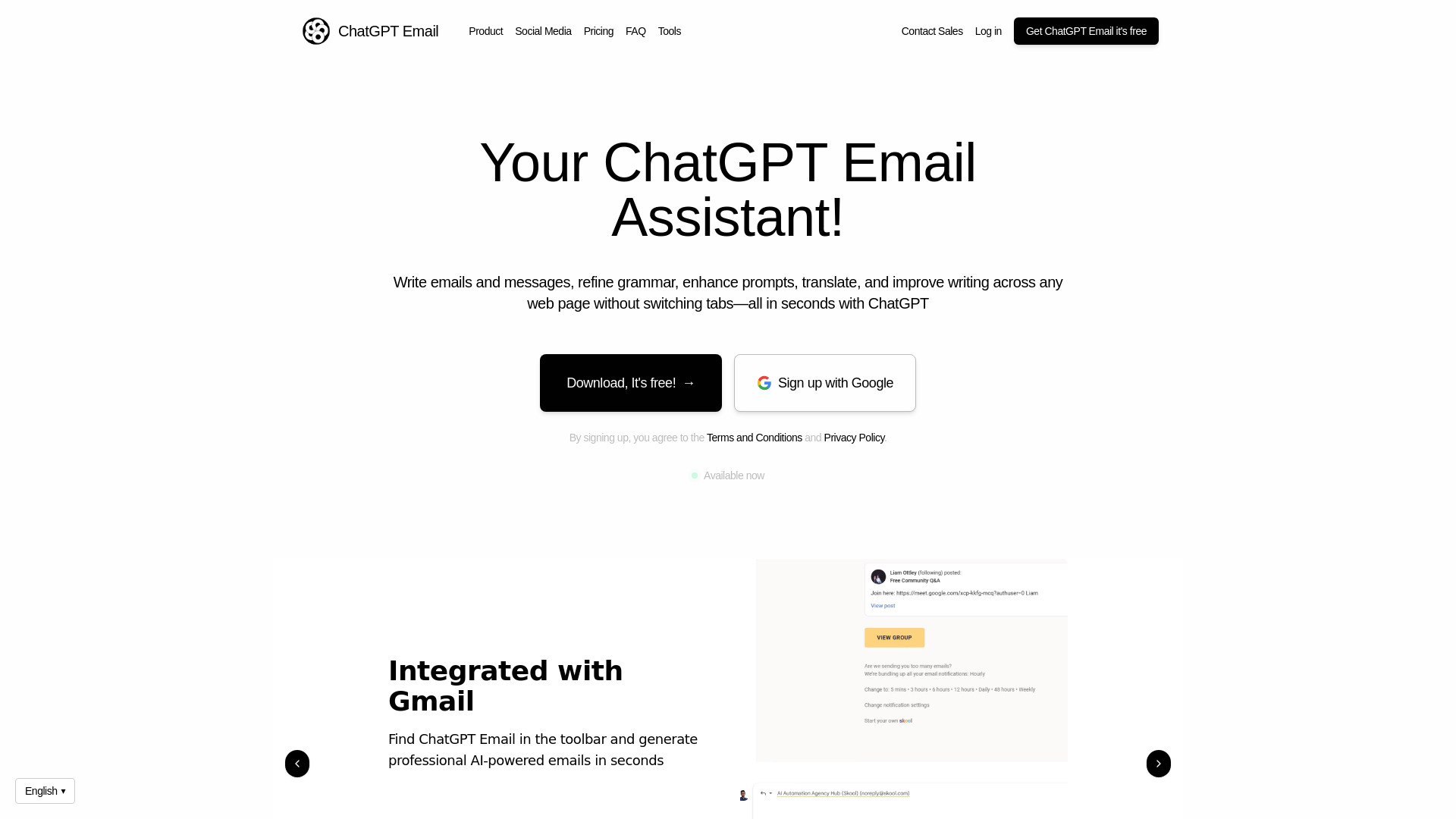
ChatGPT Email is an AI email writer that uses GPT-4, Claude, and Gemini to help users write professional emails effortlessly. It offers features such as grammar refinement, prompt enhancement, translation, and overall writing improvement across any web page without switching tabs. It aims to boost productivity with AI-powered email writing.
Access & connections
Where you can use ChatGPT Email, and what it plugs into.
Platforms
Integrations
Capabilities
What this tool accepts, produces, and is strongest at.
Highlights
- AI-powered email generation
- Grammar refinement
- Prompt enhancement
- Translation
- Tone adjustment
- Gmail integration
FAQ 7
What is ChatGPT Email?
ChatGPT Email is an AI email writer that uses GPT-4, Claude, and Gemini to help users write professional emails effortlessly. It offers features such as grammar refinement, prompt enhancement, translation, and overall writing improvement across any web page without switching tabs. It aims to boost productivity with AI-powered email writing.
How to use ChatGPT Email?
Install the ChatGPT Email extension for Google Chrome. Once installed, it integrates with Gmail and other web pages, allowing you to generate, refine, and translate text directly within your browser.
How does ChatGPT Email's AI Writing Assistant work?
ChatGPT Email leverages advanced AI language models to help you write emails, refine grammar, enhance prompts, translate, and improve your writing on any web page without switching tabs. Simply provide a prompt or highlight text, and the AI will generate suggestions or content instantly.
How do I set up the ChatGPT Email extension?
Setting up ChatGPT Email is simple! Just follow the installation guide to add the extension to Google Chrome. Once installed, you can start using it immediately across any web page. The extension only works on Google Chrome.
Is ChatGPT Email free to use?
We offer both free and premium versions. The free version provides basic writing assistance, while the premium version unlocks advanced tools, greater customization options, and higher usage limits.
What are some typical use cases for ChatGPT Email?
ChatGPT Email makes responding to emails in different languages simple, allowing you to translate your messages in real time. You can also respond to messages on platforms like WhatsApp in other languages, improve poorly written prompts to ensure clarity for GPT, and refine your content instantly across any webpage.
Can I cancel my premium subscription at any time?
Yes, you can cancel your premium subscription at any time. There are no long-term commitments, and you will continue to have access to premium features until the end of your current billing cycle.
Related tools
Recommended


ChatGPT Email
Free + from $5 / month