
ChatCody
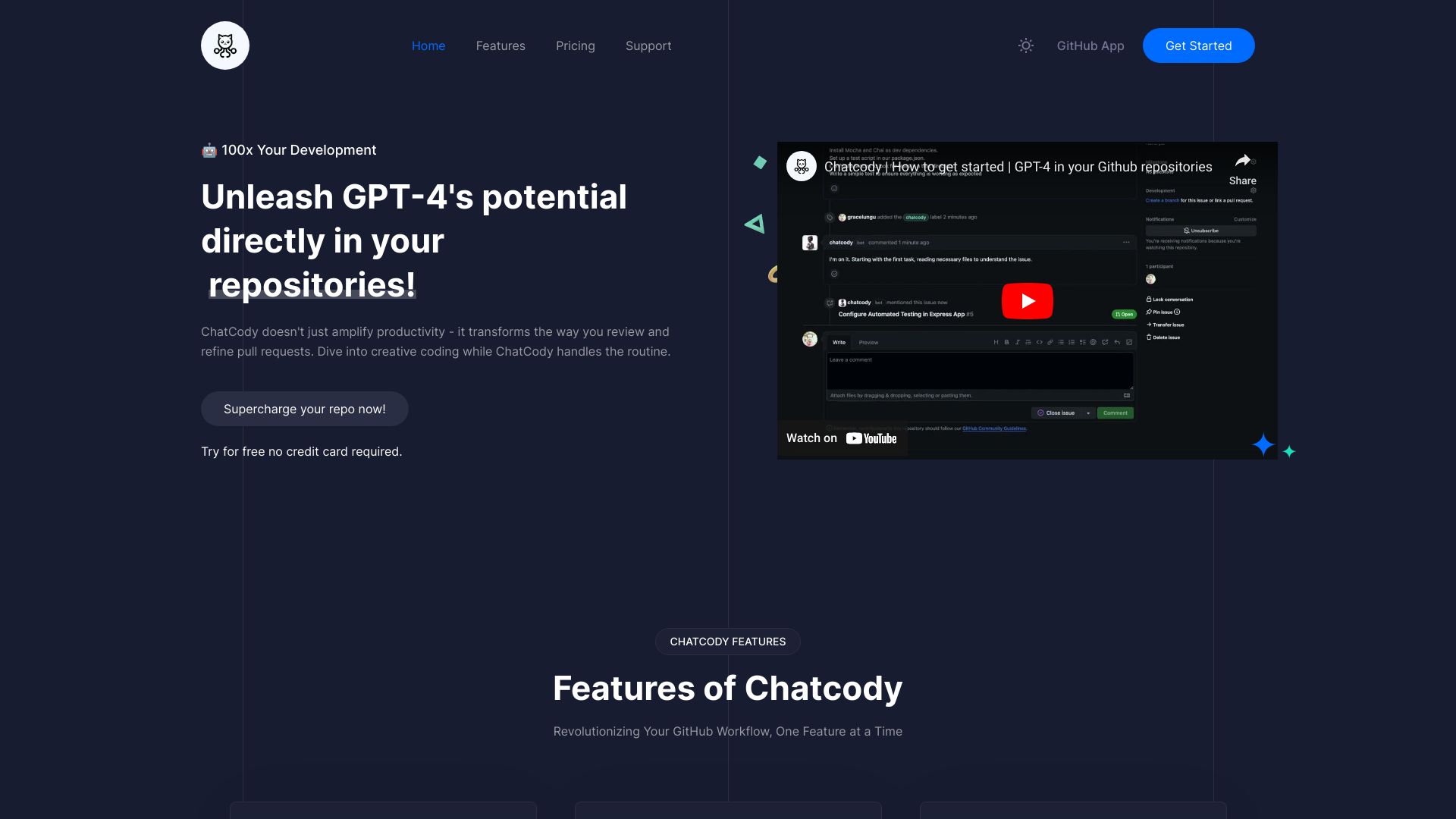
GPT-4 powered GitHub app for automated tasks and code reviews.
Source rating 5.0
(62)
0 views
0 saves
Free Trial
From $5
Verdict
A quick read before you dig into the full page.
- Best if
- GPT-4 powered GitHub app for automated tasks and code reviews
- Skip if
- You are not ready to evaluate a time boxed trial
- Pick this when
- Free Trial · From $5
Overview
Chatcody is a GPT-4 powered GitHub app that automates small tasks and reviews pull requests directly within your repository. It streamlines your workflow by handling coding chores and ensuring high-quality code reviews. Chatcody aims to increase productivity by embedding an AI engineer directly into your GitHub workflow.
Access & connections
Where you can use ChatCody, and what it plugs into.
Platforms
Integrations
Capabilities
What this tool accepts, produces, and is strongest at.
Highlights
- AI-powered code contributions
- Dynamic pull request reviews
- Seamless GitHub integration
- Interactive issue resolution
FAQ 6
What is Chatcody?
Chatcody is a GPT-4 powered GitHub app that automates small tasks and reviews pull requests directly within your repository. It streamlines your workflow by handling coding chores and ensuring high-quality code reviews. Chatcody aims to increase productivity by embedding an AI engineer directly into your GitHub workflow.
How to use Chatcody?
Install the Chatcody GitHub app, create an issue or pull request, add the 'chatcody' label, and let the AI handle the task or review.
How do I activate ChatCody on my pull requests or issues?
Just add the 'ChatCody' label to your pull requests or issues. Once labeled, ChatCody will jump into action, assisting with the tasks and providing valuable feedback where needed.
Are there size limitations for issues or pull requests ChatCody can handle?
Yes, there are. Due to the context window of the underlying AI, extremely large issues and pull requests might be a challenge. It's recommended to break down extensive tasks into smaller, manageable chunks for the best results with ChatCody.
How can I get the best results from ChatCody?
The key is clarity! When creating issues, being precise and well-defined helps ChatCody understand the context better. Providing clear instructions, expected outcomes, or specific requirements ensures that the AI can assist you more effectively.
What exactly is an 'event' in ChatCody?
An 'event' refers to a specific action triggered by the user that activates the AI assistant. This could be the creation of a new issue, submitting a new pull request, and reply comments on an existing pull request. Each of these actions prompts ChatCody to step in and offer its assistance, ensuring a seamless and efficient workflow.
Related tools
Recommended




ChatCody
From $5