
ChatBuild AI ✓
AI chatbots for your site in minutes, no coding needed.
Trial; then from $39.99/mo
Verdict
A quick read before you dig into the full page.
- Best if
- AI chatbots for your site in minutes, no coding needed
- Skip if
- Limited customization options
- Pick this when
- Custom-trained chatbots
Considering FastBots instead? Compare side by side
Overview
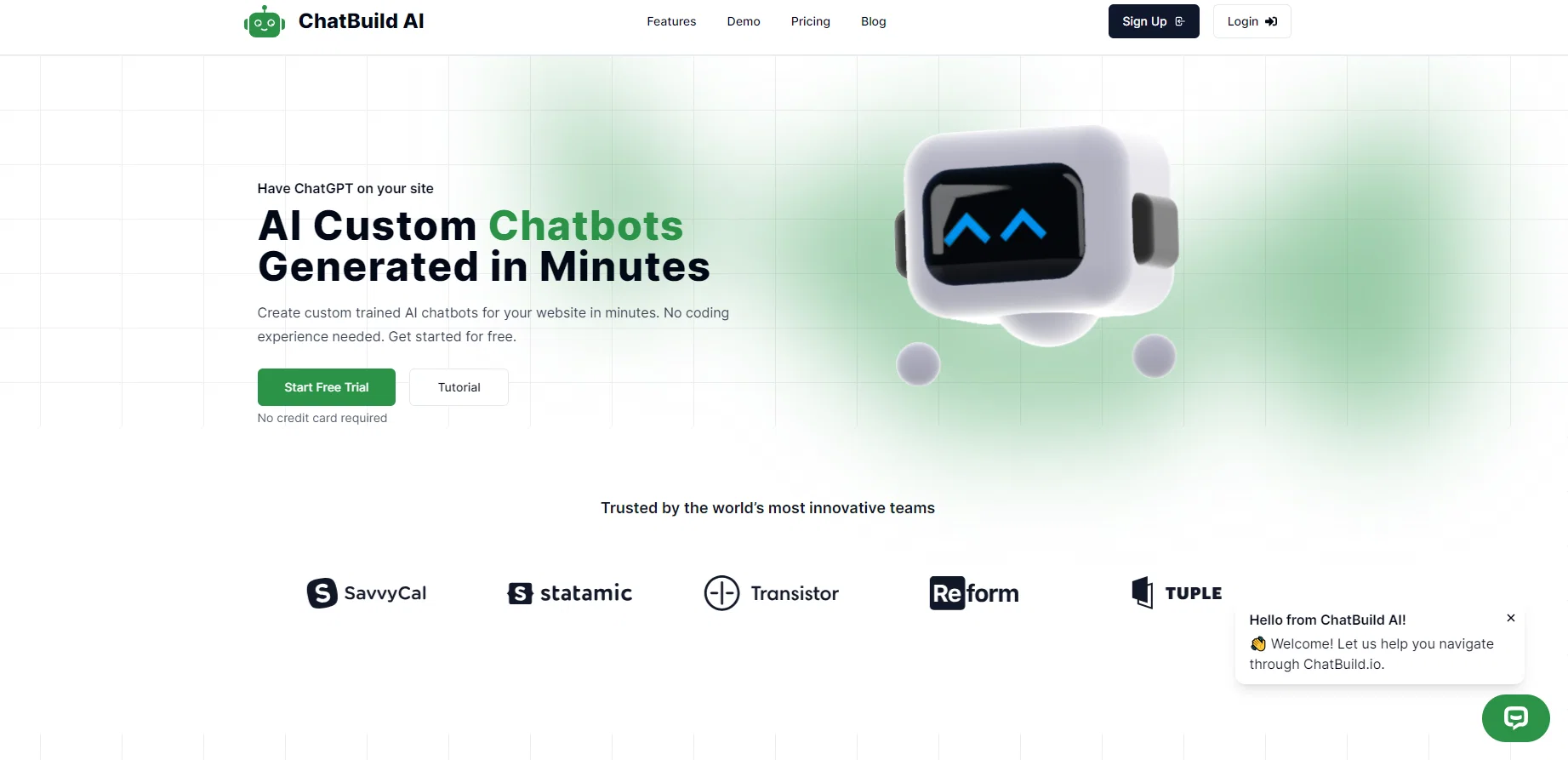
ChatBuild AI is an intuitive platform enabling users to create custom-trained AI chatbots for their websites, without requiring any coding experience. The tool supports the generation of chatbot widgets, which can be fully customized and embedded into websites to enhance user interaction.
These chatbots can be trained on custom data, providing tailored interactions for website visitors. Users can also monitor chat history and utilize built-in analytics to continually improve the functionality and accuracy of their chatbots.
Aside from its primary function of creating chatbots, ChatBuild AI also allows users to upload files to train the chatbots, giving a range of possibilities for using URL links, sitemaps, and CSV files for the creation of a very personalized and intelligent chatbot.
They offer global language support making it accessible to users from anywhere around the world. Finally, ChatBuild AI offers a free trial period allowing potential users to explore its features and gauge its effectiveness in improving their website user experience.
Access & connections
Where you can use ChatBuild AI.
Platforms
Capabilities
What this tool accepts, produces, and is strongest at.
Input
- Tabular
- Text
Output
- Text
Pros & cons
Pros
- Custom-trained chatbots
- No coding required
- Website-embedded chatbot widgets
- Custom data chatbot training
- Chat history monitoring
- Integrated analytics feature
- Supports file uploading
- URL links utilization
Show 8 more
- Free trial offered
- Supports global languages
- Personalized chatbot creation
- Uses CSV for training
- Can use sitemaps for training
- Intuitive platform
- Can view visitor chats
- 24/7 support agent availability
Cons
- No API availability
- Dependent on file upload
- Possible language translation errors
- Lacks third-party integrations
- No offline usage
- Limited customization options
- No multi-platform support
- Data privacy concerns
Show 2 more
- Lack of advanced analytics
- Complexity in data training
Compare alternatives
Similar tools in the catalog — with a clear reason to open each one.
FastBots ✓
FreemiumCreate AI chatbots customized with your business data.
Why look Typically cheaper
Full comparison
Chatbit ✓
FreemiumTrain custom AI Chatbot from your data, add to website.
Why look Typically cheaper
Full comparison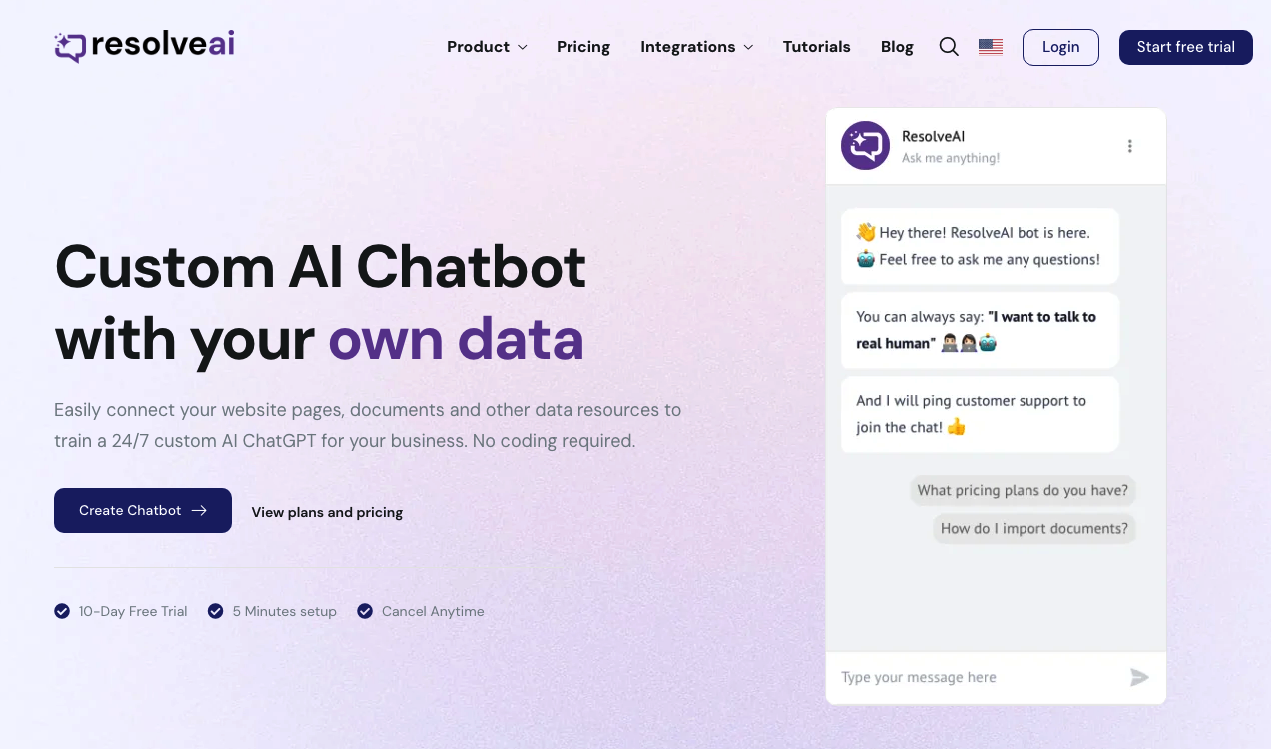
ResolveAI
PaidSaaS platform for creating custom AI customer service chatbots with no coding required.
Why look Better fit for coding
Full comparison
intoCHAT ✓
FreemiumTransform customer interactions with AI chatbots.
Why look Typically cheaper
Full comparison
ChatBotKit ✓
FreemiumThe fastest way to build advanced AI chat bots
Why look Typically cheaper
Full comparison
ChatLLaMA ✓
PaidCreate custom AI assistants on your GPUs
Why look Typically cheaper
Full comparisonReleases 1
FAQ 12
What is ChatBuild AI?
How does ChatBuild AI work?
How can I customize chatbots on ChatBuild AI?
What types of files can be uploaded to train the chatbots on ChatBuild AI?
Does ChatBuild AI require coding experience?
What languages does ChatBuild AI support?
How can I view and utilize chat history in ChatBuild AI?
What analytics does ChatBuild AI provide to improve my chatbot?
How do I embed chatbot widgets created by ChatBuild AI into my website?
Can I use URL links and CSV files to create my chatbot on ChatBuild AI?
How can ChatBuild AI improve the user experience on my website?
What kind of data can I use to train my chatbot on ChatBuild AI?
Related tools
Recommended
MyBot.Chat ✓
FreemiumBuild AI chatbots for customer support in minutes, no coding required.

aitext.chat ✓
FreemiumCreate custom AI assistants trained on your data

Wonderchat ✓
FreemiumWebsite chatbot for customer support.
TalkTo.AI ✓
FreeFree AI chat with your own team of AI experts

Sendbird ✓
FreemiumCreate custom AI chatbots for websites and apps in minutes.

OpenAssistantGPT ✓
FreemiumBuild chatbots with OpenAI Assistant effortlessly.