

Sendbird ✓
Create custom AI chatbots for websites and apps in minutes.
Free + from $399/mo
Verdict
A quick read before you dig into the full page.
- Best if
- Create custom AI chatbots for websites and apps in minutes
- Skip if
- Limited scope of analytical resources
- Pick this when
- Custom chatbot interface design
Considering FastBots instead? Compare side by side
Overview
Sendbird is an AI tool that allows users to create custom AI chatbots for their webpages and applications. This tool aims to enhance user engagement, marketing, sales, and customer support via the use of conversational AI.
The chatbots can be created straight from the Sendbird dashboard, without any requirement for coding. Users can also design their own chatbot interface, train the bot using their own data, and test the bot before it goes into production.
One of the unique highlights of Sendbird is their multi-functional AI chatbots which can serve various roles across businesses. These include lead generation, shopping assistance, customer service, legal assistance, recruitment, as well as healthcare appointment booking.
Additionally, Sendbird provides an extensive range of features for chatbot customization and automation including suggested replies, custom responses, and workflows.
The tool also offers analytic resources to track bot engagement, user sentiment and other AI-related activities, which could provide critical customer data to refine services, products, and business strategies.
The tool also integrates with Salesforce and supports multi-language options.

Access & connections
Where you can use Sendbird, and what it plugs into.
Platforms
Integrations
Capabilities
What this tool accepts, produces, and is strongest at.
Input
- API
- Tabular
- Text
Output
- API
- Text
Pros & cons
Pros
- Custom chatbot interface design
- No coding required
- Bot training with own data
- Chatbot trial before production
- Lead generation capabilities
- Shopping assistance capabilities
- Customer service capabilities
- Legal research and drafting capabilities
Show 33 more
- Recruitment assistance abilities
- Healthcare appointment booking abilities
- Suggested reply automation
- Custom response automation
- Workflow customization
- Engagement tracking analytics
- Sentiment analysis features
- Multilingual support
- Salesforce integration
- Widget theme customization
- White labeling
- Typing indicator feature
- Feedback collection features
- Multiple bot programming languages
- Planned integration with Notion
- Planned integration with Google Drive
- Planned integration with Confluence
- Planned integration with Jira
- Automated response and workflow suggestions
- Bot sentiment retrieval
- Message credit usage monitoring
- API call activity tracking
- Chatbot UI & UX customizable
- Message streaming
- Card view for mobile
- Carousel view for mobile
- Forms automation
- Function calls in prompts
- Streamlined deployment with Sendbird Desk
- 30-day free trial
- Comprehensive onboarding steps
- Supports web URLs as knowledge sources
- Supports files as knowledge sources
Cons
- Limited integration options
- No offline functionality
- Requires extensive bot training
- Complicated user interface
- Too much customization required
- No mention of security features
- Bot testing potentially time-consuming
- No specified support for non-tech users
Show 2 more
- Limited scope of analytical resources
- Salesforce integration not widely applicable
Compare alternatives
Similar tools in the catalog — with a clear reason to open each one.
FastBots ✓
FreemiumCreate AI chatbots customized with your business data.
Why look Typically cheaper
Full comparison
Chatbit ✓
FreemiumTrain custom AI Chatbot from your data, add to website.
Why look Typically cheaper
Full comparison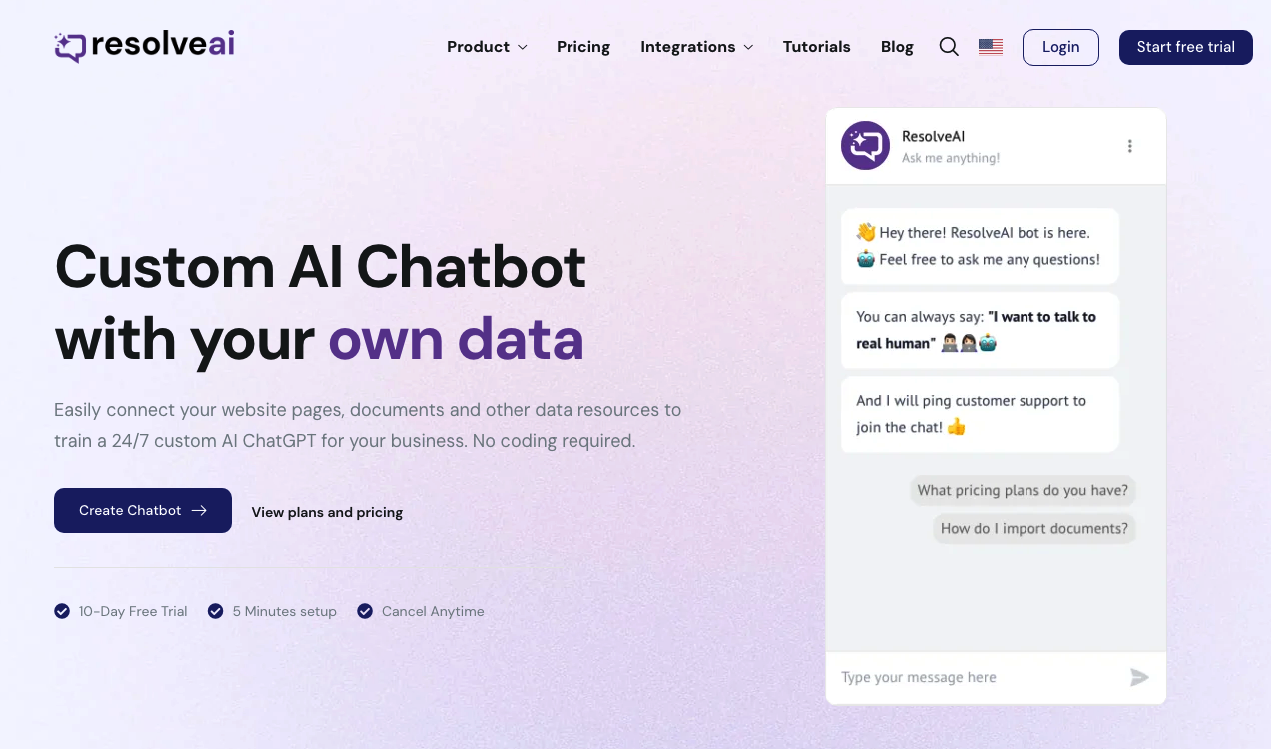
ResolveAI
PaidSaaS platform for creating custom AI customer service chatbots with no coding required.
Why look Better fit for coding
Full comparison
intoCHAT ✓
FreemiumTransform customer interactions with AI chatbots.
Why look Typically cheaper
Full comparison
ChatBotKit ✓
FreemiumThe fastest way to build advanced AI chat bots
Why look Typically cheaper
Full comparison
ChatLLaMA ✓
PaidCreate custom AI assistants on your GPUs
Why look Typically cheaper
Full comparisonReleases 1
FAQ 12
What roles can Sendbird's chatbots serve in a business?
How can I use Sendbird to create a custom chatbot?
Is coding required to create a chatbot with Sendbird?
Can I train my Sendbird chatbot with my own data?
Are there any testing features provided before a Sendbird chatbot goes into production?
What customization options does Sendbird provide for chatbots?
Which features on Sendbird support chatbot automation?
What types of analytic resources does Sendbird offer?
How does Sendbird integrate with Salesforce?
Does Sendbird support multi-language options?
How can Sendbird be used for lead generation?
Can Sendbird's AI chatbots assist in shopping?
Related tools
Recommended

PrometAI ✓
FreemiumTurn ideas into viable reality with AI business plan generator.

Stunning ✓
PaidBuild AI-powered websites in seconds

Taplio ✓
FreemiumThe LinkedIn growth tool to turn content into pipeline

Dante AI ✓
FreemiumAI chatbots trained on your data, zero code.

LearningStudioAI ✓
Free TrialAI-powered authoring tool for effortless online course creation.

VenturusAI ✓
FreemiumBusiness idea analysis and reporting.