
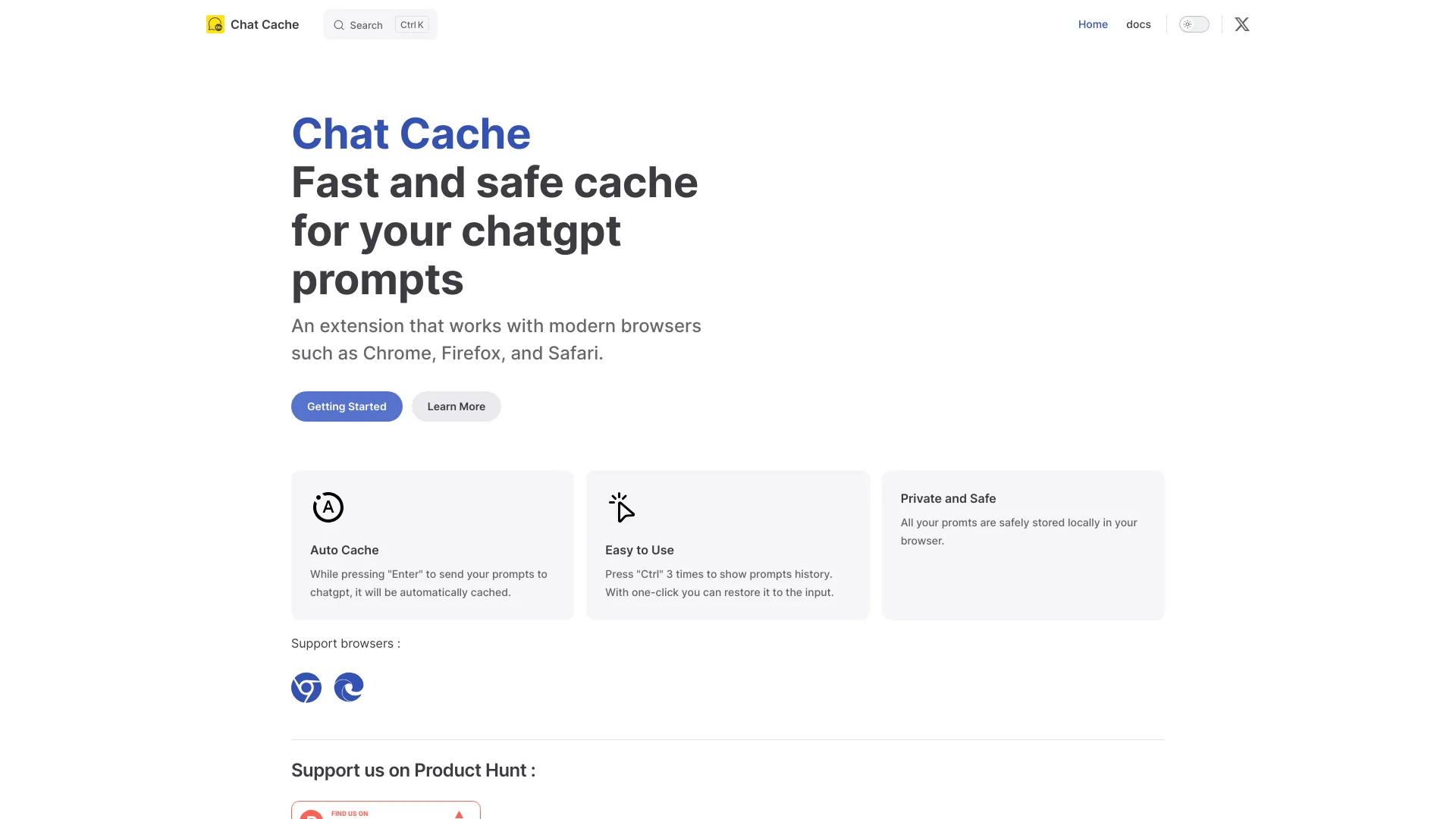
Chat Cache
Browser extension to save and reuse ChatGPT prompts locally.
Source rating 5.0
(67)
0 views
0 saves
Unknown
Verdict
A quick read before you dig into the full page.
- Best if
- Browser extension to save and reuse ChatGPT prompts locally
- Pick this when
- Browser extension to save and reuse ChatGPT prompts locally
Overview
Chat Cache is a browser extension designed to save, manage, and reuse ChatGPT prompts. It allows users to keep their prompts cached locally for easy access and reuse.
Access & connections
Where you can use Chat Cache.
Platforms
Capabilities
What this tool accepts, produces, and is strongest at.
Highlights
- Automatic caching of ChatGPT prompts
- Easy access to prompt history with 'Ctrl' + 'Ctrl' + 'Ctrl'
- One-click prompt restoration
- Local and private storage of prompts
FAQ 5
What is Chat Cache?
Chat Cache is a browser extension designed to save, manage, and reuse ChatGPT prompts. It allows users to keep their prompts cached locally for easy access and reuse.
How to use Chat Cache?
Install the Chat Cache extension. Prompts are automatically cached when you send them to ChatGPT. Press 'Ctrl' three times to show the prompts history and restore a prompt with one click.
What is Chat Cache?
Chat Cache is a browser extension that helps you save, manage, and reuse your ChatGPT prompts.
How do I use Chat Cache?
After installing the extension, your prompts are automatically cached when you send them to ChatGPT. Press 'Ctrl' three times to access your prompt history and restore a prompt with one click.
Where are my prompts stored?
All your prompts are safely stored locally in your browser.
Related tools
Recommended



Chat Cache