

Cflow ✓
Streamline workflows and boost efficiency across departments.
Trial; then from $11/mo
Verdict
A quick read before you dig into the full page.
- Best if
- Streamline workflows and boost efficiency across departments
- Skip if
- No-code may limit customization
- Pick this when
- No-code orientation
Considering PixieBrix instead? Compare side by side
Overview
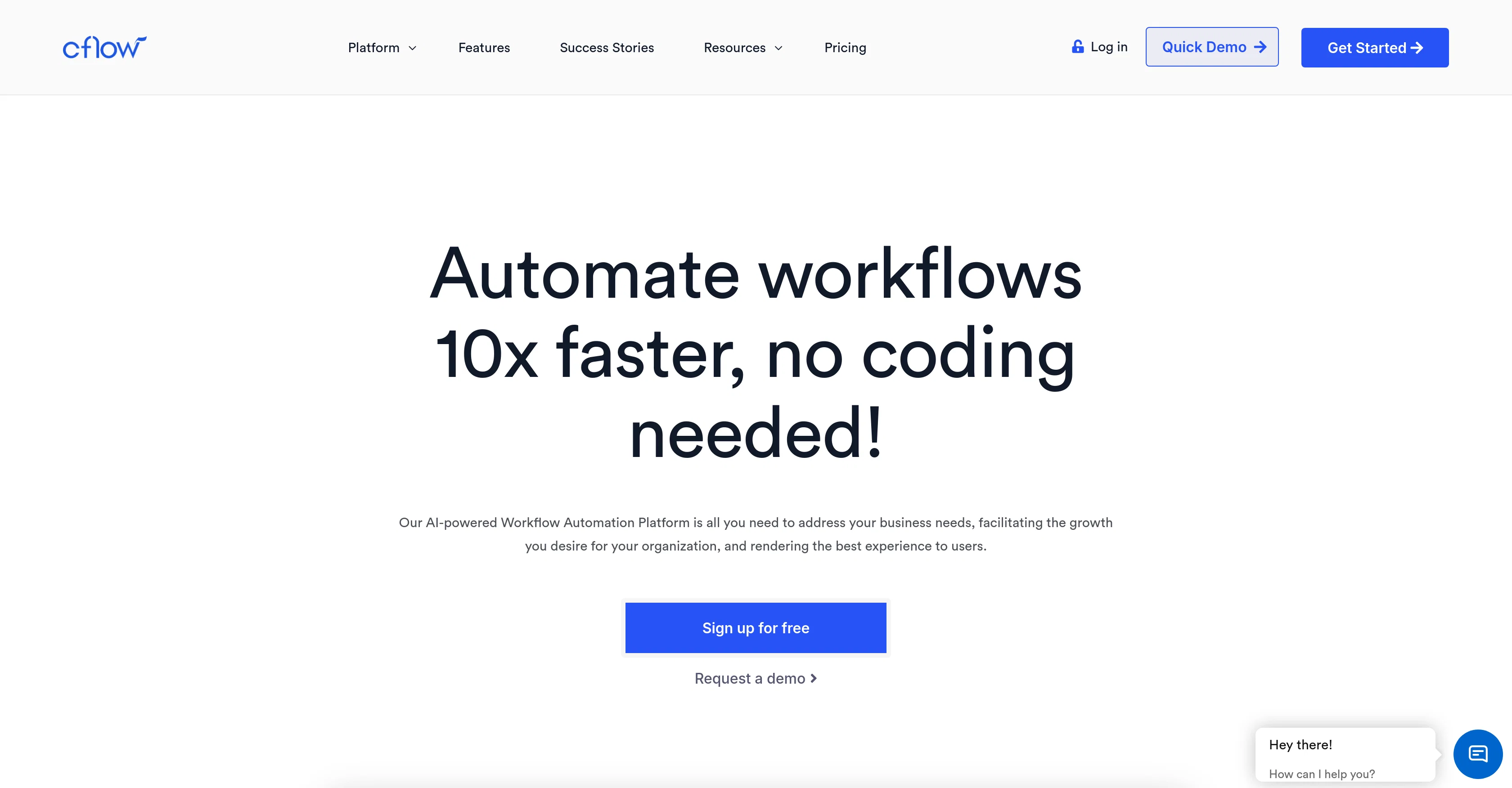
Cflow is a workflow automation software designed to streamline tasks within organizations, enhancing productivity and accelerating growth. With its no-code orientation, this platform can be utilized by anyone without specific technical knowledge.
It features a no-code workflow builder, enabling users to create custom workflow templates using an intuitive visual drag-and-drop designer. Cflow's functionality extends across various departments including HR, finance, sales and marketing, and IT operations.
It offers pre-installed workflow apps to automate repetitive tasks such as invoice approvals, business enquiry requests, and purchase requests, to name a few.
Users can also integrate Cflow with numerous third-party tools like G Suite and Office 365, connecting to external systems via webhooks or custom connectors.
In terms of security, Cflow prioritizes data protection heavily, providing controlled data encryption and configurable backup policies for all data in cloud storage.
The platform can also accommodate approvals from individuals without a Cflow user license. In addition to workflow automation, Cflow provides resources such as blogs, ebooks, guides, and ROI calculator to support user exploration of automation topics.
Users can review and manage processes anytime, anywhere, with Cflow's mobile options.
Access & connections
Where you can use Cflow, and what it plugs into.
Platforms
Integrations
Capabilities
What this tool accepts, produces, and is strongest at.
Input
- API
- Tabular
Output
- API
- Text
Pros & cons
Pros
- No-code orientation
- Custom workflow templates
- Drag-and-drop designer
- Multi-departmental use
- Pre-installed workflow apps
- Third-party integration
- G Suite integration
- Office 365 integration
Show 35 more
- Webhooks connectivity
- Custom connectors
- Controlled data encryption
- Configurable backup policies
- Cloud storage
- Mobile accessibility
- Invoice Approval Automation
- HR Automation
- Sales Automation
- Marketing Automation
- IT Operations Automation
- Finance Automation
- Blogs, ebooks, guides resources
- ROI calculator
- Workflow apps for repetitive tasks
- Approvals without user license
- Advanced API integration
- Automated workflow templates
- Robust data protection
- Flexible approval process
- Usable without technical knowledge
- Pre-installed apps for repetitive tasks
- Cross-organizational task automation
- Efficient track and review feature
- Integration with 1000+ business tools
- AWS Datacenters security
- Automation for specific departments
- Visual Workflow Builder
- Ready to use workflow templates
- Cost effective IT Operations
- Highly efficient procurement workflows
- Robust supply chain
- Manageable from mobile devices
- Budget-friendly plans
- Enterprise-class features
Cons
- Limited third-party tool integration
- Visual designer may oversimplify
- Workflow templates inflexible
- Not suited for coders
- Unspecified data encryption control
- Approvers need no license
- No-code may limit customization
- Backups policy vague
Show 2 more
- Cloud storage reliance
- Mobile options unstated
Compare alternatives
Similar tools in the catalog — with a clear reason to open each one.




Unframe AI ✓
UnknownThe Managed AI Delivery Platform
Why look Higher community rating
Full comparison

WebFill ✓
FreemiumFilling forms and emails, solving MCQs, for students and professionals.
Why look Typically cheaper
Full comparisonReleases 1
FAQ 12
What is Cflow's primary function?
How does Cflow's no-code workflow builder work?
Can anyone use Cflow or does it require technical knowledge?
In which departments can Cflow be utilized?
What types of tasks can Cflow automate?
What third-party tools can be integrated with Cflow?
How does Cflow ensure data protection?
What if a user doesn't have a Cflow license, can they still approve requests?
Does Cflow provide any additional resources for user learning?
Can I manage Cflow processes on mobile?
Is Cflow's data encryption controlled by the user?
Does Cflow offer pre-installed workflow apps?
Related tools
Recommended

Watermark Remover ✓
Free TrialRemove watermarks from images with AI technology

Business Idea Generator AI ✓
FreeGenerate innovative business ideas with AI

Suno ✓
FreemiumMake music at the speed of your ideas.

Marblism ✓
FreemiumAI Employees who Work for Your Business

Gemini ✓
FreemiumGemini: Google's most capable AI model yet

Thunderbit ✓
FreemiumScrape leads & other data in just 2-clicks.