
cFlow
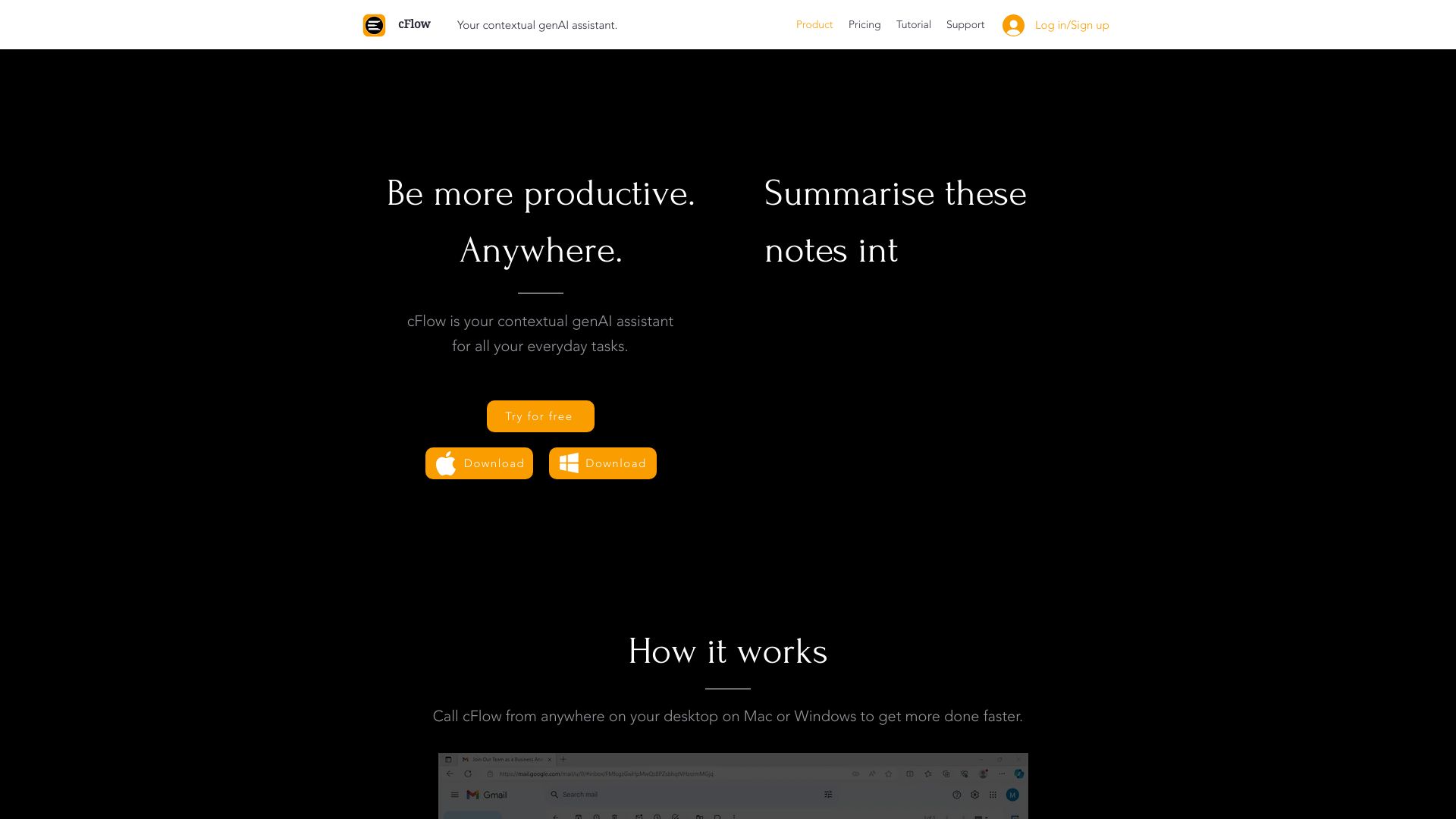
cFlow is a desktop AI assistant for tasks like research, writing, and information retrieval.
Source rating 5.0
(63)
0 views
0 saves
Freemium
Verdict
A quick read before you dig into the full page.
- Best if
- cFlow is a desktop AI assistant for tasks like research, writing, and information retrieval
- Skip if
- You need enterprise SLAs or a fully managed team plan right away
- Pick this when
- Freemium · Free
Overview
cFlow is a desktop tool that turns text across apps and browsers into ChatGPT queries via a hotkey. It answers questions, saves/retrieves info, responds to emails, drafts, summarizes, and translates texts. It's a contextual generative AI assistant for research, text-editing, note-taking, scheduling, and more, providing seamless knowledge access across desktop devices.
Access & connections
Where you can use cFlow.
Platforms
Capabilities
What this tool accepts, produces, and is strongest at.
Highlights
- Contextual generative AI assistance
- Hotkey-activated ChatGPT queries
- Seamless knowledge access across desktop devices
FAQ 5
What is cFlow?
cFlow is a desktop tool that turns text across apps and browsers into ChatGPT queries via a hotkey. It answers questions, saves/retrieves info, responds to emails, drafts, summarizes, and translates texts. It's a contextual generative AI assistant for research, text-editing, note-taking, scheduling, and more, providing seamless knowledge access across desktop devices.
How to use cFlow?
Select text anywhere on your desktop (Mac or Windows) and press a hotkey to turn it into a ChatGPT query. cFlow can then answer questions, respond to emails, draft documents, and more.
What is cFlow?
cFlow is a desktop tool that turns any text across apps and browsers into a ChatGPT query, simply by selecting & pressing a hotkey. It can answer questions, save and retrieve information, respond to emails, draft summarise & translate texts and much more.
What can cFlow do?
cFlow can answer questions, save and retrieve information, respond to emails, draft summarise & translate texts and much more.
Is there a free trial?
Yes, cFlow offers a 30-day free trial.
Related tools
Recommended




cFlow
Free