

Profanity removal 2026 Rank: #2782
CensorMate ✓
Bleep bad words from videos no uploads needed.
Verdict
A quick read before you dig into the full page.
- Best if
- Bleep bad words from videos no uploads needed
- Skip if
- Paid version required for full-length videos
- Pick this when
- Works entirely on user's device
Considering Bleepify instead? Compare side by side
Overview
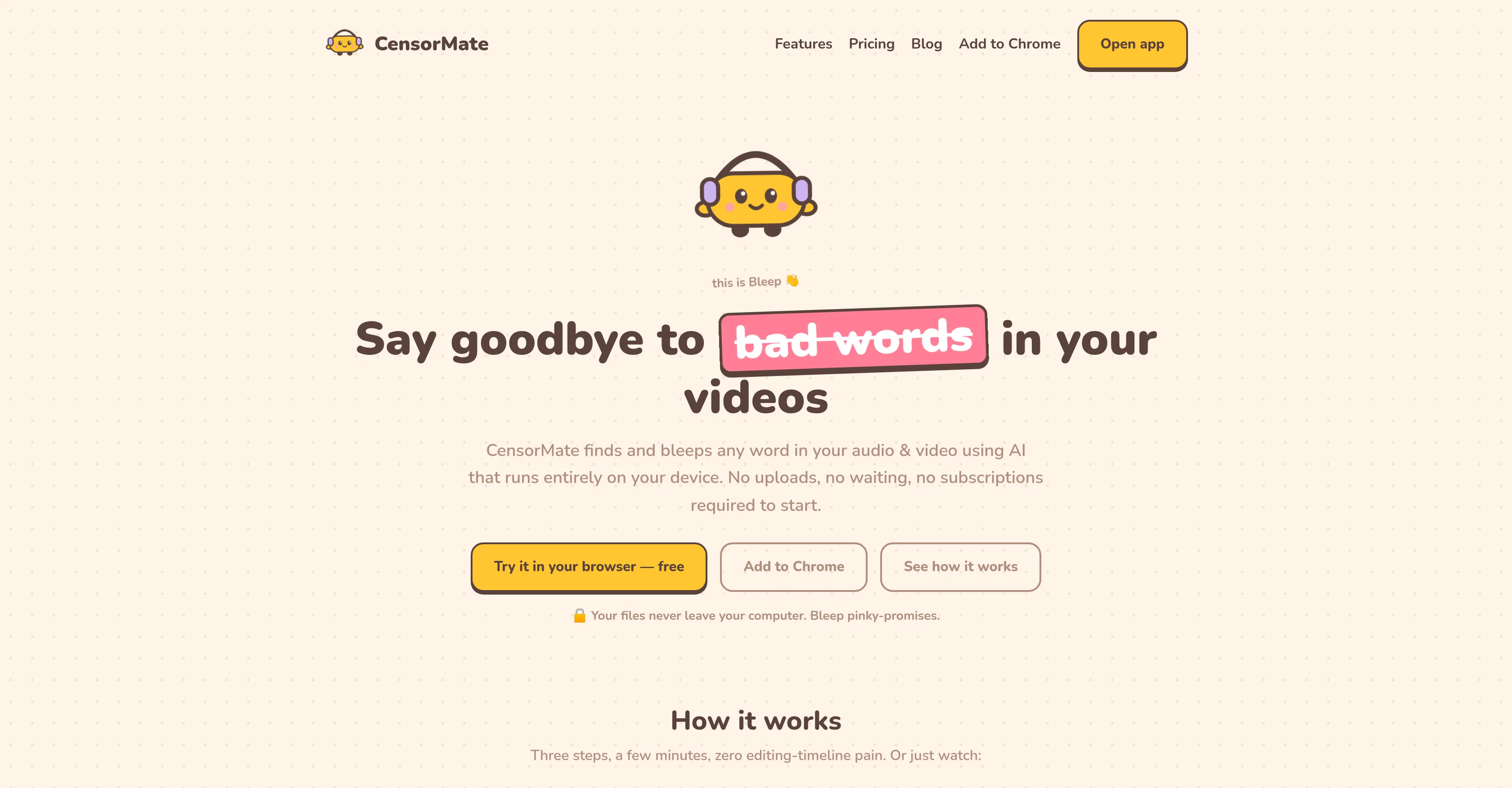
CensorMate is an AI Audio & Video Profanity Censor tool that works entirely on the user's device, without requiring any uploads. It is designed to allow creators to censor any word in their audio and video files, making it ideal for YouTubers, podcasters, and other content creators who want to avoid demonetization.
The tool uses AI technology to transcribe every word in the file and highlight those on the user's selected blacklist. Each match then gets a 'bleep' or clean silence at precisely the right moment, ensuring precision and accuracy.
CensorMate provides the user with full control over what words are censored, allowing them to review and adjust the selected words with one click. The tool supports various file formats including MP3, MP4, WAV, WebM, MOV, and more, and it operates in several languages including English, Spanish, French, German, and Japanese.
CensorMate does not upload any user data, ensuring privacy and security. It offers free and paid plans, with the paid plan enabling full video export and longer files.
Access & connections
Where you can use CensorMate.
Platforms
Capabilities
What this tool accepts, produces, and is strongest at.
Input
- Video
- Audio
Output
- Audio
- Video
Supported features
- Podcast
Pros & cons
Pros
- Works entirely on user's device
- No uploads required
- Censors any word
- Ideal for YouTubers, podcasters
- Automated precision and accuracy
- Full user control over censorship
- Easy review and adjustment options
- Supports multiple file formats
Show 37 more
- Operates in multiple languages
- Privacy focused, secure
- Multiple plan options
- Free and paid plans
- Full video export in paid plan
- Longer file support in paid plan
- No data upload
- Transcribes every word
- Words highlight on user's blacklist
- Precise 'bleep' or clean silence
- 'Bleep' mascot for ease of use
- Browser-based tool
- Files never leave the device
- Real-time work, no wait
- Multi-language support
- Untouched video quality in export
- Audio track rebuilt in export
- Video export up to 1 min free
- Unlimited audio censoring in free plan
- Keyword packs & saved lists in paid plan
- No file length limit in paid plan
- Batch censoring option in paid plan
- No account, no watermark
- Mobile compatibility
- Transcript review feature
- Bleep fine-tuning on timeline
- Supports iPhone .MOV recordings
- Exports matching starred captions
- Plain-text transcript export
- Boundary refinement for precise bleep
- Adjustable bleep nudge on timeline
- Handling of tricky containers with FFmpeg
- Exact-text keyword matching
- Partial-match option for keyword catch
- Censor beyond profanity
- Phone numbers, email addresses flag
- Flag and censor SSN- or card-shaped numbers
Cons
- Only supports 21 languages
- Free version limitations
- Paid version required for full-length videos
- Full control may be time-consuming
- Accuracy dependent on audio quality
- Doesn't re-encode video
- Boundary refinement precision may vary
- May require listing multiple word forms
Show 1 more
- May not handle large files on mobile
Compare alternatives
Similar tools in the catalog — with a clear reason to open each one.


Subtitle Remover ✓
PaidErase hardcoded subtitles from any video, pixel-perfectly.
from $5.30/mo
Full comparison
Filter Remover ✓
Free TrialRemove filters. Restore the real photo.
Why look Stronger for image work
Full comparison
RemoveGlassesGlare ✓
PaidRemove glasses glare from photos in one click.
Why look Typically cheaper
Full comparisonReleases 1
FAQ 12
What file formats does CensorMate support?
Does CensorMate work on mobile devices?
What languages are supported by CensorMate?
Does CensorMate upload any of my data?
What is the length limit for files in the free plan of CensorMate?
How does CensorMate ensure the precision and accuracy of bleeping out profanity?
Can I review and adjust the words censored by CensorMate?
Can CensorMate only censor profanity or can it censor other words as well?
Does CensorMate offer subtitle or captioning support?
Can CensorMate work with multiple languages in a single file?
What's the difference between the free and paid plans of CensorMate?
Can CensorMate help in avoiding YouTube demonetization?
Related tools
Recommended

MagicSlides.app AI PPT Maker ✓
FreemiumCreate Stunning PPTs in Seconds with the AI PPT Maker

GetLogit ✓
FreemiumArtificial intelligence, available for everyone.

ChatGPT ✓
FreemiumAsk anything, create anything, and move from idea to action.

Automateed ✓
Free TrialCreate eBooks effortlessly with Automateed, the AI-powered writing tool.

Kin - Personal AI Advisors ✓
FreePrivacy-first & designed your for mind, and life at work

Aiter.io | Paste a URL. Ship a Campaign That Sounds L... ✓
FreemiumAI marketing that sounds like you, not everyone else.