

CaseIt
Generate test cases automatically with AI.
from $4
Verdict
A quick read before you dig into the full page.
- Best if
- Generate test cases automatically with AI
- Skip if
- Limited user reviews
- Pick this when
- Desktop application
Considering Celp instead? Compare side by side
Overview
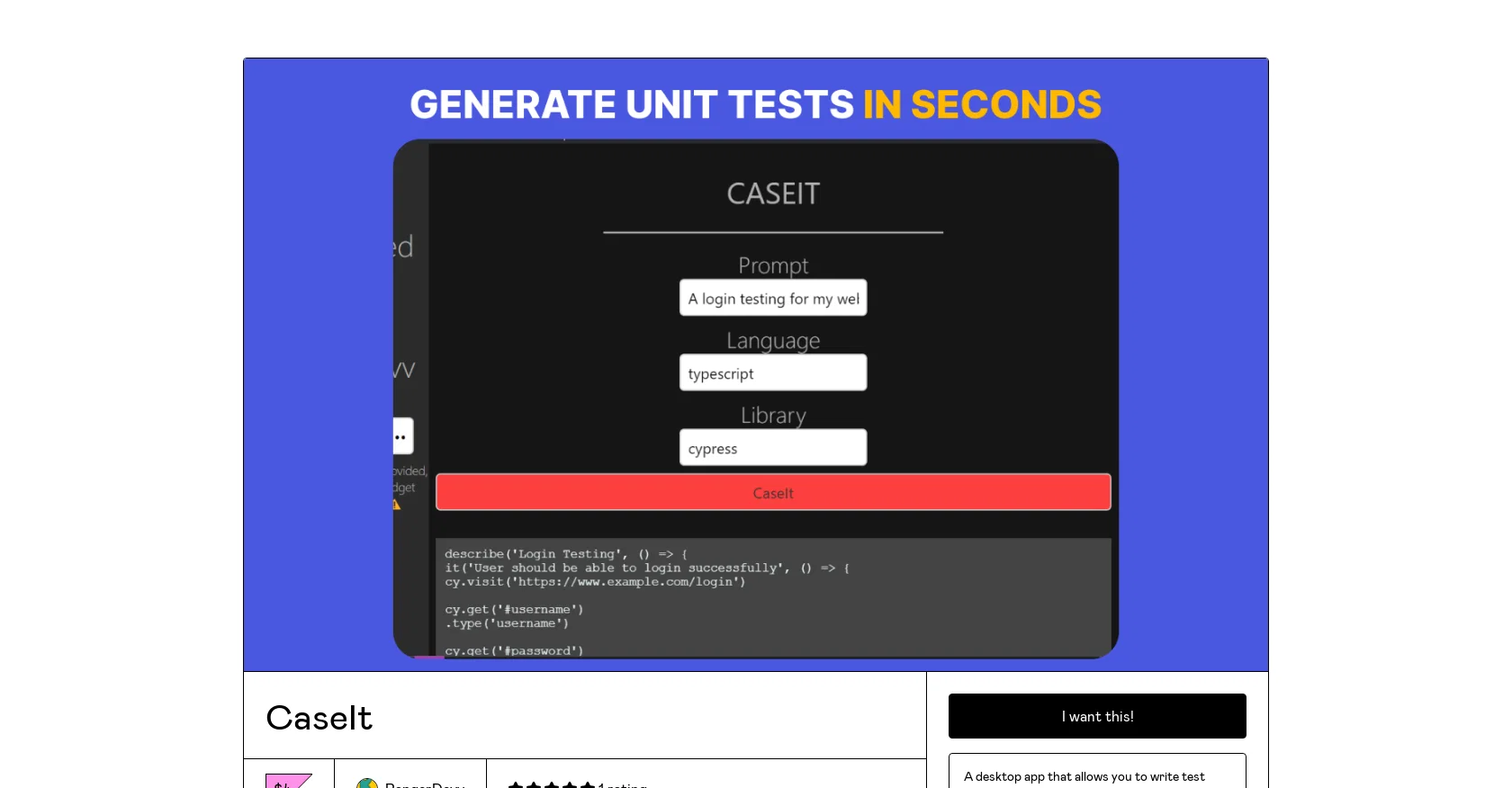
CaseIt is a desktop app designed to assist in generating test cases for software testing. It is an AI-powered testing tool that automates the generation of test cases, removing the need for manual creation.
The tool's primary function is to make software testing seamless and effective by eliminating human errors and making the process faster and more efficient.
The CaseIt app offers a simple interface that allows testers to write test cases easily and efficiently. The tool is built with JavaScript, making it highly adaptable and robust, and can be downloaded and installed on any desktop computer.
It also offers the convenience of working offline. Users are required to enable JavaScript in their browser settings to purchase the tool. At the time of writing, the tool is available for purchase on Gumroad, with a 5-star rating from a single review.
In summary, CaseIt is an effective testing tool that leverages Artificial Intelligence to automate the generation of test cases, making software testing simpler, faster, and more efficient.
It is a useful tool for developers and testers who want to optimize their testing process and improve software quality.
Access & connections
Where you can use CaseIt, and what it plugs into.
Integrations
Capabilities
What this tool accepts, produces, and is strongest at.
Input
- Text
Output
- Text
Supported features
- QA Automation
Pros & cons
Pros
- Desktop application
- Automates test case generation
- Reduces human error
- Boosts efficiency in testing
- User-friendly interface
- JavaScript based
- Adaptable and robust
- Offline functionality
Show 7 more
- Accessibility through browser settings
- Available on Gumroad
- High user rating
- Facilitates faster testing
- Assists in software quality improvement
- Supports easy test case inputting
- Straightforward installation process
Cons
- Desktop app only
- Lack of online functionality
- No mobile version
- JavaScript Required
- Limited purchase platforms
- Limited user reviews
Compare alternatives
Similar tools in the catalog.

Releases 1
FAQ 12
What is CaseIt?
How does CaseIt work?
What is the main function of CaseIt?
Is CaseIt easy to use?
What is the interface like on CaseIt?
Does CaseIt require a specific operating system or can it be used on any computer?
Is CaseIt an online tool or can it work offline?
Why is JavaScript required to buy CaseIt?
Where can I purchase CaseIt from?
What is CaseIt's current rating?
Is CaseIt a trusted testing tool?
What are the benefits of using CaseIt?
Related tools
Recommended

LearningStudioAI ✓
Free TrialAI-powered authoring tool for effortless online course creation.

B12 AI Website Builder ✓
FreemiumAI-powered website builder

Stratup.ai ✓
FreemiumInnovative idea generation for businesses.

GPTinf ✓
PaidBypass AI detectors with one-click rephrasing.

AI Lawyer ✓
Free TrialInstant legal advice and document creation at your fingertips

OpenRead ✓
FreemiumAI-powered interactive papers for faster, intuitive research