

Capture.dev ✓
Instant, actionable, bug reports straight from your browser.
Trial; then from $8/mo
Verdict
A quick read before you dig into the full page.
- Best if
- Instant, actionable, bug reports straight from your browser
- Skip if
- Limited customization
- Pick this when
- Immediate actionable tickets
Considering Test Management by Testsigma | Test Faster with AI instead? Compare side by side
Overview

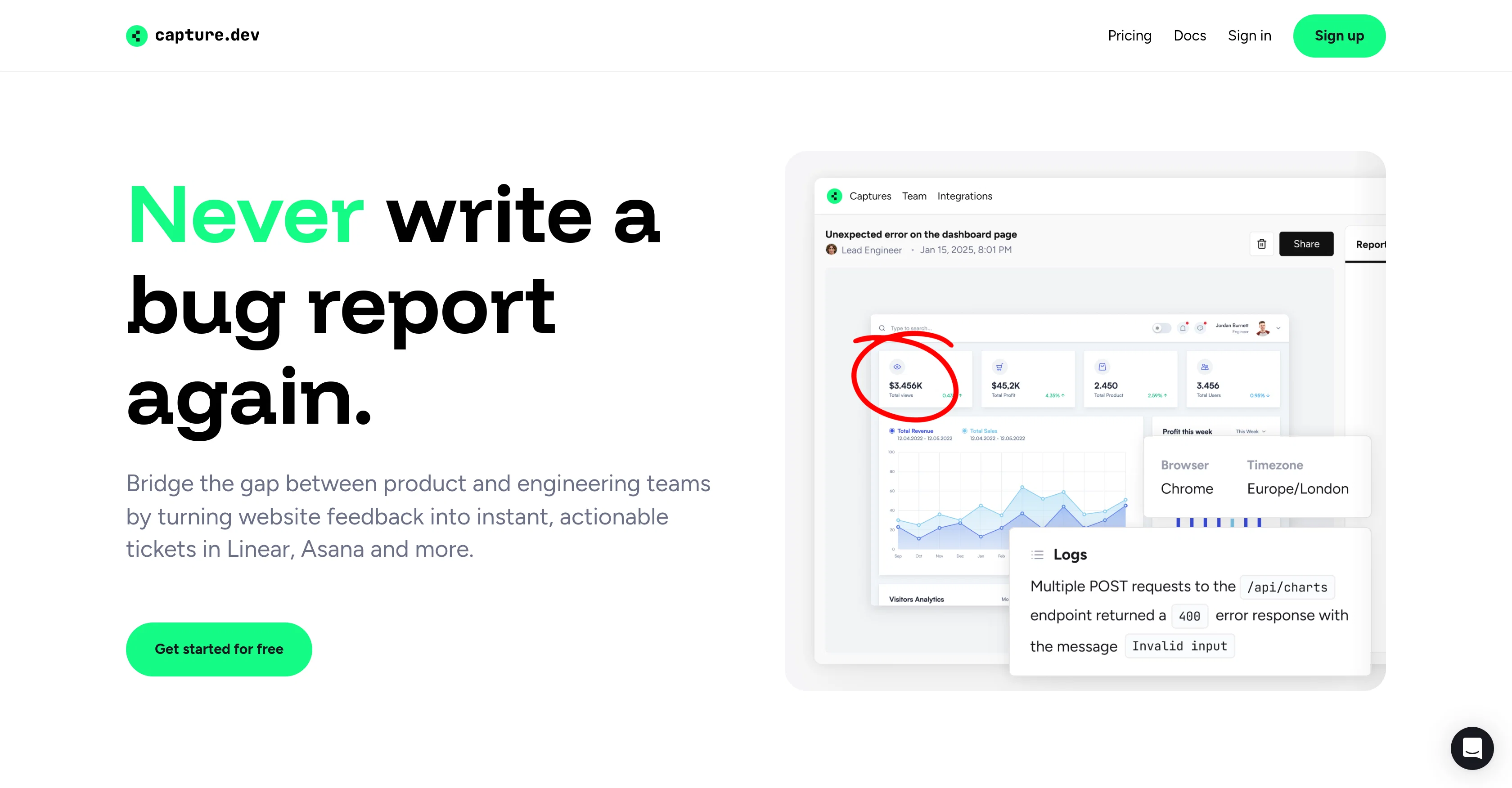
Capture gathers essential context and logs directly from the browser, generating a detailed bug report that engineers can use for debugging, with no technical input needed from the person reporting the issue.
Bug reports can be synced with popular tools like Linear, Trello, Github, ClickUp and more - or shared via a simple, shareable link.
- Remote Debugging
Access & connections
Where you can use Capture.dev, and what it plugs into.
Platforms
Capabilities
What this tool accepts, produces, and is strongest at.
Input
- Code
- Tabular
- Image
- Text
- Video
Output
- Tabular
- Text
Pros & cons
Pros
- Immediate actionable tickets
- Integrates with many platforms
- Tiny browser widget
- Auto gathers issue information
- Step-by-step playback of problems
- Error summaries generation
- Data sync with chosen platform
- Collected technical details
Show 24 more
- Video feedback recording
- In-browser site annotation
- Attach custom context
- Reports from any device
- Cross browser compatibility
- Mobile-friendly
- Designed for busy teams
- Aids smart debugging
- User-friendly interface
- Bug tracking for Linear
- Bug tracking for Slack
- Bug tracking for Asana
- Bug tracking for ClickUp
- Bug tracking for Trello
- Seamless functionality
- Improves team collaboration
- Enhances user experience
- Facilitates smoother project management
- Streamlines bug reporting process
- Excellent for product management
- Promotes efficient issue tracking
- Eliminates need for console
- Auto history for bug
- User action data synchronization
Cons
- No offline access
- Reliance on project management platforms
- No standalone functionality
- Reliant on stable internet connection
- No support for non-web platforms
- Limited customization
- Dependent on browser support
- No built-in issue management
Show 2 more
- Possible compatibility issues
- No explicit privacy control features
Compare alternatives
Similar tools in the catalog.


Releases 1
Imported reviews 1
So nice app, 🤩🤩
FAQ 12
What is Capture.dev?
How does Capture.dev streamline the bug reporting process?
Can Capture.dev integrate with project management platforms like Asana and Trello?
What information does the Capture.dev browser widget collect automatically?
How does Capture.dev transforms website feedback into actionable tickets?
Can Capture.dev record video feedback for each bug?
Can Capture.dev annotations be directly done on my website within the browser?
What kind of custom context can I attach for deeper debugging in Capture.dev?
Is Capture.dev compatible with all browsers and devices?
Does Capture.dev support mobile bug reporting?
How does Capture.dev help in smart debugging?
Can Capture.dev collect technical details without resorting to a browser console?
Related tools
Recommended

LearningStudioAI ✓
Free TrialAI-powered authoring tool for effortless online course creation.

Thea ✓
FreemiumAI study tools to master material, not just memorize it.

Notis ✓
Free TrialThe first WhatsApp assistant that runs on your ChatGPT and Claude subscriptions

CodeRabbit ✓
Free TrialEnhanced code review for improved workflow and quality.

Claude ✓
FreemiumBuilding reliable, interpretable AI systems

Gemini ✓
FreemiumGemini: Google's most capable AI model yet