Verdict

A quick read before you dig into the full page.

Best if
You are youTubers and need: Generating subtitles for videos
Skip if
You need a free plan with no credit card
Pick this when
Paid · From $10

Overview

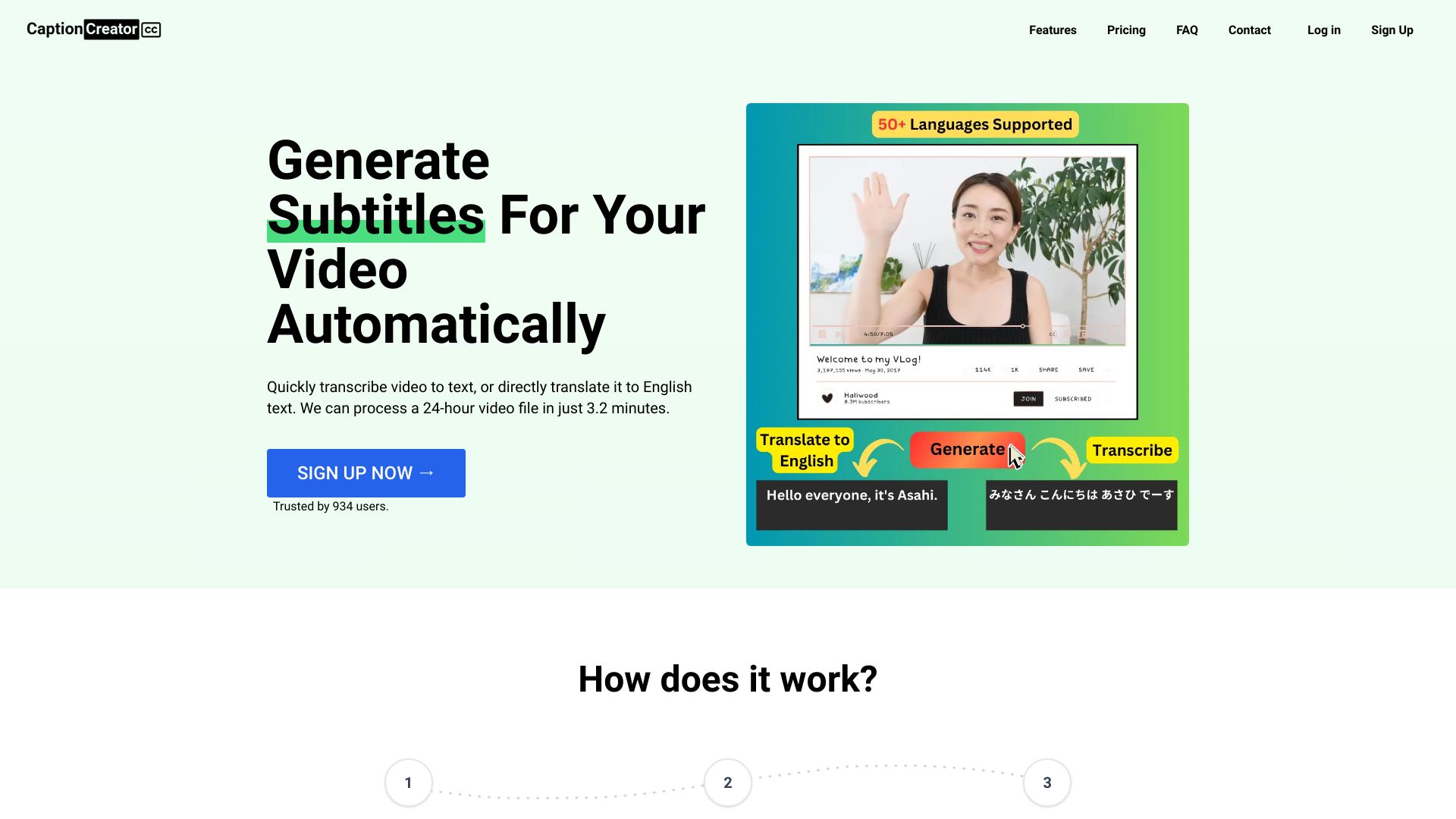
CaptionCreator is an online AI subtitle generator that allows users to generate subtitles for their videos in minutes. It supports over 50 languages and can transcribe or translate audio/video to English. Users can export the output as subtitles or plain text. It offers features like automatic subtitle creation, multilingual support, noisy audio support, and diverse accent recognition.

CaptionCreator screenshot

Best for

Short scenarios where CaptionCreator tends to shine.

  • Generating subtitles for videos

    Best for YouTubers

  • Translating videos to English

    Best for Content creators

  • Transcribing audio to text

    Best for Video editors

  • Creating subtitles for multilingual videos

    Best for Educators

  • Making videos accessible to a wider audience

    Best for Businesses

Example outputs 1

Sample generations and before/after results for CaptionCreator.

Access & connections

Where you can use CaptionCreator.

Platforms

Web

Capabilities

What this tool accepts, produces, and is strongest at.

Highlights

  • AI-powered subtitle generation
  • Multilingual support (50+ languages)
  • Transcription and translation to English
  • Noisy audio support
  • Diverse accent recognition
  • Subtitle and text export

People also view

Tools that often show up alongside CaptionCreator in collections and comparisons.

FAQ 8

What is CaptionCreator?
CaptionCreator is an online AI subtitle generator that allows users to generate subtitles for their videos in minutes. It supports over 50 languages and can transcribe or translate audio/video to English. Users can export the output as subtitles or plain text. It offers features like automatic subtitle creation, multilingual support, noisy audio support, and diverse accent recognition.
How to use CaptionCreator?
Users can upload a video or audio file, select the input language, choose between transcribing or translating to English, and then generate the subtitles. The generated subtitles can then be downloaded as a subtitle file or plain text.
Is CaptionCreator free to use?
It's free to use, without an account you can process 3 files a day (less than 5 mins each). With a free account, you can process unlimited files but less than 5 mins each. To do longer videos or more often, you need to buy credits.
How many videos can I process?
The number of videos you can process depends on how many credits you have. Each credit lets you process one minute of video or audio.
How long does it take to generate subtitles?
Any length videos can be done in under 3 minutes.
Do credits expire?
Your credits don't expire as long as you use the service at least once a year. But, if you request us to delete your account, any credits you have will be deleted too. Inactive accounts will be deleted after 365 days, along with the credits.
How do I delete my account?
Send an email from the same email you used to sign up to [email protected]
How accurate is the transcription?
We use the latest AI model behind the scenes, so you get the best quality results.
CaptionCreator From $10
