

BRYTER Extract ✓
Streamline contract review with AI extraction.
Verdict
A quick read before you dig into the full page.
- Best if
- Streamline contract review with AI extraction
- Skip if
- Limited to legal data
- Pick this when
- Simplifies contract reviewing
Considering Superlegal instead? Compare side by side
Overview
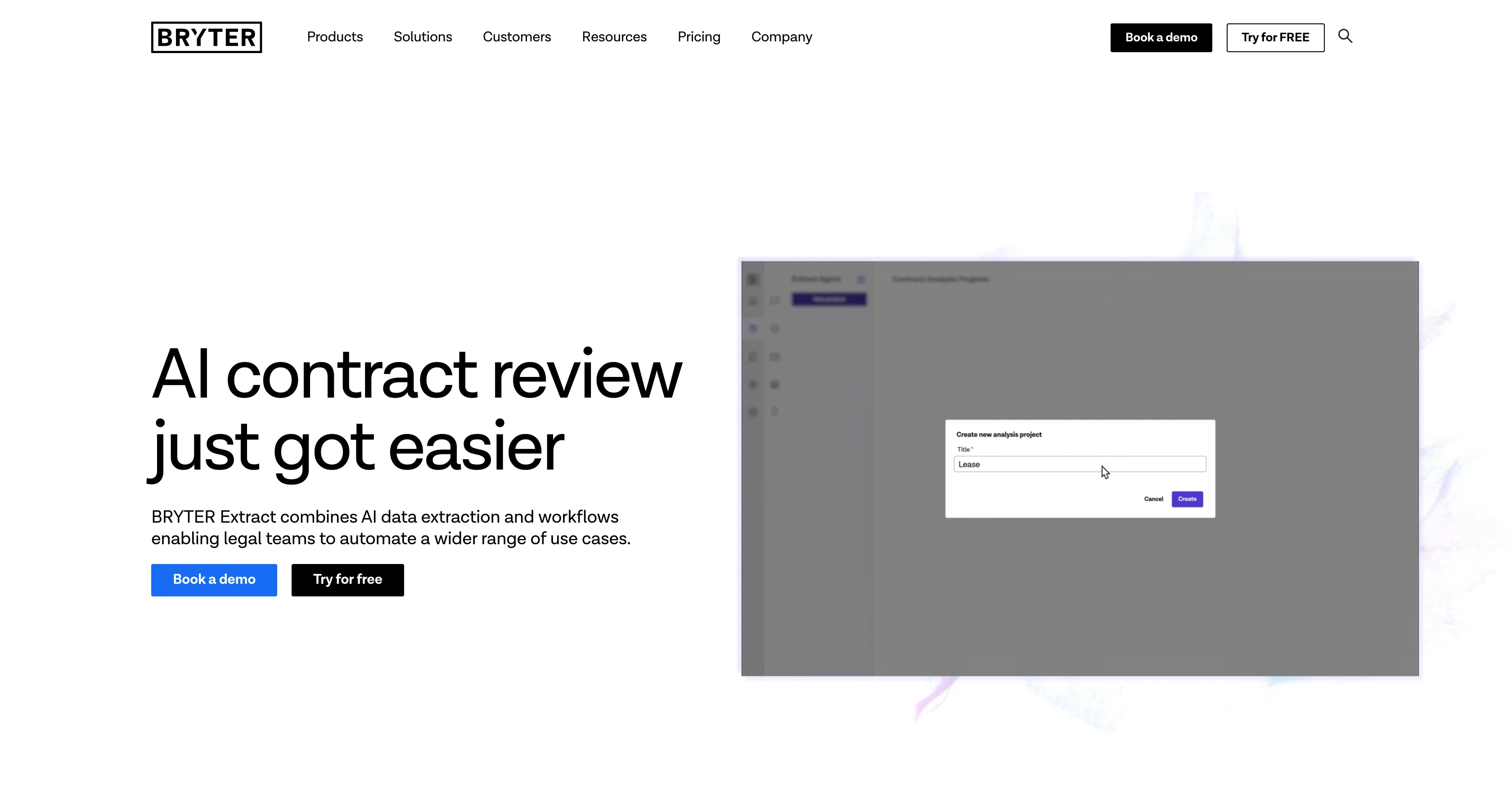
BRYTER Extract is an AI tool that considerably simplifies contract reviewing tasks within law firms and corporate organizations. It combines artificial intelligence data extraction with automated legal workflows to provide a comprehensive solution for a myriad of use cases.
Predominantly centred towards post-signature contracts, it allows users to define their queries with the terms and data points they wish to extract. It extracts the desired data and presents it in a table, linking to relevant clauses in the source documents.
BRYTER Extract has a proprietary, pre-trained legal AI that does not require training and works out-of-the-box across all document types with its data models being highly adjustable.
Besides data extraction, BRYTER Extract also facilitates legal teams in triggering workflows to calculate dates, deadlines, generate reports or other documents and manage approval workflows.
Its highly functional features also allow users to export data to Excel or use it in rule-based workflows for document automation, repapering and addressing follow up questions.
Additional significant features include pre-built extract agents, document generation, and verification which integrates the capacity to streamline contract review, thereby making the tool a reliable and time-saving solution in the legal domain.
Access & connections
Where you can use BRYTER Extract, and what it plugs into.
Platforms
Integrations
Capabilities
What this tool accepts, produces, and is strongest at.
Input
- Tabular
- Text
Output
- Tabular
- Text
Pros & cons
Pros
- Simplifies contract reviewing
- Combines data extraction and legal workflows
- Adjustable data models
- No training required
- Out-of-the-box functionality
- Applies to all document types
- Calculates dates and deadlines
- Generates reports
Show 23 more
- Manages approval workflows
- Exports to Excel
- Document automation capabilities
- Rule-based workflows for repapering
- Pre-built extract agents
- Document generation and verification
- Streamline contract review
- Extensive use cases
- Links data to source clauses
- Offers extract in table view
- Addresses follow up questions
- Allows user-defined queries
- Automates myriad of tasks
- Triggers workflow from data
- Customizable data points
- Data integration in workflows
- Underlying clause reference for verification
- Accuracy and quality answers
- Data privacy prioritized
- Hosted on own cloud infrastructure
- SOC 2 Type II certified
- ISO27001 certified
- Massively time-saving
Cons
- No API mentioned
- Limited export options
- Pre-defined extract agents
- Primarily for post-signature contracts
- No mentioned integrations
- No out-of-box training
- No system compatibility info
- Limited to legal data
Compare alternatives
Similar tools in the catalog — with a clear reason to open each one.




Zuva Contracts AI ✓
Free TrialAI-powered document analysis and insights
Why look Offers a public API
Full comparisonReleases 1
FAQ 12
What is BRYTER Extract?
How does BRYTER Extract simplify contract reviews?
What specific tasks does BRYTER Extract automate?
Can BRYTER Extract handle post-signature contracts?
How does BRYTER Extract's data extraction work?
Does BRYTER Extract require any training to use?
Is the data model in BRYTER Extract adjustable?
What are the different workflows BRYTER Extract can trigger?
Can BRYTER Extract export data to Excel?
What kind of document automation does BRYTER Extract support?
What is repapering in BRYTER Extract?
What pre-built extract agents does BRYTER Extract offer?
Related tools
Recommended

Suno ✓
FreemiumMake music at the speed of your ideas.

Go Legal AI ✓
FreemiumAI-powered legal solutions for efficiency and accuracy

VenturusAI ✓
FreemiumBusiness idea analysis and reporting.

Mumble AI: Voice-first workspace for Mac & iOS ✓
FreemiumVoice-first AI workspace for meetings, notes, and dictation. Works offline.

Introhook ✓
FreemiumHook your audience with AI-generated viral intros.

Scisummary ✓
Free TrialCutting-edge scientific articles summarization.