
Blync
Browser extension for link previews, selection search, and AI assistant integration.
Source rating 5.0
(65)
0 views
0 saves
Unknown
Verdict
A quick read before you dig into the full page.
- Best if
- Browser extension for link previews, selection search, and AI assistant integration
- Pick this when
- Browser extension for link previews, selection search, and AI assistant integration
Overview
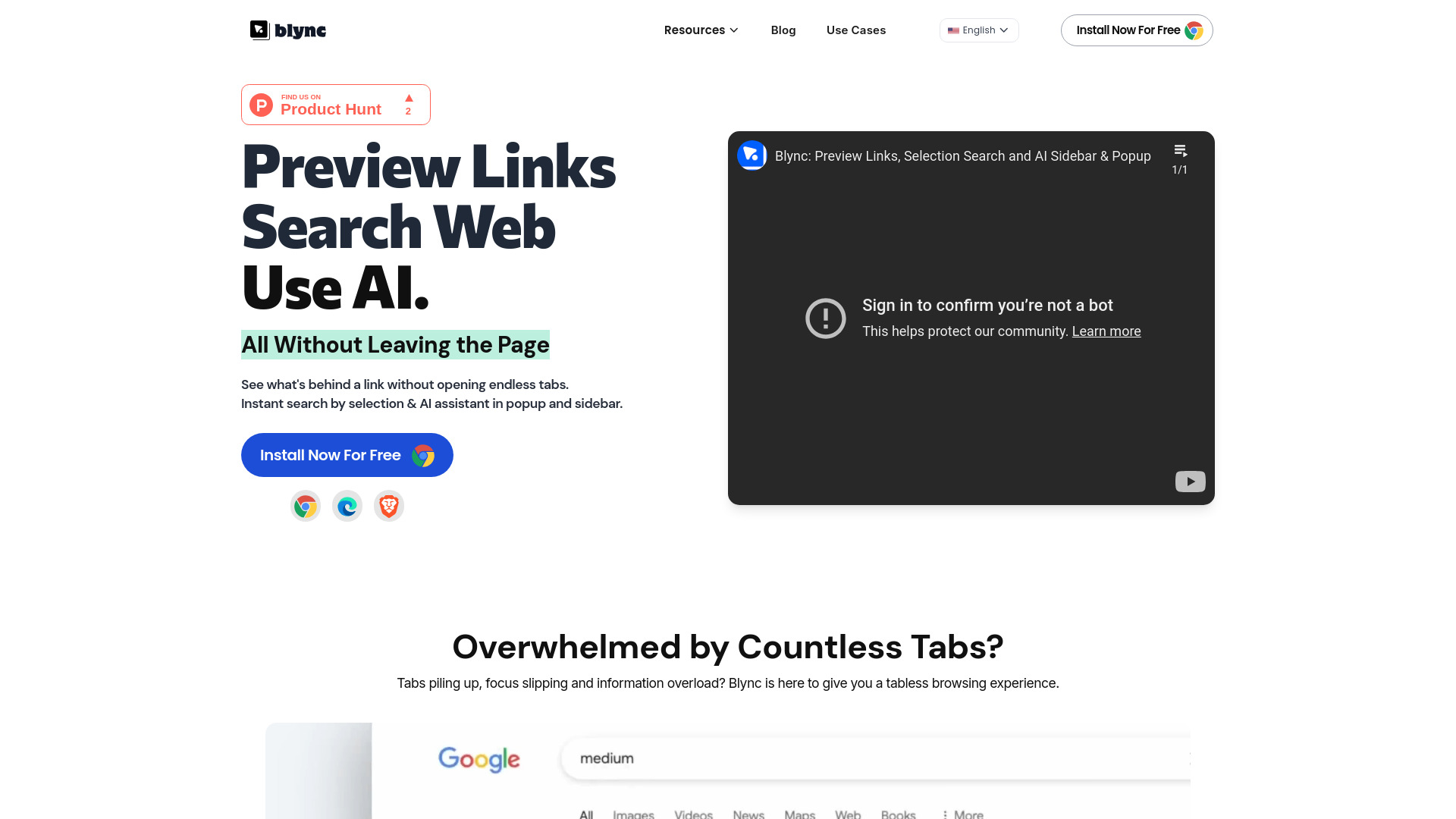
Blync is a browser extension designed to enhance browsing efficiency by allowing users to preview links without opening new tabs, perform instant searches via shortcuts and selections, and utilize an AI assistant in a popup or sidebar using their own AI account (ChatGPT, Gemini). It aims to provide a tabless browsing experience, reduce copy-pasting and tab switching, and offer customizable AI assistance.
Access & connections
Where you can use Blync.
Platforms
Capabilities
What this tool accepts, produces, and is strongest at.
Highlights
- Link Preview
- Selection Search
- AI Assistant (ChatGPT, Gemini) in popup & sidebar
- Customizable behavior and appearance
- Serverless operation for enhanced privacy
FAQ 9
What is Blync?
Blync is a browser extension designed to enhance browsing efficiency by allowing users to preview links without opening new tabs, perform instant searches via shortcuts and selections, and utilize an AI assistant in a popup or sidebar using their own AI account (ChatGPT, Gemini). It aims to provide a tabless browsing experience, reduce copy-pasting and tab switching, and offer customizable AI assistance.
How to use Blync?
Install the Blync extension on Chrome, Brave, or Edge. Use long hover, drag, or click on links to preview content. Select text on a website to trigger AI assistant options. Customize settings for link behavior and AI assistant triggers.
What is Blync?
Blync is a browser extension that helps preview links without opening tabs and build your own AI assistant.
Does Blync work on all browsers?
Currently, it supports Chrome, Brave & Edge. The team is working on adding support for other major browsers like Firefox.
Is it safe to use Blync?
Yes, it is 100% secure. Blync is serverless and runs entirely on your browser. It doesn’t track or store your data. Everything you do stays private and local.
How does Blync Link Preview work?
Long hover, drag, or click on any link on a website page, and Blync will show a popup with the content of the link. The preview has full browser capabilities, meaning you can browse the content as if it's in the browser.
How does Blync AI Assistant work?
Select any text on a website, and Blync will show a popup with options to ask AI about it. You can also press Ctrl+Shift+B on any website to open an input popup to ask or search. When you press enter, Blync opens your chosen AI account, types the question, and shows the result in a popup right in front of you.
What AI agents does Blync support?
Blync supports ChatGPT, Gemini, and Claude at the moment.
Do I need an AI account to use the AI Assistant?
Yes, Blync does not provide any AI service. It automates the question, types it, and shows the result using your account in the browser.
Related tools
Recommended



Blync