Illustrations

Blush design

Add customizable illustrations to designs with graphics from artists worldwide.

Source rating 5.0 (98) 177k views 177k/mo traffic 0 saves Freemium
More categories (3)

Free + from $12 per month

Verdict

A quick read before you dig into the full page.

Best if
You are uX Designers and need: Adding illustrations to web apps
Skip if
You need enterprise SLAs or a fully managed team plan right away
Pick this when
Freemium · Free + from $12 per month

Overview

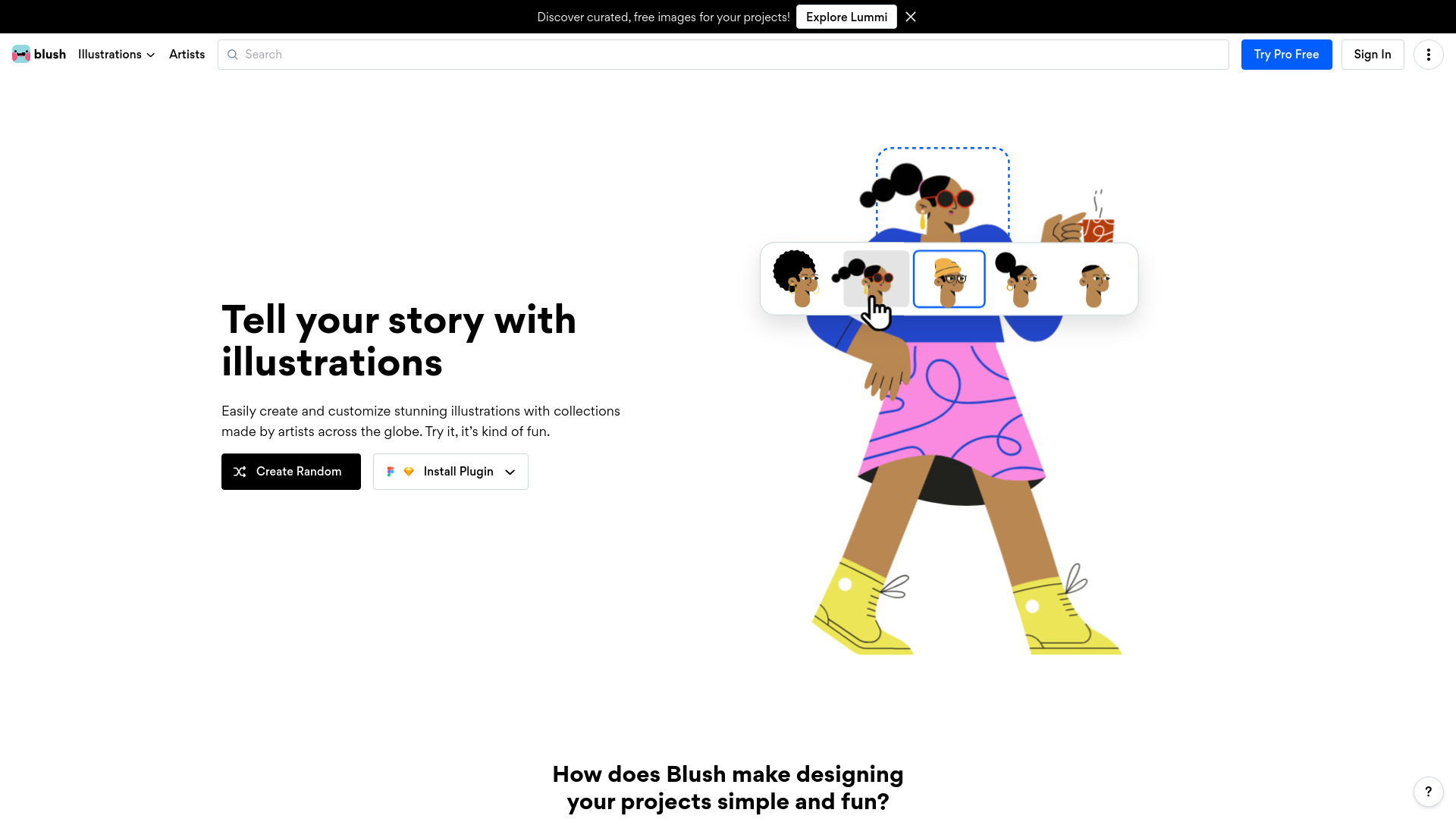
Blush makes it easy to add free illustrations to your designs. Play with fully customizable graphics made by artists across the globe. It allows users to create and customize stunning illustrations with collections made by artists around the world. Users can choose a style, customize the art, and use it on their design by downloading a PNG or SVG.

Blush design screenshot

Best for

Short scenarios where Blush design tends to shine.

  • Adding illustrations to web apps

    Best for UX Designers

  • Using illustrations in presentations

    Best for UI Designers

  • Incorporating illustrations into any design project

    Best for Web Developers

How it works

1. Choose a style from multiple collections.
2. Customize the art with variations.
3. Download a PNG or SVG and use it on your design.

Example outputs 1

Sample generations and before/after results for Blush design.

Access & connections

Where you can use Blush design, and what it plugs into.

Platforms

Web

Integrations

Capabilities

What this tool accepts, produces, and is strongest at.

Highlights

  • Customizable illustrations
  • Collections from artists around the world
  • PNG and SVG downloads
  • Design tool integration (Figma, Sketch)

People also view

Tools that often show up alongside Blush design in collections and comparisons.

FAQ 8

What is Blush?
Blush makes it easy to add free illustrations to your designs. Play with fully customizable graphics made by artists across the globe. It allows users to create and customize stunning illustrations with collections made by artists around the world. Users can choose a style, customize the art, and use it on their design by downloading a PNG or SVG.
How to use Blush?
1. Choose a style from multiple collections. 2. Customize the art with variations. 3. Download a PNG or SVG and use it on your design.
Can I use Blush for commercial usage?
Yes, you can use Illustrations for commercial and personal purposes with unlimited copies. This can be for yourself or for a client. There are some common-sense limitations, you can learn about them on our license page.
Can I cancel my plan?
Definitely! You can downgrade to the free subscription at any time. Keep in mind that your subscription will remain active until the end of your billing cycle.
Is there a limit on downloads?
Nope. You have unlimited downloads! Feel free to play, iterate, and experiment will all the images you need. The more, the merrier!
How is the paid plan better?
With the paid plan, you unlock every illustration and gain access to SVG format (vector!). SVG is never pixelated and you have control over every layer of the illustration. The paid plan also offers print-resolution PNGs and other advanced functionality.
Do you offer any discounted plans?
Yes! We offer a 20% discount when you sign up for our annual plan.
Do I need to give attribution?
No, you don't need to attribute Blush or the artist. But, the artist would appreciate it if you give them credit wherever you're using their illustrations.
Blush design Free + from $12 per month
