

Blue J ✓
Empower tax experts with AI-driven analysis and advice.
from $1500
Verdict
A quick read before you dig into the full page.
- Best if
- Empower tax experts with AI-driven analysis and advice
- Skip if
- Potential learning curve
- Pick this when
- Enhances efficiency
Considering SREDSimplify instead? Compare side by side
Overview
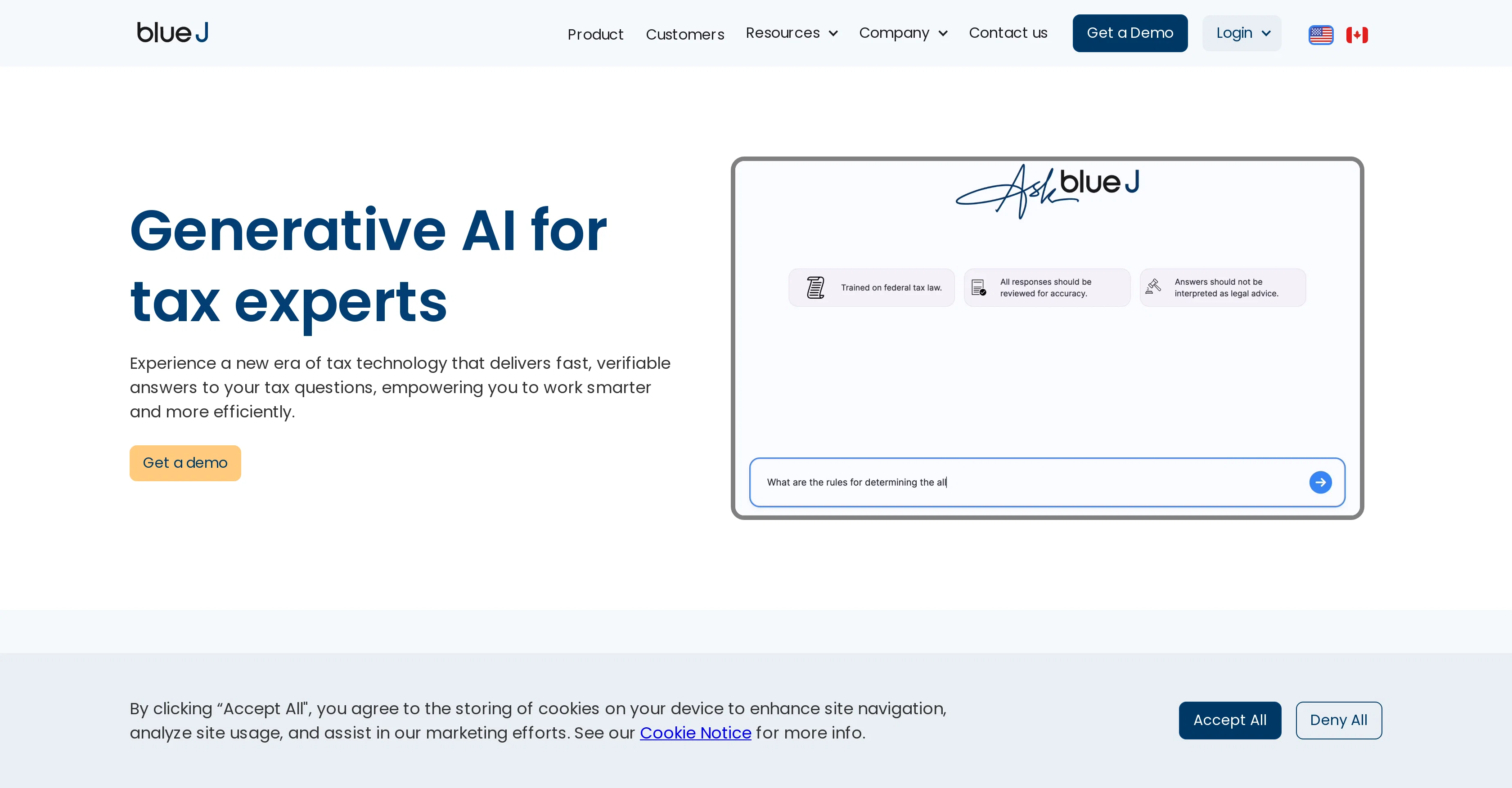
Blue J is an AI based tool designed for tax experts to enhance the efficiency and quality of their work, ensuring precise and reliable tax advice is facilitated in a timely manner.
This tool uses generative AI technology to offer comprehensive assistance with tax analysis. It contributes to different aspects of a tax experts workflow including research, drafting, and client response time.
With Blue J, users can access curated tax content, securing verifiable answers to their tax inquiries swiftly. It comes with a unique drafting feature that allows users to generate drafts in an easy to understand, conversational style, thereby enabling the creation of memos or client mails effectively.
One of the notable features of Blue J is its extensive database of tax content which, when paired with the AI technology, identifies and presents relevant source materials promptly.
Allowing for a quicker start point in research, this tool aids in delivering high-quality and comprehensive discourse for client queries. Furthermore, its adaptability also provides early advisory experience for junior staff in a tax firm, thus enhancing their learning curve.
The tool has garnered trust and is being used by several leading tax firms.
Access & connections
Where you can use Blue J.
Platforms
Capabilities
What this tool accepts, produces, and is strongest at.
Input
- Text
Output
- Text
Pros & cons
Pros
- Enhances efficiency
- Improves quality of work
- Provides timely, precise tax advice
- Generative tool
- Assists in tax analysis
- Helps in tax research
- Helps in drafting tax documents
- Reduces client response time
Show 11 more
- Access to curated tax content
- Provides verifiable answers
- Easy-to-understand drafting feature
- Helps create memos or client mails
- Extensive tax content database
- Identifies relevant source materials
- Quick start point in research
- Helps deliver comprehensive responses
- Adaptable for junior staff training
- Trusted by leading tax firms
- Draft in conversational style
Cons
- Limited to tax analysis
- Possible lack of customization
- Non-transparent technology
- Dependency on curated content
- Predominantly English focused
- Narrow user group
- Potential learning curve
- Not multi-disciplinary
Compare alternatives
Similar tools in the catalog — with a clear reason to open each one.

SREDSimplify ✓
FreemiumAI-powered platform maximizing your R&D tax credits.
Why look Freemium alternative
Full comparison
Keepertax ✓
FreeChat with an AI accountant for instant tax answers
Why look Fully free option
Full comparison
Flyfin tax ✓
Free TrialAI-powered tax deductions for freelancers
Why look Typically cheaper
Full comparison
SnapTax ✓
Free TrialReal-time tax tracking for freelancers and 1099 workers.
Why look Typically cheaper
Full comparison
AI.TaxAssist ✓
UnknownBoost tax firm productivity with AI-powered preparation.
No pricing
Full comparison
HiveTax ✓
Free TrialTransform CPA services with AI-powered productivity.
Why look Typically cheaper
Full comparisonReleases 1
FAQ 12
What is Blue J?
How does Blue J use generative AI technology?
How does Blue J enhance the efficiency and quality of tax experts' work?
How does Blue J assist in tax analysis?
What features does Blue J offer to promote efficient drafting?
How does Blue J's database of tax content contribute to a tax expert's research process?
Does Blue J aid in speeding up client response time?
How can junior staff members in a tax firm benefit from Blue J?
Who are the typical users of Blue J?
Is Blue J trustworthy and used by leading tax firms?
How does Blue J support the creation of memos or client mails?
What are some notable features of Blue J?
Related tools
Recommended

EngineLab ✓
FreemiumTurn conversation into deployed software.

TaxBotGPT ✓
FreemiumSimplify taxes with your AI assistant.

B12 AI Website Builder ✓
FreemiumAI-powered website builder

Pineapple Builder ✓
FreemiumAI Website Building for Businesses

Thunderbit ✓
FreemiumScrape leads & other data in just 2-clicks.

ProfilePro ✓
FreemiumAutomated SEO optimizes Google profiles.