
Big Room
AI tool to convert landscape videos to vertical for social media.
Source rating 5.0
(60)
0 views
0 saves
Unknown
Verdict
A quick read before you dig into the full page.
- Best if
- AI tool to convert landscape videos to vertical for social media
- Pick this when
- AI tool to convert landscape videos to vertical for social media
Overview
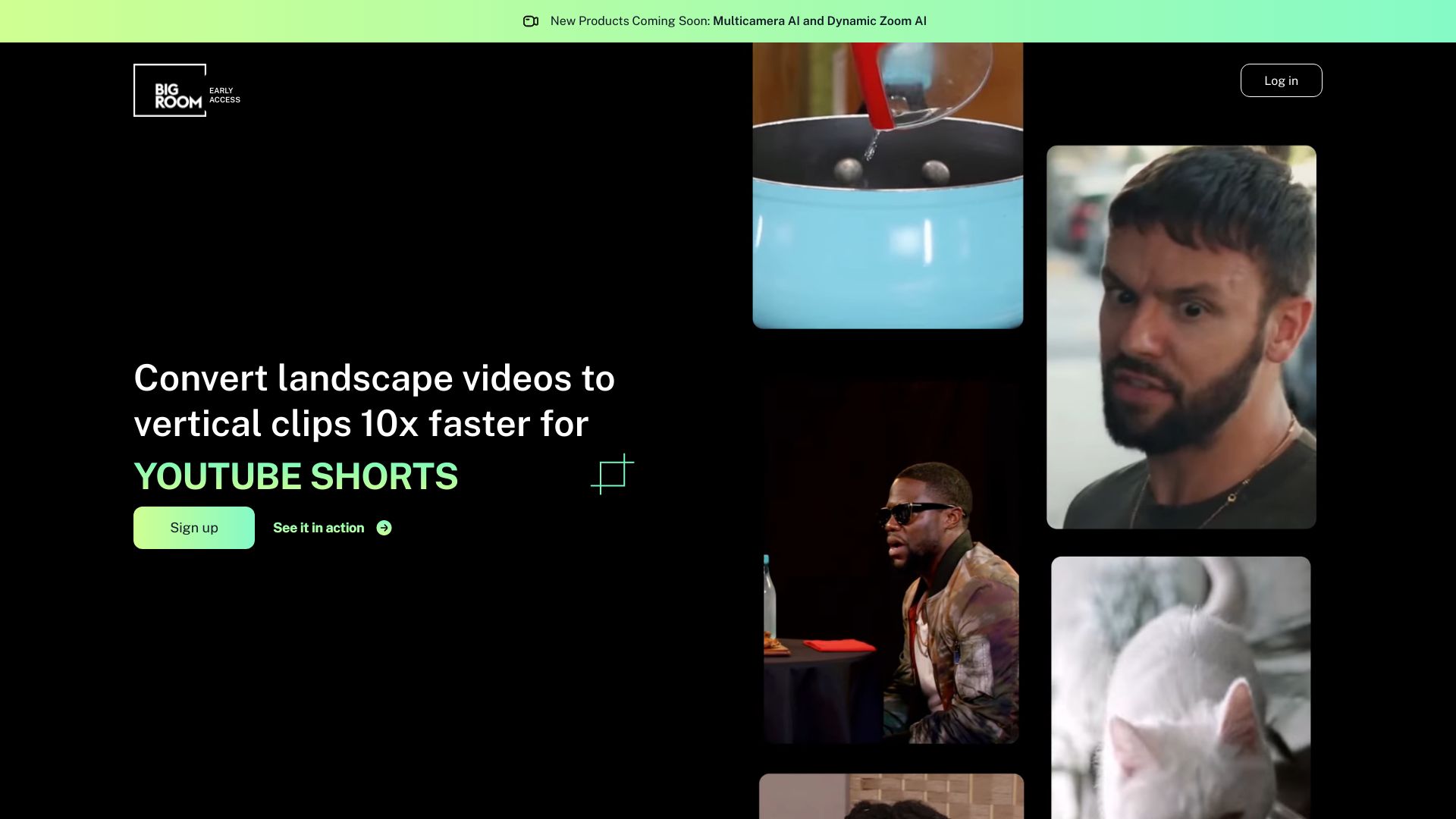
Big Room AI is a web browser tool that uses AI to convert landscape videos into vertical content suitable for platforms like TikTok, Reels, and Shorts. It automatically tracks, frames, detects subjects, and creates cinematic edits in minutes.
Access & connections
Where you can use Big Room.
Platforms
Capabilities
What this tool accepts, produces, and is strongest at.
Highlights
- Automatic landscape to vertical video conversion
- AI-powered tracking and framing
- Subject detection
- Cinematic edits
FAQ 4
What is Big Room AI?
Big Room AI is a web browser tool that uses AI to convert landscape videos into vertical content suitable for platforms like TikTok, Reels, and Shorts. It automatically tracks, frames, detects subjects, and creates cinematic edits in minutes.
How to use Big Room AI?
Upload a landscape video to the Big Room AI web browser tool. The AI will automatically convert it into a vertical format, ready for posting on TikTok, IG Reels, or YouTube Shorts.
What does Big Room AI do?
Big Room AI converts landscape videos into vertical content for platforms like TikTok, Reels, and Shorts using AI-powered tracking, framing, and editing.
What video formats are supported?
Big Room AI supports converting any landscape video into a vertical format.
Related tools
Recommended

Raccoon AI ✓
FreemiumThe AI Coworker for Apps, Research, Docs & Everything Else

AirMusic ✓
Free TrialAI music generator and music video creator in one platform.

PaioClaw ✓
Free TrialMost Secure and Easiest OpenClaw Ever. Live in 60 seconds.

Wondershare Filmora ✓
PaidEdit smarter, faster and easier with Filmora’s powerful AI video tools.
Big Room