

BG Remover ✓
Remove image backgrounds automatically.
Trial; then from $4.9
Verdict
A quick read before you dig into the full page.
- Best if
- Remove image backgrounds automatically
- Skip if
- Limited file format support
- Pick this when
- Free online tool
Considering Remove Background by Picsart instead? Compare side by side
Overview
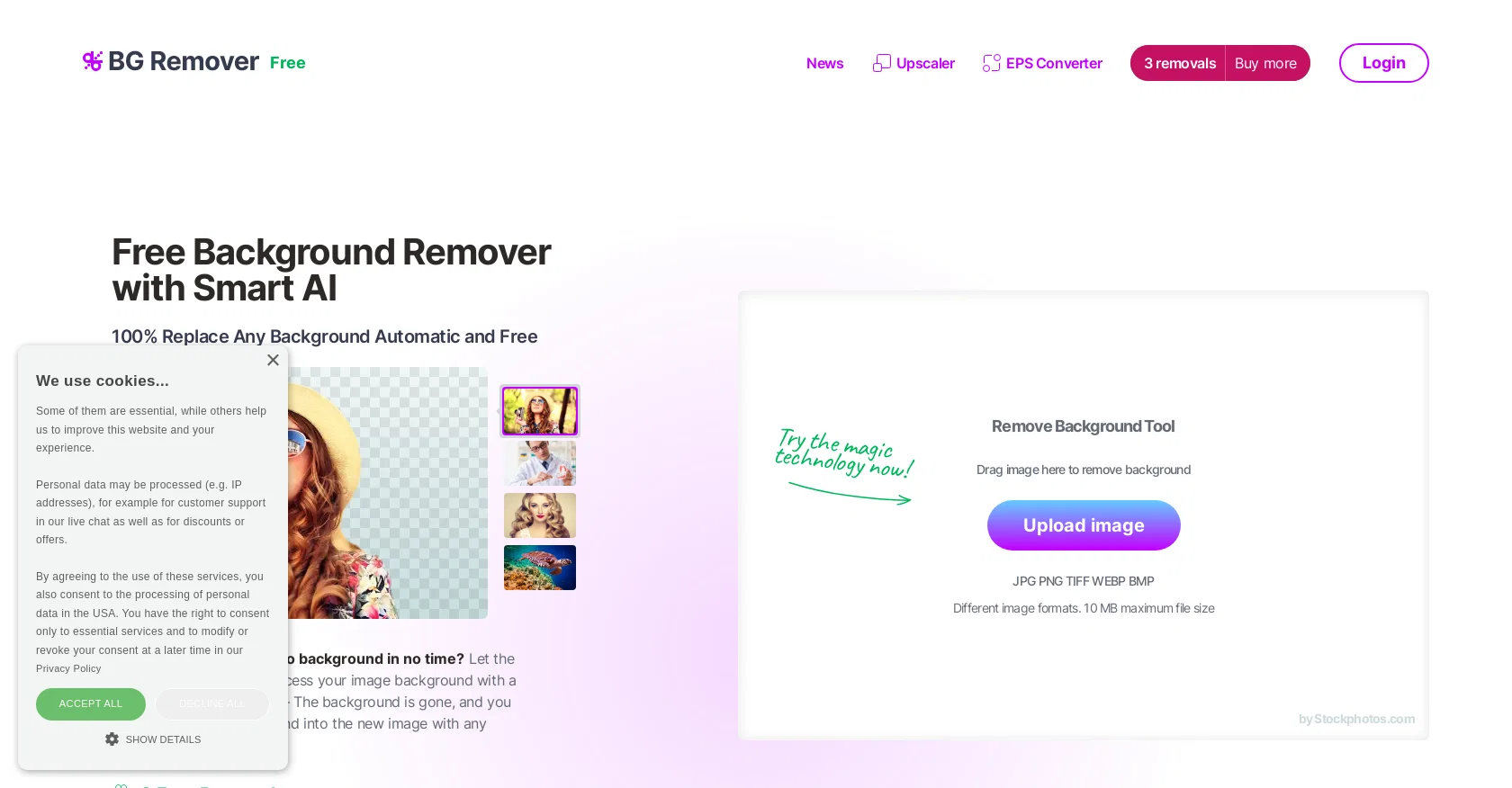
AI Image Background Remover is a free online tool offered by Stockphotos.com that automatically removes the background of images. The tool uses AI to detect objects in images, smoothen edges, and remove backgrounds quickly and easily, without the need for manual image manipulation.
The tool supports various image file formats, including JPG, PNG, TIFF, WEBP, and BMP, with a maximum file size of 10 MB. The Background Remover tool is designed to speed up workflows, improve productivity and enhance creative possibilities, with the ability to create instant banners and bold graphics.
The resulting image file is in PNG format, making it easy to add new backgrounds to the image or to make it transparent.The tool can also be integrated with other apps, plugins, design software, mobile apps, and eCommerce tools via an easy-to-use API for faster workflow.
The API process enables users to replace the background with just a few lines of code. Additionally, the Background Remover tool offers 3 free removals, as well as 10 free upscales for Upscaler.
No manual work is required to get 100% replacement of any background, making it a time-saving and efficient tool for graphic designers, web developers, marketers, and others who work with images.
Access & connections
Where you can use BG Remover, and what it plugs into.
Platforms
Integrations
Capabilities
What this tool accepts, produces, and is strongest at.
Supported features
- Background Removal
Pros & cons
Pros
- Free online tool
- Supports multiple image formats
- Maximum file size 10MB
- Smoothen edges
- Improves productivity
- Enhances creative possibilities
- Creates instant banners
- Generates PNG output
Show 30 more
- Easy-to-use API
- Integration with various apps
- Integration with plugins
- Integration with design software
- Integration with mobile apps
- Integration with eCommerce tools
- Faster workflow
- 3 free removals
- 10 free upscales
- No manual work required
- Ideal for graphic designers
- Ideal for web developers
- Ideal for marketers
- Precise object detection
- Instantaneous results
- Supports batch image processing
- No pixelation
- New background addition
- Offers transparent backgrounds
- Automatic and free
- Supports JPG, PNG, TIFF, WEBP, BMP
- Handle multiple images
- Great for product photography
- Efficient TT for eCom products
- Best for individual graphic designers
- Logo and graphic isolation
- Provides API key
- Documents for API integration
- Offers image upscaling
- Offers EPS to bitmap conversions
Cons
- Limited to 10MB size
- PNG only output format
- Limited free removals
- No batch processing
- Limited file format support
- No manual edit option
- Requires API for integration
- No local application
Show 2 more
- No versions' history
- Offers only 3 free removals
Compare alternatives
Similar tools in the catalog — with a clear reason to open each one.

Remove Background by Picsart ✓
FreemiumInstantly remove backgrounds for clean, transparent images—perfect for products, designs, and creative
Why look Offers a public API
Full comparison
Merchant Floor | Background Remover ✓
FreemiumRemove the background & retouch your product photos
Free + from $20
Full comparison
remove.bg ✓
FreemiumRemove image backgrounds in 5 seconds with one click
Why look Offers a public API
Full comparison
AI Background Remover - Picsman ✓
Free TrialInstantly remove image backgrounds with AI
Why look Stronger for image work
Full comparison
Removal.AI
FreemiumAI tool for instant automated image background removal and editing.
Why look Typically cheaper
Full comparisonReleases 1
FAQ 12
What is AI Image Background Remover?
How does AI Image Background Remover work?
What formats does AI Image Background Remover support?
What is the maximum image size I can upload in AI Image Background Remover?
Does AI Image Background Remover support API integration?
What benefits does API integration offer in AI Image Background Remover?
Can AI Image Background Remover be integrated with mobile apps?
What happens after my image is processed by AI Image Background Remover?
What type of images are suitable for AI Image Background Remover?
How does AI Image Background Remover enhance productivity?
Is there a limit to how many backgrounds can be removed for free in AI Image Background Remover?
How can I purchase more removals in AI Image Background Remover if needed?
Related tools
Recommended

Erase.bg ✓
FreemiumRemove background from images for free

Pixian.AI ✓
FreemiumRemove image backgrounds instantly, no signup required.

Photo AI ✓
PaidCreate beautiful AI photos and videos of real people

Stratup.ai ✓
FreemiumInnovative idea generation for businesses.

D-ID ✓
FreemiumCreate AI-generated videos with ease

Unlimitedbg ✓
FreeAutomatically remove photo backgrounds, unlimited and offline.