

BG Generator ✓
Erase unwanted objects from photos with AI.
Verdict
A quick read before you dig into the full page.
- Best if
- Erase unwanted objects from photos with AI
- Skip if
- Limited editing options
- Pick this when
- Windows based software
Considering Pixelfox Objects Remover instead? Compare side by side
Overview
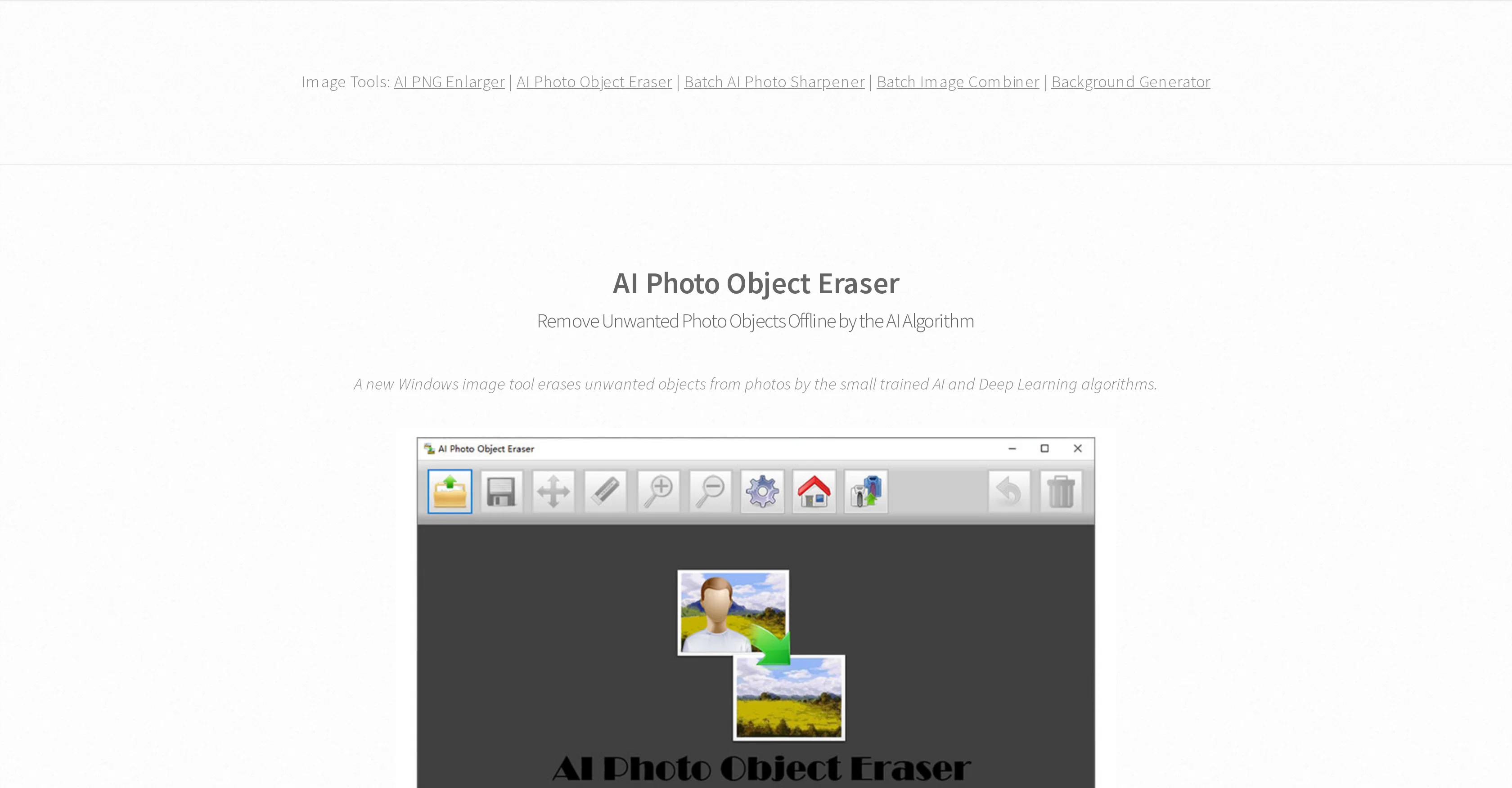
AI Photo Object Eraser is a Windows based software tool that uses artificial intelligence to effectively remove unwanted objects from photographs. It employs a small AI algorithm, trained using deep learning methods, to facilitate this offline image-editing task.
With its support for both JPG and transparent PNG formats, users have the flexibility to manipulate images in either format without impacting the image quality.
Noteworthy is the tool's feature safeguarding user's photo privacy, as the operations are locally performed, eliminating the need for internet access or uploading images.
Regardless of having a small file size and consuming minimal system resources, its AI model runs efficiently, even on low-specification computers. The tool also offers portability, thanks to an available ZIP version.
Moreover, it accommodates user-error with 'Undo' and 'Reset' options. While erasing objects, the software recommends erasing smaller objects first, and adjusting the zoom for precision.
Speaking to its user-friendly nature, it provides tips for more professional results, such as tackling smaller objects before larger ones and adjusting zoom levels for accuracy.
Access & connections
Where you can use BG Generator, and what it plugs into.
Platforms
Integrations
Capabilities
What this tool accepts, produces, and is strongest at.
Input
- Image
Output
- Image
Pros & cons
Pros
- Windows based software
- Supports JPG, PNG formats
- Preserves original image quality
- Offline use capability
- Privacy protection feature
- Minimal system resources consumption
- Runs smoothly on low-specification computers
- Lightweight file size
Show 11 more
- Portable ZIP version available
- Error correction with 'Undo', 'Reset'
- Provides erasing and precision tips
- Multiple languages supported
- Transparency preservation in PNGs
- Local operation, no internet required
- User-friendly nature
- Fast operation speed
- Free license
- .Net Framework 4.7.1 compatibility
- Multilingual support
Cons
- Windows only
- No Mac or Linux support
- Doesn't support formats beside JPG and PNG
- No internet-based functionality
- No continuous updates
- No multi-language user interface
- Limited editing options
- No online community for troubleshooting
Show 1 more
- Lacks advanced features
Compare alternatives
Similar tools in the catalog — with a clear reason to open each one.

Pixelfox Objects Remover ✓
Free TrialErase unwanted objects from photos with AI.
Free + from $4.99/mo
Full comparison
SnapEdit ✓
FreemiumAI-powered photo editing made easy.
Why look Stronger for image work
Full comparison
Object removing by HitPaw ✓
FreemiumEffortlessly remove objects from photos online.
Free + from $9.99/mo
Full comparison
AniEraser ✓
Free TrialErase watermarks and objects from photos and videos with AI
Free + from $6.99/mo
Full comparison
HAMA AI Object Remover, Image Eraser ✓
FreeErase unwanted elements from photos in seconds.
Free
Full comparison
Stillgram ✓
FreemiumMagically remove crowds from travel photos with AI
Free + from $2.99/mo
Full comparison