

Bezi AI ✓
Craft compelling 3D apps and games faster.
Free + from $80/mo
Verdict
A quick read before you dig into the full page.
- Best if
- Craft compelling 3D apps and games faster
- Skip if
- Potential learning curve
- Pick this when
- Simplifies design process
Considering BowerBot instead? Compare side by side
Overview
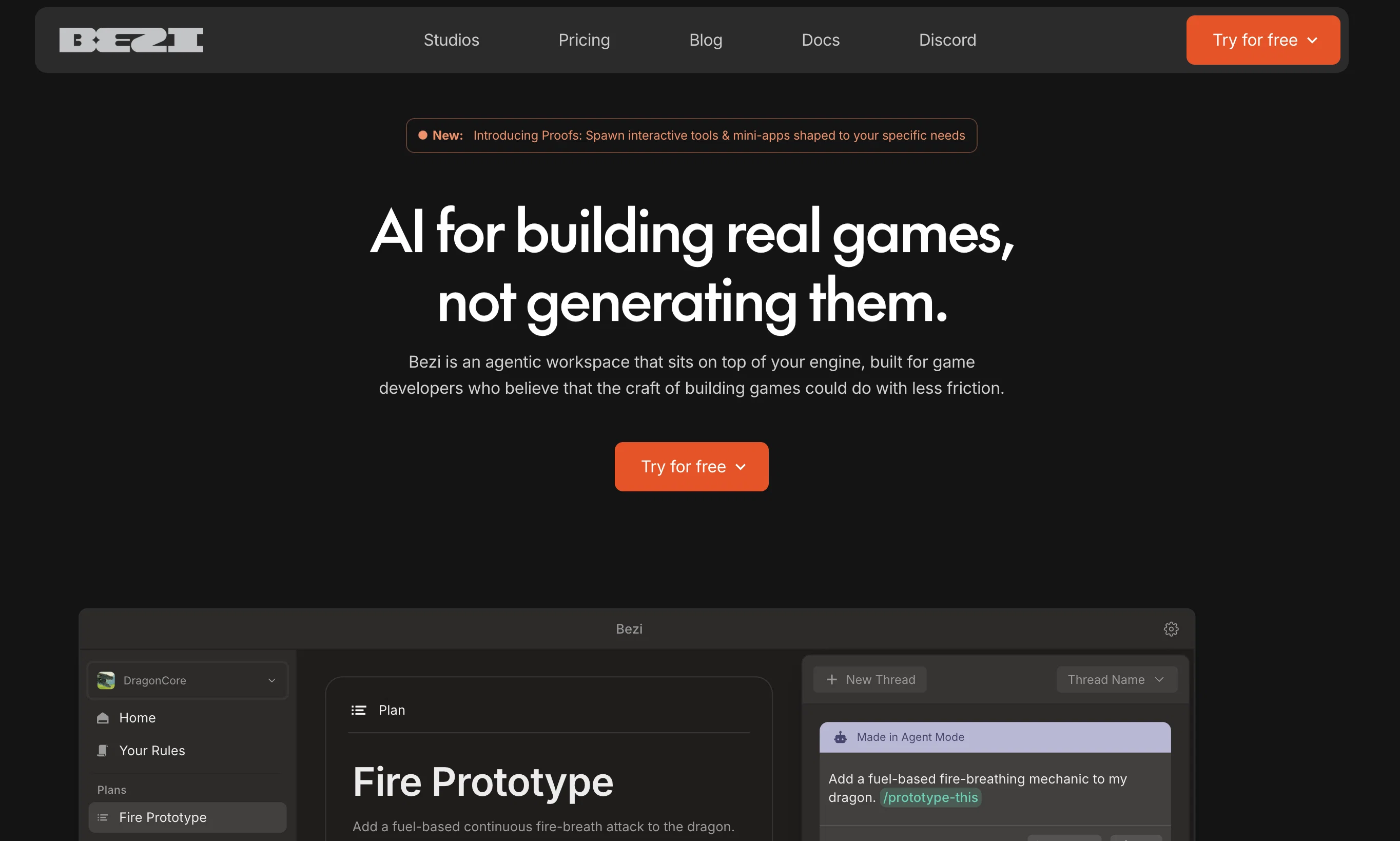
Bezi AI is a tool designed to simplify and accelerate the design process, particularly for 3D apps and games. It streamlines the workflow by allowing users to generate 3D assets on demand, and by facilitating prototyping all within a single platform.
It also enables real-time collaboration, allowing teams to comment on and edit designs simultaneously. The tool is particularly helpful for UI/UX and game designers, providing a more efficient way to create and modify prototypes.
Bezi AI also includes features for spatial design, such as the ability to generate 3D models using text prompts and to replace existing models with AI-generated ones.
Furthermore, the tool aids concept-building via gray boxing, a method that allows users to build out entire scenes in a short time span. The platform supports live collaboration, with features that let team members join projects via a simple link and allows real-time edits that can be seen across different devices, including desktop, mobile AR, and VR headsets.
The Bezi editor includes built-in commenting for efficient feedback and communication among team members.
Access & connections
Where you can use Bezi AI.
Platforms
Capabilities
What this tool accepts, produces, and is strongest at.
Input
- Text
Output
- 3D
Supported features
- 3D Generation
Pros & cons
Pros
- Simplifies design process
- Accelerates design process
- Streamlines 3D workflow
- Generates 3D assets on demand
- Facilitates prototyping in-platform
- Enables real-time collaboration
- Allows simultaneous editing
- Efficient for UI/UX designers
Show 19 more
- Efficient for game designers
- Features for spatial design
- Generates 3D models with text
- Aids in concept-building
- Supports gray boxing method
- Allows whole scene creation quickly
- Supports live collaboration
- Simple link for project joining
- Edits visible across different devices
- Built-in commenting in editor
- Efficient feedback system
- Compatible with desktop, mobile, AR, VR
- Creates 3D assets with text prompts
- Drag and drop assets in editor
- Replace models in context
- Automatic updates of edits on devices
- Pin comments to models
- Feedback within context
- Promotes team brainstorming on 3D canvas
Cons
- No offline mode
- Requires high-speed internet
- No support for 2D designs
- Limited to specific design domains
- Potential learning curve
- Dependence on text prompts for 3D
- No explicit version control
- Possibly high computational requirements
Show 1 more
- Dependency on cross-platform compatibility
Compare alternatives
Similar tools in the catalog — with a clear reason to open each one.




Releases 1
FAQ 12
What is Bezi AI?
How does Bezi AI simplify the design process?
Can Bezi AI generate 3D assets on demand?
Does Bezi AI support real-time collaboration?
In what ways is Bezi AI useful for UI/UX designers?
How does Bezi AI facilitate game design?
What features does Bezi AI offer for spatial design?
Can I generate 3D models using text prompts with Bezi AI?
Is it possible to replace existing models with AI-generated ones using Bezi AI?
How does Bezi AI aid in concept-building via gray boxing?
Can I join a Bezi AI project through a simple link?
Does Bezi AI support real-time edits across different devices?
Related tools
Recommended

Eternity AC ✓
FreemiumCreate and download your digital clone to live forever. Interact with others.

Focal ✓
FreemiumCreate your own TV shows and movies.

3D AI Studio ✓
PaidEasily generate free 3D models with our AI-powered 3D AI Studio.

LTX Studio ✓
FreemiumAI-powered filmmaking platform for creators and studios.

Animation Rigging ✓
FreemiumAnimate any 3D model with AI-powered rigging.

MyArchitectAI ✓
FreemiumCreate photorealistic renders in seconds with AI