Image editing

Banono AI

AI image and video editor powered by Google's Nano Banana model.

Source rating 5.0 (51) 3.7k views 3.7k/mo traffic 0 saves Paid
More categories (15)

From $180.00 / year

Verdict

A quick read before you dig into the full page.

Best if
AI image and video editor powered by Google's Nano Banana model
Skip if
You need a free plan with no credit card
Pick this when
Paid · From $180.00 / year

Overview

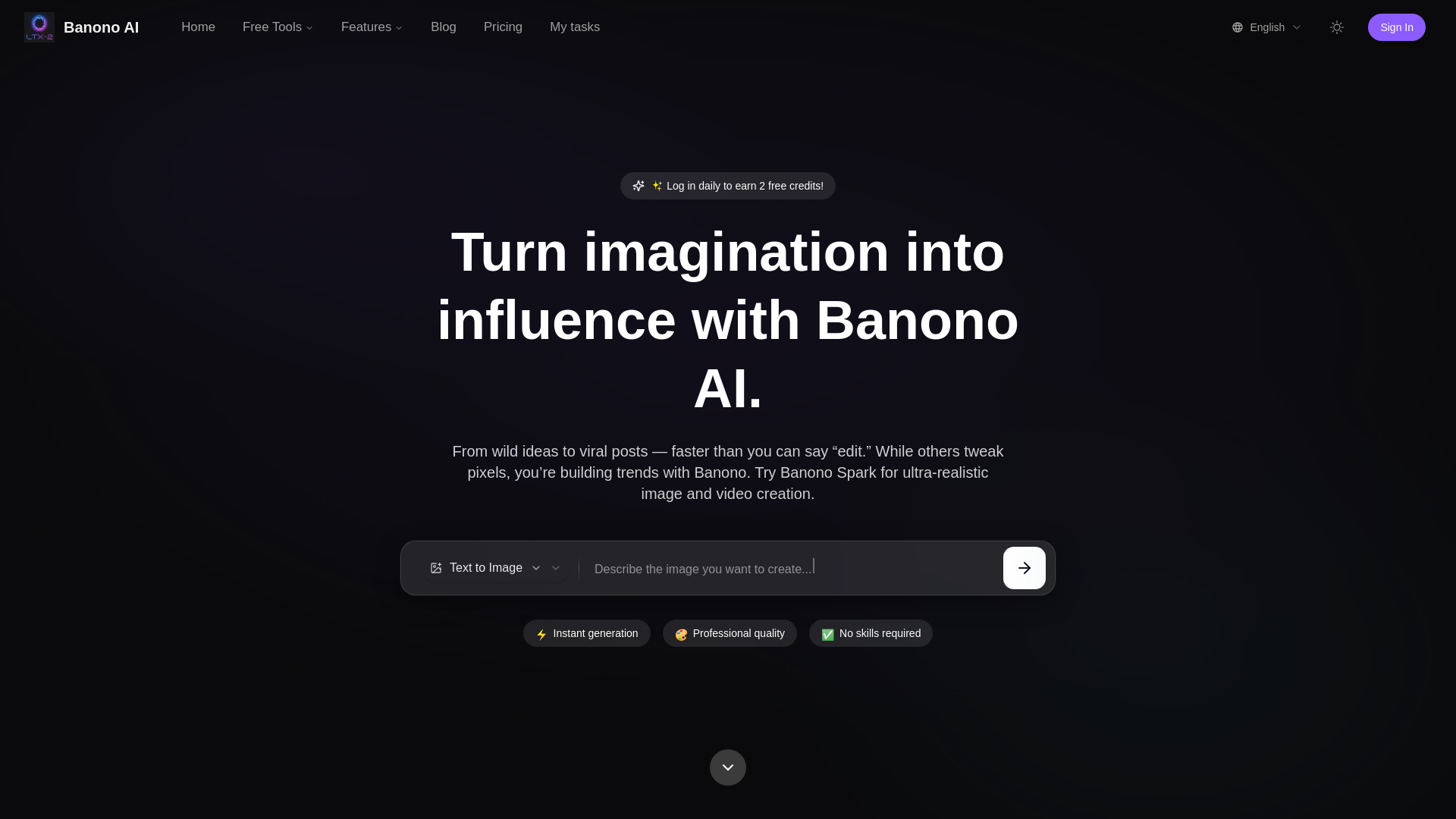
Banono AI is an AI image editor and video generator powered by Google's Nano Banana model. It enables users to create stunning AI-generated images and edit photos, as well as generate videos from text and images. The platform is browser-based, eliminating the need for app downloads or installations. Banono AI offers multi-modal generation, including Text-to-Image, Image-to-Image, Text-to-Video, and Image-to-Video, focusing on cinematic realism and style-adaptive transformation with instant HD output. It aims to empower creators to quickly transform ideas into AI visuals, offering tools for various creative and professional uses.

Banono AI screenshot

Access & connections

Where you can use Banono AI.

Platforms

Web

Capabilities

What this tool accepts, produces, and is strongest at.

Highlights

  • Text to Image generation
  • Text to Video generation
  • Image to Video generation
  • Image to Image transformation
  • Multi-modal AI platform
  • Cinematic Realism
  • Style-Adaptive Transformation
  • Instant HD Output

FAQ 7

What is Banono AI?
Banono AI is an AI image editor and video generator powered by Google's Nano Banana model. It enables users to create stunning AI-generated images and edit photos, as well as generate videos from text and images. The platform is browser-based, eliminating the need for app downloads or installations. Banono AI offers multi-modal generation, including Text-to-Image, Image-to-Image, Text-to-Video, and Image-to-Video, focusing on cinematic realism and style-adaptive transformation with instant HD output. It aims to empower creators to quickly transform ideas into AI visuals, offering tools for various creative and professional uses.
How to use Banono AI?
Using Banono AI involves four simple steps: 1. Upload Your Photo: Choose a clear, face-focused JPG/PNG image (portrait, pet, or character). 2. Enter a Creative Prompt: Describe your desired output using natural language (e.g., 'superhero figurine on a lava base'). 3. Generate with Banono AI: The platform uses a cutting-edge model to generate a 3D-style image, typically within 10–20 seconds. 4. Download or Share: Preview your AI creation, download in HD (no watermark on paid plans), or share directly to social media. No login, Gemini account, or downloads are required to get started.
What is Banono AI?
Banono AI is an independent creative platform that lets users generate images and videos using advanced multi-modal AI models. It combines text, image, and video generation into one simple interface.
What can I create with Banono?
Users can create AI figurines, posters, characters, ultra-realistic images and videos, transform sketches into artworks, generate drone shots, sci-fi city scenes, and more, across various styles like cyberpunk, oil painting, anime, or 3D render.
Do I need to download any software?
No, Banono AI is browser-based. Everything runs directly in your browser; no installs or API keys are needed.
Is it free to try?
Yes, Banono offers a free trial with limited features and credits. Users can also log in daily to earn 2 free credits and get 4 free images.
Can I use Banono outputs commercially?
Yes, Pro and Studio users get full commercial-use rights for campaigns, games, and digital products, with no hidden restrictions.
Banono AI From $180.00 / year


