Code assistant

AutonomyAI

AI agent for faster frontend development, clean code, and increased team productivity.

Source rating 5.0 (57) 12k views 12k/mo traffic 0 saves Unknown
More categories (5)

Verdict

A quick read before you dig into the full page.

Best if
You are frontend Developers and need: Accelerating frontend development
Pick this when
AI agent for faster frontend development, clean code, and increased team productivity

Overview

Autonomy AI speeds up frontend development, writes clean code, and boosts your team’s productivity. It is an AI agent that works within your codebase, integrates with your workflow, and becomes an organic part of your team. It accelerates development, allowing you to focus on more important tasks. Autonomy AI understands your design system and existing codebase, reducing technical debt and creating organization-specific production-grade code. It iterates on its own, incorporates feedback seamlessly, and works fast.

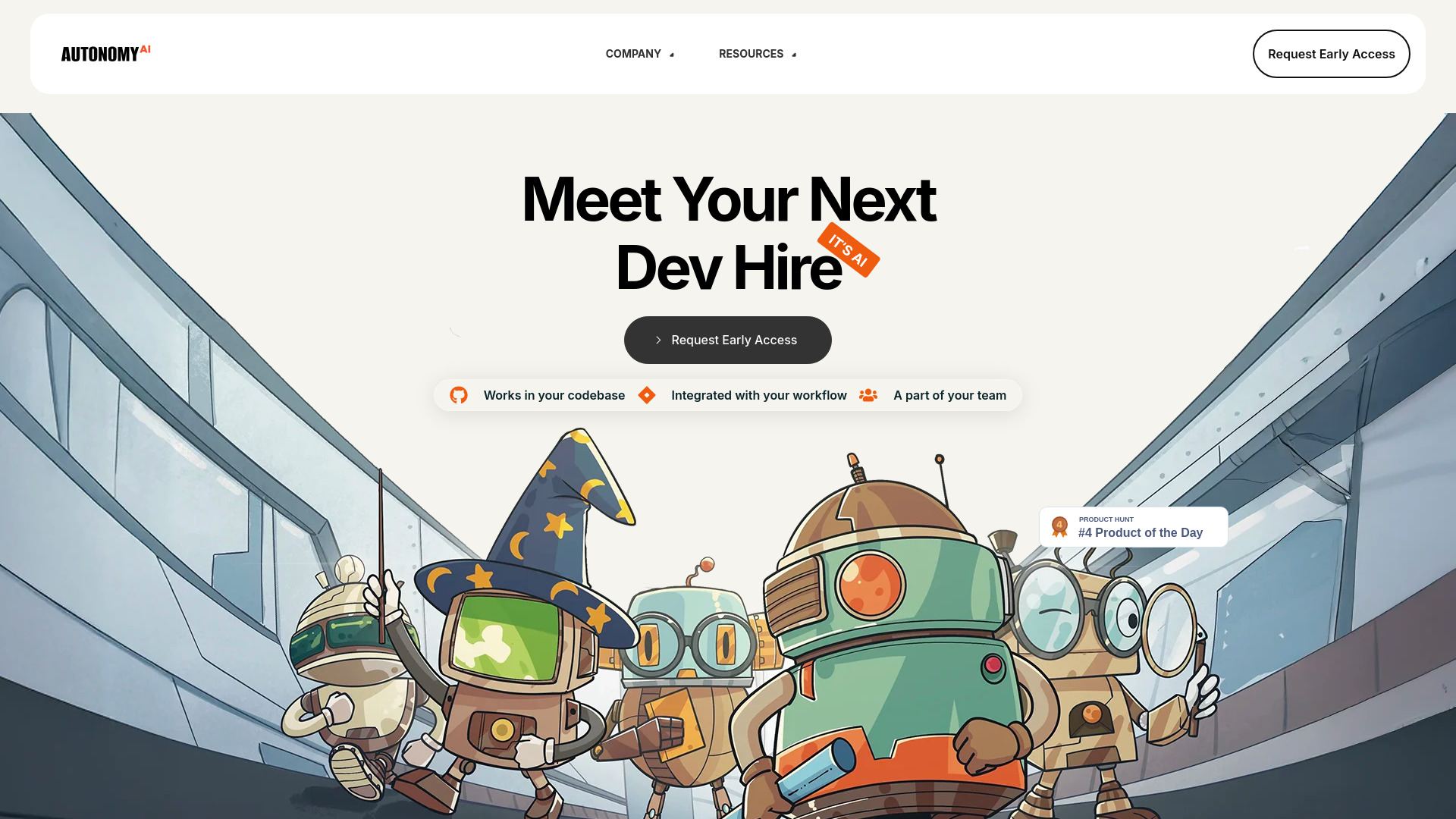
AutonomyAI screenshot

Best for

Short scenarios where AutonomyAI tends to shine.

  • Accelerating frontend development

    Best for Frontend Developers

  • Reducing technical debt

    Best for Software Engineers

  • Improving code quality

    Best for Engineering Managers

  • Increasing team productivity

    Best for CTOs

  • Automating repetitive coding tasks

    Best for Product Managers

Example outputs 1

Sample generations and before/after results for AutonomyAI.

Access & connections

Where you can use AutonomyAI.

Platforms

Web

Capabilities

What this tool accepts, produces, and is strongest at.

Highlights

  • Autonomous Frontend Development
  • Codebase Integration
  • Workflow Integration
  • AI Agent Team Member
  • Agentic Context Engine (ACE)

People also view

Tools that often show up alongside AutonomyAI in collections and comparisons.

FAQ 5

What is Autonomy AI?
Autonomy AI speeds up frontend development, writes clean code, and boosts your team’s productivity. It is an AI agent that works within your codebase, integrates with your workflow, and becomes an organic part of your team. It accelerates development, allowing you to focus on more important tasks. Autonomy AI understands your design system and existing codebase, reducing technical debt and creating organization-specific production-grade code. It iterates on its own, incorporates feedback seamlessly, and works fast.
How to use Autonomy AI?
Autonomy AI integrates directly into your existing codebase and workflow. It automatically reuses and adds to your design system, understands your libraries and configurations, and incorporates feedback to generate production-grade code.
How does Autonomy AI work?
Autonomy AI is powered by an Agentic Context Engine (ACE) that understands your codebase, analyzes Figma designs, and keeps track of knowledge as it works. It operates within your codebase, integrates into your workflow, and becomes an organic part of your team.
What is the code acceptance rate of Autonomy AI?
Autonomy AI boasts a 90% code acceptance rate, which is 3x better than the current industry benchmark for AI tools.
How does Autonomy AI integrate into my existing workflow?
Autonomy AI works inside your workflow with a deep understanding of your libraries, configurations, and company standards to create organization-specific production-grade code, optimizing every stage of development.
AutonomyAI

