
AutoMCP: Convert Agents to MCP Servers
Converts and deploys agents as MCP servers for use with MCP clients.
Source rating 5.0
(53)
0 views
0 saves
Unknown
Verdict
A quick read before you dig into the full page.
- Best if
- Converts and deploys agents as MCP servers for use with MCP clients
- Pick this when
- Converts and deploys agents as MCP servers for use with MCP clients
Overview
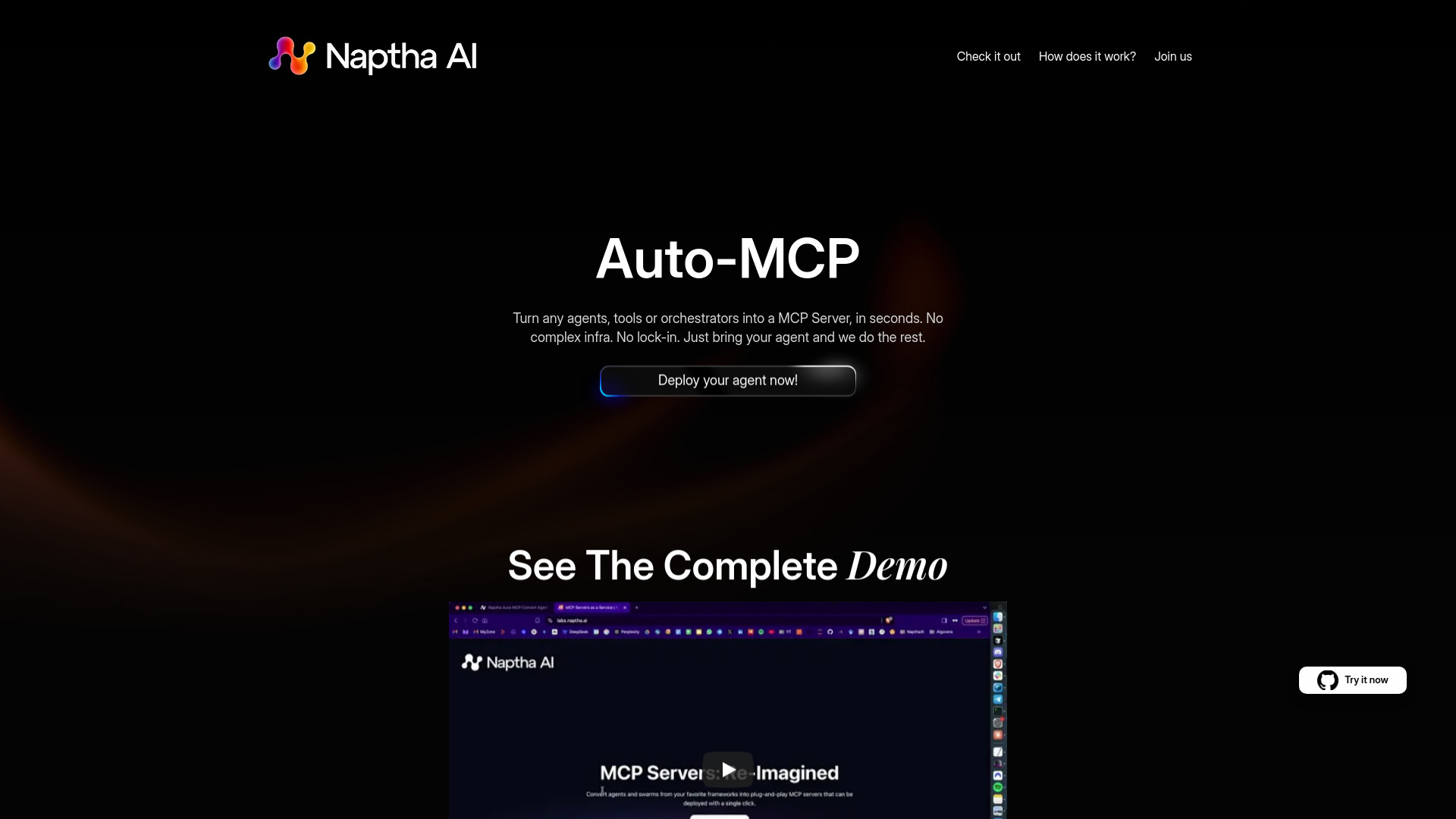
Naptha AI provides a library and platform to easily convert and deploy existing agent and multi-agent projects as MCP servers for use with MCP clients like Cursor and Claude Desktop. It allows users to turn any agents, tools, or orchestrators into an MCP Server in seconds, without complex infrastructure or lock-in.
Access & connections
Where you can use AutoMCP: Convert Agents to MCP Servers, and what it plugs into.
Platforms
Integrations
Capabilities
What this tool accepts, produces, and is strongest at.
Highlights
- Auto MCP Conversion
- Agent MCP Servers
- Instant Deployment
- A2A Support (coming soon)
FAQ 5
What is Naptha AI?
Naptha AI provides a library and platform to easily convert and deploy existing agent and multi-agent projects as MCP servers for use with MCP clients like Cursor and Claude Desktop. It allows users to turn any agents, tools, or orchestrators into an MCP Server in seconds, without complex infrastructure or lock-in.
How to use Naptha AI?
Convert your agent by adding a dependency, running a CLI command, and making a few changes. Deploy by entering your Github repo link. Then, plug it into tools like Cursor or Claude Desktop.
What is Auto-MCP?
Auto-MCP allows you to turn any agents, tools, or orchestrators into an MCP Server in seconds, without complex infrastructure or lock-in.
How do I deploy my agent?
Enter your Github repo link and deploy instantly. It's like Vercel for MCP servers.
Where can I use my converted agent?
You can use it in your favorite tools such as Cursor or Claude Desktop.
Related tools
Recommended



AutoMCP: Convert Agents to MCP Servers