Automation

Auron

AI desktop companion for task management, automation, and natural communication.

Source rating 5.0 (79) 0 views 0 saves Unknown
More categories (9)

Verdict

A quick read before you dig into the full page.

Best if
AI desktop companion for task management, automation, and natural communication
Pick this when
AI desktop companion for task management, automation, and natural communication

Overview

Auron AI is an AI desktop companion that transforms your computer into a smart assistant. It helps users manage tasks, automate actions, and communicate naturally using natural language. Auron AI listens, understands context, and responds with precision. It provides smart reminders and real-time updates from integrated apps, offers a personalized experience (allowing users to give it a name, voice, and personality), and is extensible with a marketplace of plugins for automation tools and specialized AI personalities. Additionally, Auron AI offers on-screen assistance, helping with tasks like solving errors, explaining data, or taking notes in meetings.

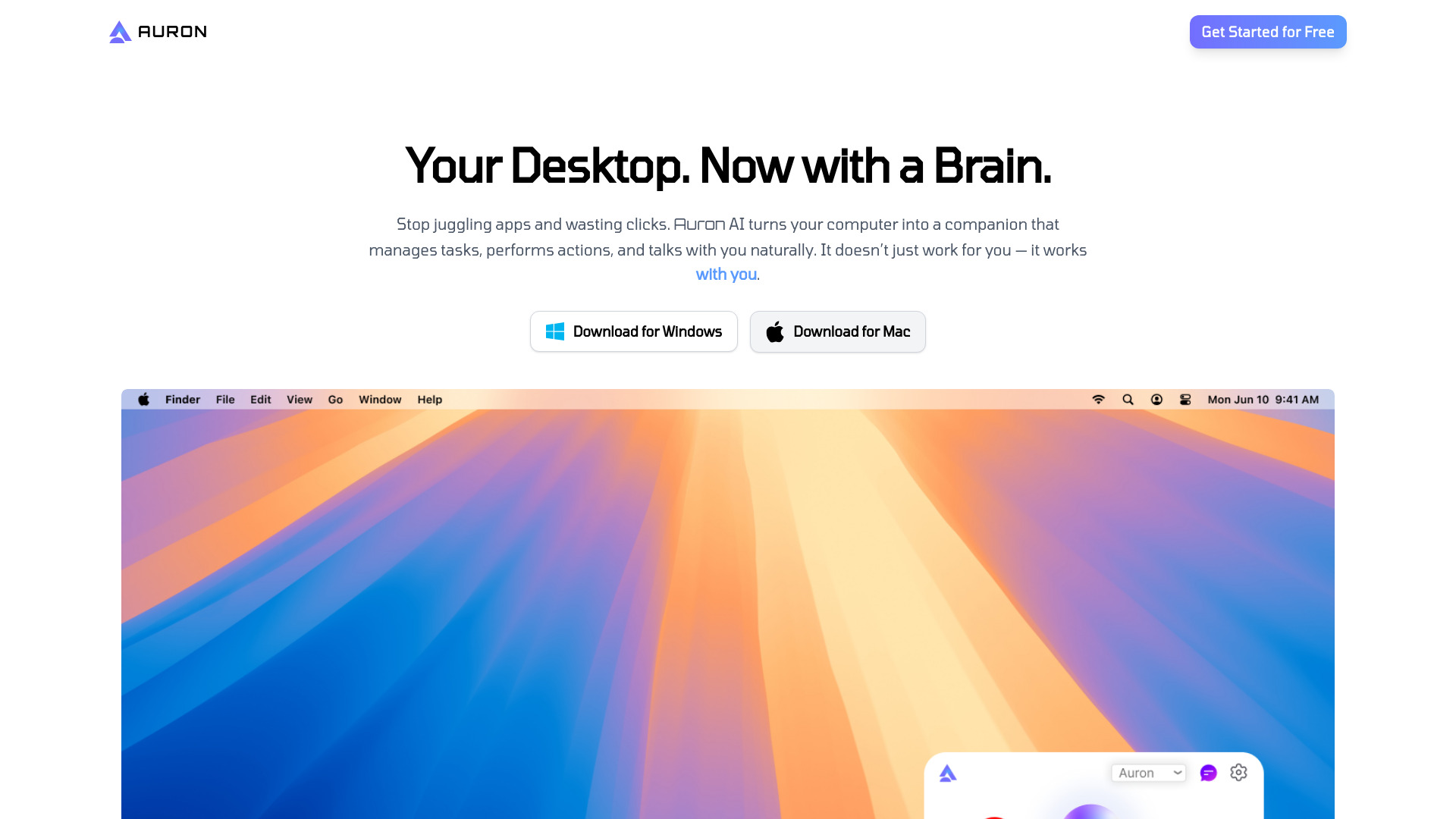
Auron screenshot

Access & connections

Where you can use Auron.

Platforms

Web

Capabilities

What this tool accepts, produces, and is strongest at.

Highlights

  • Natural Language Communication
  • Smart Reminders & Updates
  • Personalized Experience
  • Extensible with Plugins
  • On-Screen Assistance

FAQ 9

What is Auron AI?
Auron AI is an AI desktop companion that transforms your computer into a smart assistant. It helps users manage tasks, automate actions, and communicate naturally using natural language. Auron AI listens, understands context, and responds with precision. It provides smart reminders and real-time updates from integrated apps, offers a personalized experience (allowing users to give it a name, voice, and personality), and is extensible with a marketplace of plugins for automation tools and specialized AI personalities. Additionally, Auron AI offers on-screen assistance, helping with tasks like solving errors, explaining data, or taking notes in meetings.
How to use Auron AI?
Users can interact with Auron AI by communicating in natural language, asking questions, or giving commands. Auron listens, understands context, and responds. It also provides on-screen assistance by observing what the user is working on, offering help in the moment.
How do I ask Auron questions or give commands?
The website states that you can communicate with Auron in natural language to ask questions or give commands, but specific instructions are not provided in the content.
Will Auron remember what I tell it?
The website lists this as a frequently asked question, but the answer is not provided in the content.
How much can I personalize Auron?
The website states that you can give Auron a name, a voice, and even a personality, but further details on the extent of personalization are not provided in the content.
Does Auron AI store my personal data?
The website lists this as a frequently asked question, but the answer is not provided in the content.
Is Auron free to use?
The website promotes 'Get Started for Free' and 'Sign up for early access today', suggesting a free entry point, but specific details on free usage limits or pricing after early access are not provided.
What apps can be integrated with Auron?
The website mentions 'real-time updates from your favorite apps' and 'Extensible with Plugins', but specific app integrations are not listed in the content.
How can Auron help me in daily life?
Auron can help by managing tasks, automating actions, providing smart reminders and updates, offering personalized assistance, and giving on-screen help for various computer-related activities.

