
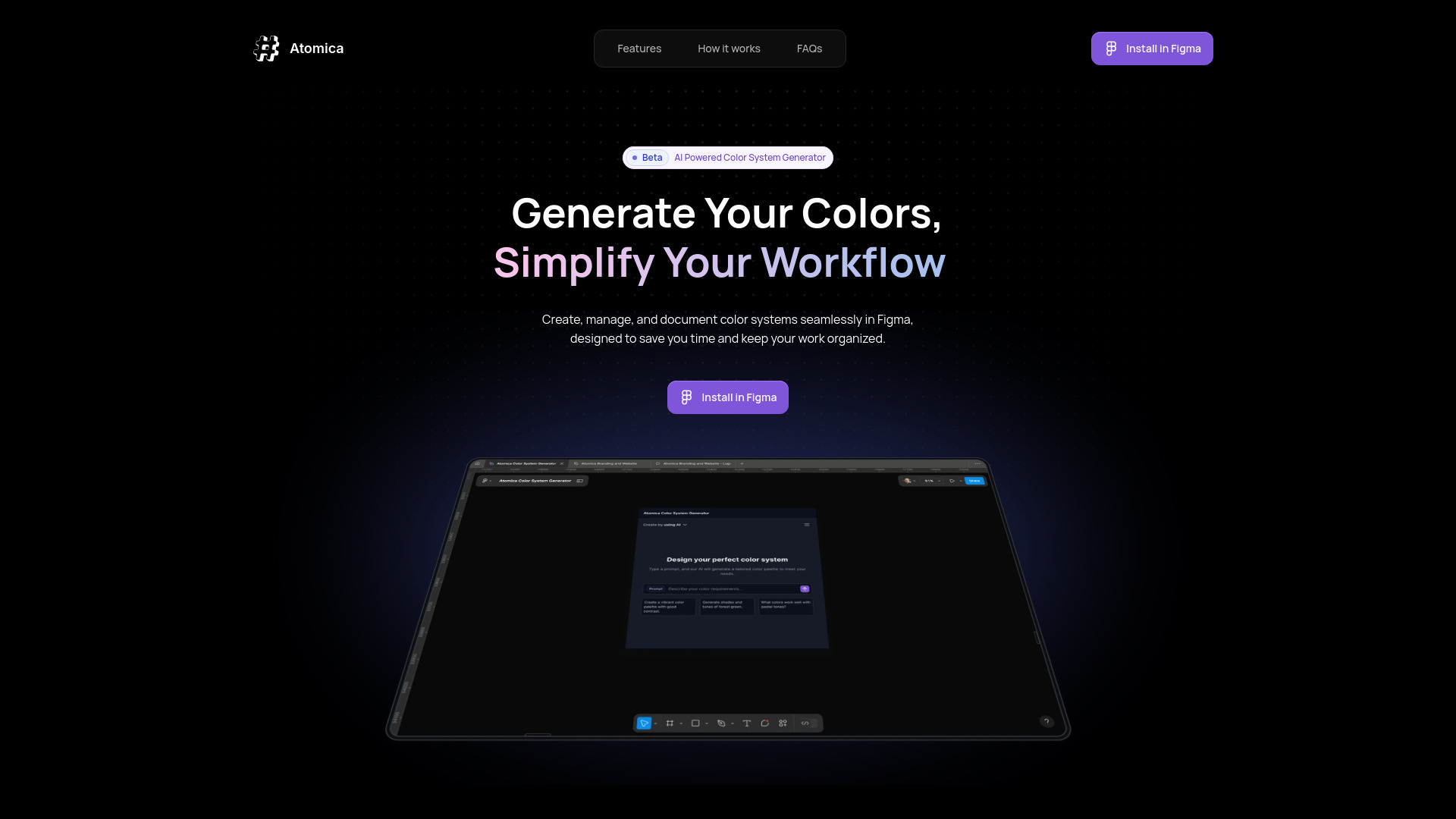
Atomica: Simplify Color Workflow
AI-powered Figma plugin for creating and managing color systems.
Source rating 5.0
(84)
0 views
0 saves
Unknown
Verdict
A quick read before you dig into the full page.
- Best if
- AI-powered Figma plugin for creating and managing color systems
- Pick this when
- AI-powered Figma plugin for creating and managing color systems
Overview
Atomica is an AI-powered Figma plugin designed to help users create, manage, and document color systems efficiently. It offers features like AI-generated palettes, unlimited color creation, collection management, and export options, simplifying color handling across multiple projects. Atomica aims to revolutionize how teams handle color systems, bridging the gap between design and development.
Access & connections
Where you can use Atomica: Simplify Color Workflow, and what it plugs into.
Platforms
Integrations
Capabilities
What this tool accepts, produces, and is strongest at.
Highlights
- AI-Powered Palette Creation
- Unlimited Generated Colors
- Collection Management
- Design-Ready Exports
- Color Previews at a Glance
FAQ 7
What is Atomica?
Atomica is an AI-powered Figma plugin designed to help users create, manage, and document color systems efficiently. It offers features like AI-generated palettes, unlimited color creation, collection management, and export options, simplifying color handling across multiple projects. Atomica aims to revolutionize how teams handle color systems, bridging the gap between design and development.
How to use Atomica?
Install the Atomica plugin in Figma. Start with AI to generate a color palette or build your own custom palette. Organize colors into collections with custom names and ranges. Export styles, variables, and JSON files for seamless handoff to design and development teams.
What is Atomica?
Atomica is an AI-powered Figma plugin that empowers users to create, manage, and document color systems efficiently across multiple projects.
What features are available in the beta version?
The beta version includes AI-powered palette creation, unlimited generated colors, collection management, design-ready exports, and color previews at a glance.
Is Atomica free?
The text mentions 'Get Atomica Beta for Free', implying a free beta version is available.
What happens after the beta phase?
The provided text does not specify what happens after the beta phase.
How can I provide feedback?
Contact [email protected]
Related tools
Recommended



Atomica: Simplify Color Workflow