Marketing

Arcade

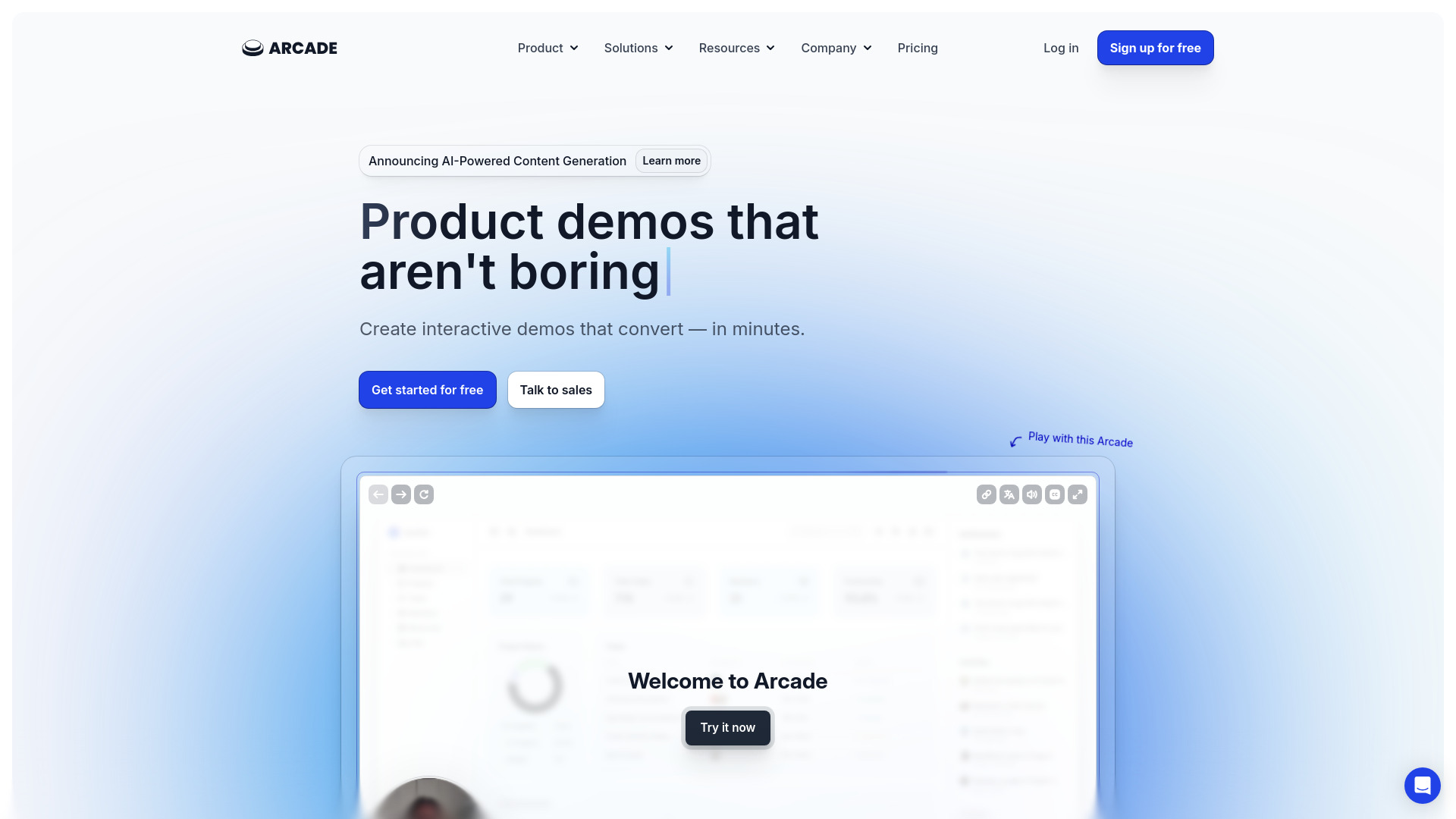
Arcade is a platform for creating interactive product demos for various teams and purposes.

Source rating 5.0 (84) 326k views 326k/mo traffic 0 saves Freemium
More categories (8)

Free + from $38 / month

Verdict

A quick read before you dig into the full page.

Best if
You are marketing teams and need: Marketing: Drive leads and boost product adoption with interactive demos
Skip if
You need enterprise SLAs or a fully managed team plan right away
Pick this when
Freemium · Free + from $38 / month

Overview

Arcade is an interactive demo platform that allows teams to create effortlessly beautiful demos in minutes. It provides tools for marketing, product, sales, customer success, enablement, and training teams to build compelling, on-brand demos to drive leads, boost product adoption, accelerate sales cycles, educate customers, and improve training content. Arcade integrates with other tools and offers features like browser extension capture, desktop app capture, Figma plugin, chapters, call-to-action buttons, export to GIF/Video, white-labeled Arcades, forms, product analytics, integrations, branching, custom links, camera recording, custom variables, synthetic voiceover, hotspots, and callouts.

Arcade screenshot

Best for

Short scenarios where Arcade tends to shine.

  • Marketing: Drive leads and boost product adoption with interactive demos.

    Best for Marketing teams

  • Product: Gather feedback and iterate on concepts with fast-paced demos.

    Best for Product teams

  • Sales: Win buyers early and accelerate sales cycles with engaging, personalized demos.

    Best for Sales teams

  • Customer Success: Educate customers and increase product adoption with informative content.

    Best for Customer success teams

  • Enablement & Training: Save time and resources on content creation with easily created demos.

    Best for Enablement teams

How it works

Users can record demos using Arcade's Chrome extension, desktop app, or uploaded media. The steps are automatically stitched together, and users can edit the demo using the builder to add voiceovers, branching, and interactive elements. The demo can then be embedded on a website, shared via custom links, or downloaded as a GIF or video.

Example outputs 1

Sample generations and before/after results for Arcade.

Access & connections

Where you can use Arcade, and what it plugs into.

Integrations

Capabilities

What this tool accepts, produces, and is strongest at.

Highlights

  • Interactive demo creation
  • Screen recording and editing
  • Customization and branding
  • Analytics and insights
  • Integration with other tools

People also view

Tools that often show up alongside Arcade in collections and comparisons.

In the news

Launch coverage and community mentions for Arcade.

FAQ 8

What is Arcade?
Arcade is an interactive demo platform that allows teams to create effortlessly beautiful demos in minutes. It provides tools for marketing, product, sales, customer success, enablement, and training teams to build compelling, on-brand demos to drive leads, boost product adoption, accelerate sales cycles, educate customers, and improve training content. Arcade integrates with other tools and offers features like browser extension capture, desktop app capture, Figma plugin, chapters, call-to-action buttons, export to GIF/Video, white-labeled Arcades, forms, product analytics, integrations, branching, custom links, camera recording, custom variables, synthetic voiceover, hotspots, and callouts.
How to use Arcade?
Users can record demos using Arcade's Chrome extension, desktop app, or uploaded media. The steps are automatically stitched together, and users can edit the demo using the builder to add voiceovers, branching, and interactive elements. The demo can then be embedded on a website, shared via custom links, or downloaded as a GIF or video.
Do you have special pricing for startups?
Yes! We're happy to offer discounts on the Growth or Pro plan for companies before their Series A or smaller. Just reach out to us on Intercom and tell us about your company.
Will my billing change when new features are added?
Nope! Your billing stays the same no matter how many awesome features we add.
Do I need a credit card for trials?
No credit card needed! Trial your heart out for free. We want you to have a great, no pressure experience with our product.
Can I unsubscribe anytime?
For sure. Any time you want to unsubscribe, you can select the Free plan from the billing page. You'll maintain access to features until your next billing period. (For example, if you subscribe on the 10th and unsubscribe on the 11th, you'll have access to all features of your plan until the 10th of the next month.) When your plan moves to Free, you'll loose access to premium features, Insights, and being able to edit more than three Arcades.
Am I charged per user on Growth?
Yup! When you add a user, a charge will be added to your account for the prorated time of that user for the month. (For example, one Growth user is $50/month. If you add a second user halfway through the month, you'll only be billed $25 for that user in this billing cycle, and $50 in the next billing cycle.) If you remove a user, you'll be credited for the unused time on the account for that month.
Can you send me my invoices?
You can access all your invoices from the billing page in app.
Arcade Free + from $38 / month

