

Alayna AI ✓
AI teaching assistant for K-12 educators
Free + from $9/mo
Verdict
A quick read before you dig into the full page.
- Best if
- AI teaching assistant for K-12 educators
- Skip if
- May require steep learning curve
- Pick this when
- K-12 level personalization
Considering IRL PLAYground instead? Compare side by side
Overview
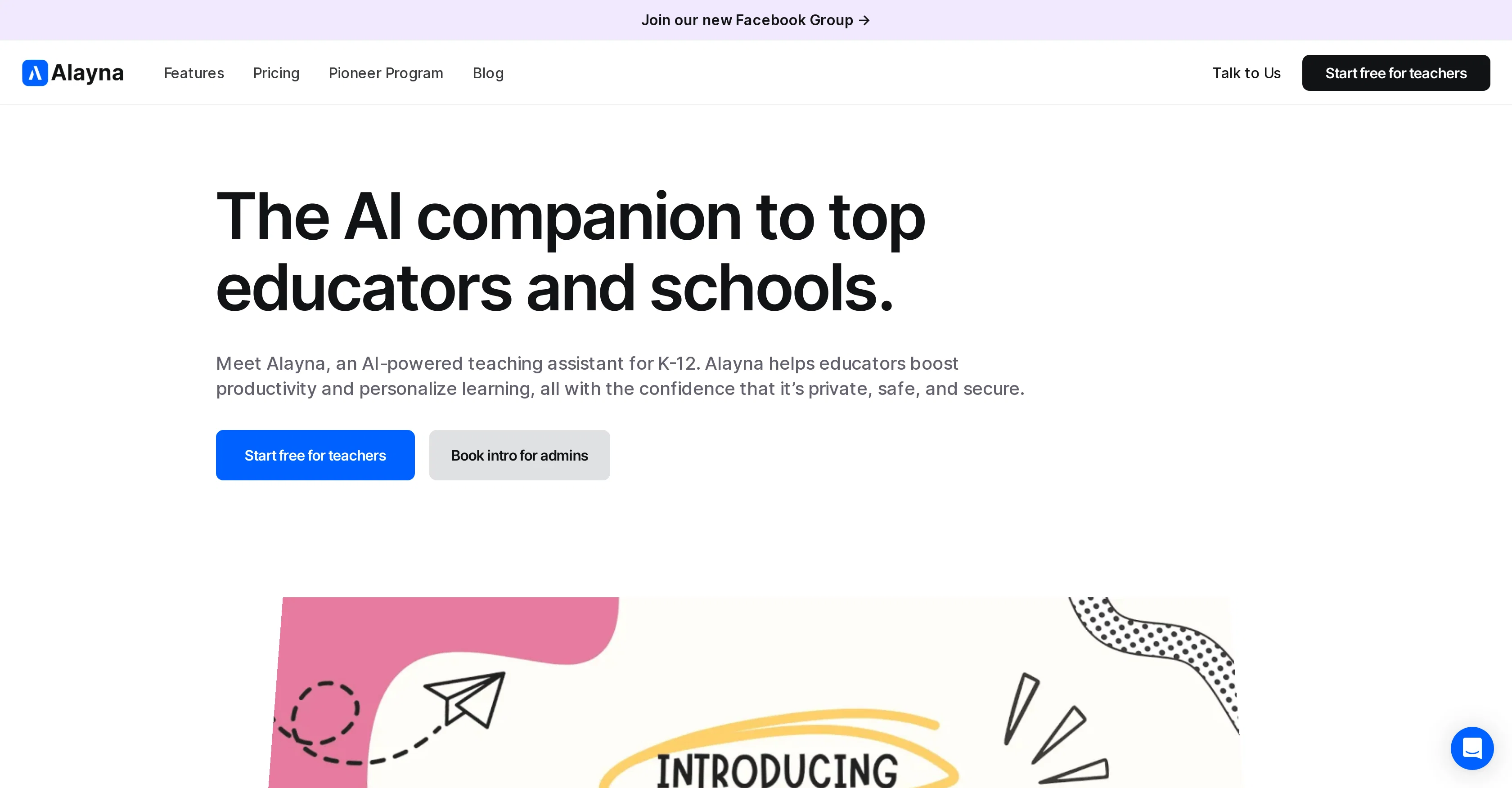
Alayna AI serves as a teaching assistant for K-12 educators and schools to facilitate more efficient educational processes and personalized learning. This tool assists with lesson planning, curriculum mapping, quiz creation and grading, making it a valuable resource for time-saving tasks.
The platform also provides email composition and communication tools for effective outreach. Alayna AI is designed to aid teachers in creating student-centered resources, including flashcards and interactive games, all leveled according to diverse learning needs and styles.
An advanced feature of this tool is its AI-powered art generator, encouraging creative expression and visual learning. Alayna's AI capabilities extend to the creation of comprehensive, standards-aligned courses, lessons, units, and assessments as well.
In streamlining administrative tasks, Alayna aids in automating routine tasks, allowing teachers to focus more on impactful teaching and creative lesson planning.
Other features include personalized learning material creation that caters to individual student needs, efficient rubric generation, and detailed, actionable feedback on student submissions.
Alayna also offers an enhanced support system for schools and districts, including LMS rostering, training workshops, live collaboration, control for admins, on-demand assistance and importantly, data protection.
Alayna AI brings advanced technological capabilities into the classroom and administrative processes, instilling efficiency and creativity into the education system.
Access & connections
Where you can use Alayna AI.
Platforms
Capabilities
What this tool accepts, produces, and is strongest at.
Input
- Tabular
- Image
- Text
Output
- Tabular
- Text
- Image
Pros & cons
Pros
- K-12 level personalization
- Automated lesson planning
- Curriculum mapping
- Auto quiz creation and grading
- Communication tools integration
- Flashcards creation
- Interactive games development
- Standards-aligned course creation
Show 36 more
- Routine tasks automation
- Personalized learning material creation
- Efficient rubric generation
- Detailed feedback on submissions
- Supports LMS rostering
- Offers training workshops
- Facilitates live collaboration
- Admin control features
- On-demand assistance
- Data protection
- Enhanced school district support
- Boosts teacher productivity
- Enhances teaching effectiveness
- Streamlines administrative workflow
- Improves written communication
- Addresses individual student needs
- Personalized guidance for improvement
- Generates differentiated resources
- Offers quick productivity tools
- Supports creative teaching materials
- Simplifies course creation
- Supports Google Drive and OneDrive files
- Designed specifically for teachers
- Saves teaching prep time
- Quality educational resources
- Improved student feedback
- Elevated classroom technology
- Discovery of new teaching strategies
- Visual learning support
- Creative expression enhancement
- Versatile in teaching methodologies
- Inbuilt discussion prompts generator
- Associated with top-tier schools
- Proven and trusted tool
- Adequate resource levelling
- Resource efficiency in education
Cons
- No offline functionality
- Limited to K-12 education
- Dependent on classroom internet
- Limited art generator capabilities
- May require steep learning curve
- Data protection specifics unclear
- Limited Quiz creation options
- No mention of platform compatibility
Show 2 more
- Lacks language translation options
- No student direct interaction
Compare alternatives
Similar tools in the catalog — with a clear reason to open each one.

IRL PLAYground ✓
FreemiumYour Early Learning AI Co-Teacher. Calm, Creative, and (Finally) Useful.
Why look Typically cheaper
Full comparison
Twee ✓
FreemiumAI-powered tools for English teachers
Why look Higher community rating
Full comparison
Learnt ✓
FreemiumAI-powered tools for education professionals.
Free + from $7.65/mo
Full comparison
Teachology ✓
Free TrialAI-powered lesson planning for educators
Why look Typically cheaper
Full comparison
TeacherMatic ✓
FreemiumAI-powered assistant to revolutionize teaching and reduce workload
Free + from $12.72/mo
Full comparison
Fobizz ✓
FreeAI-powered digital tools for schools, made simple and secure.
Why look Fully free option
Full comparisonReleases 1
Imported reviews 1
It seems like you've shifted from discussing an AI tool for teachers to talking about the SYM Sport Bonus SR motorcycle!
The text you've written is a poetic and stylish description of the bike, highlighting its features, performance, and attitude. It's clear you're passionate about the SYM SR and its unique character.
Would you like to talk more about the bike, or go back to discussing the AI tool for teachers? I'm here to listen and help!
Just to confirm, I'll provide a short summary of our conversation so far:
You initially asked about creating an AI tool for teachers in Tunisia.
You then suddenly shifted to describing the SYM Sport Bonus SR motorcycle.
Let me know how I can assist you further!
FAQ 12
What is Alayna AI?
What specific tasks does Alayna AI assist with in K-12 education?
What are the communication tools provided by Alayna AI?
How does Alayna AI aid in lesson planning and curriculum mapping?
What kind of personalized learning resources can Alayna AI create?
Can Alayna AI create quizzes and handle grading?
What is the AI-powered art generator in Alayna AI?
How does Alayna AI streamline administrative tasks?
How does Alayna help teachers create student-centered resources?
Does Alayna AI generate personalized learning materials?
What is the nature of the feedback Alayna AI provides on student submissions?
What support does Alayna AI provide for school and district administrations?
Related tools
Recommended

AI Teaching Assistant Pro ✓
FreeYour personal digital assistant powered by AI.

Almanack ✓
FreemiumAI-powered lesson planning and resource creation for teachers.

LearningStudioAI ✓
Free TrialAI-powered authoring tool for effortless online course creation.

GPTExcel ✓
FreemiumGenerate spreadsheet formulas with AI

Stunning ✓
PaidBuild AI-powered websites in seconds

Mindsmith ✓
FreemiumPlatform for building and sharing eLearning content
