OCR

AIImagetoText

Image to Text: Convert images or handwritten text into editable text online for free.

Source rating 5.0 (70) 1k views 1k/mo traffic 0 saves Unknown

Verdict

A quick read before you dig into the full page.

Best if
Image to Text: Convert images or handwritten text into editable text online for free
Pick this when
Unknown · Free

Overview

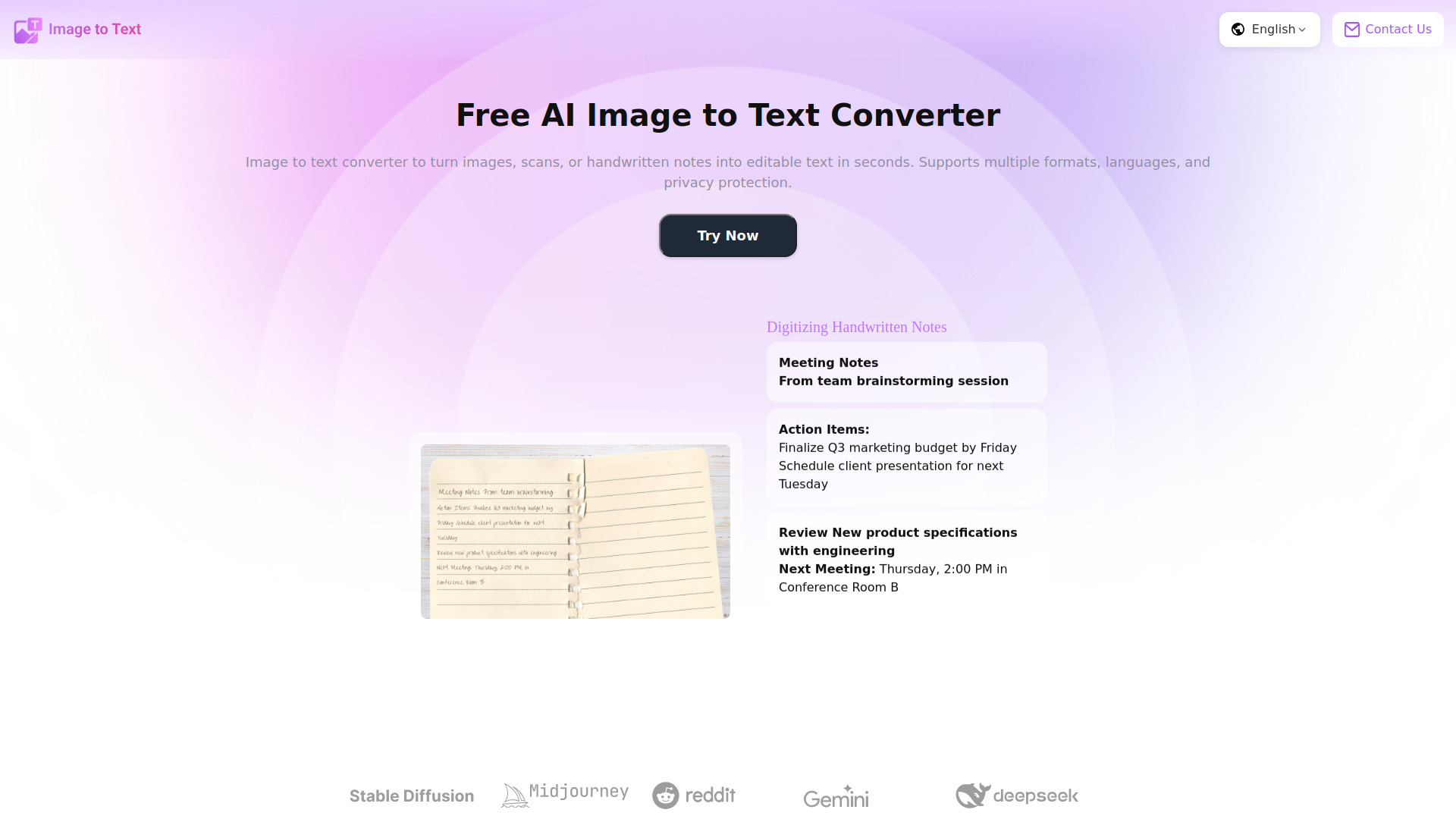
Image to Text is a user-friendly online tool that instantly converts images, screenshots, or handwritten notes into editable digital text. Ideal for students, professionals, and content creators, it supports multiple languages and a variety of image formats, ensuring accurate text extraction every time. Users can quickly digitize printed documents, capture handwritten notes, or extract text from screenshots without manual typing. Free and accessible from any device, this tool streamlines workflows, saves time, and enhances productivity by turning static images into usable text in seconds.

AIImagetoText screenshot

Access & connections

Where you can use AIImagetoText.

Platforms

Web

Capabilities

What this tool accepts, produces, and is strongest at.

Highlights

  • Image to Text: Convert images, screenshots, or handwritten notes into editable digital text quickly.

FAQ 6

What is AIImagetoText?
Image to Text is a user-friendly online tool that instantly converts images, screenshots, or handwritten notes into editable digital text. Ideal for students, professionals, and content creators, it supports multiple languages and a variety of image formats, ensuring accurate text extraction every time. Users can quickly digitize printed documents, capture handwritten notes, or extract text from screenshots without manual typing. Free and accessible from any device, this tool streamlines workflows, saves time, and enhances productivity by turning static images into usable text in seconds.
How to use AIImagetoText?
Upload Images
Click upload or drag your images into the tool interface.
AI Conversion
Click convert, and the image to text tool will automatically recognize the text from your images.
Save & Use
Copy the text from images to your clipboard, or download it as a Word or PDF file.

Which image formats are supported?
You can extract text from images in popular formats like JPG, JPEG, PNG, and TIFF. Our image text extractor works with almost all standard image types.
How can I save the generated text?
After converting your image to text, you can easily copy it to the clipboard or download it as a Word or PDF file. Our image to text converter online makes saving fast and convenient.

Can I upload multiple images at once?
Yes! Our batch processing feature allows you to extract text from multiple images quickly, saving time when handling large numbers of photos.
Is the conversion fast?
Absolutely. Most images are converted to text in just a few seconds. Our image to text tool is designed for speed and efficiency.
AIImagetoText Free
