
aibookmarker
AI-powered bookmark manager with auto-tagging, summaries, and Notion integration.
Source rating 5.0
(80)
530 views
530/mo traffic
0 saves
Freemium
Free + from $1.99 / month
Verdict
A quick read before you dig into the full page.
- Best if
- AI-powered bookmark manager with auto-tagging, summaries, and Notion integration
- Skip if
- You need enterprise SLAs or a fully managed team plan right away
- Pick this when
- Freemium · Free + from $1.99 / month
Overview
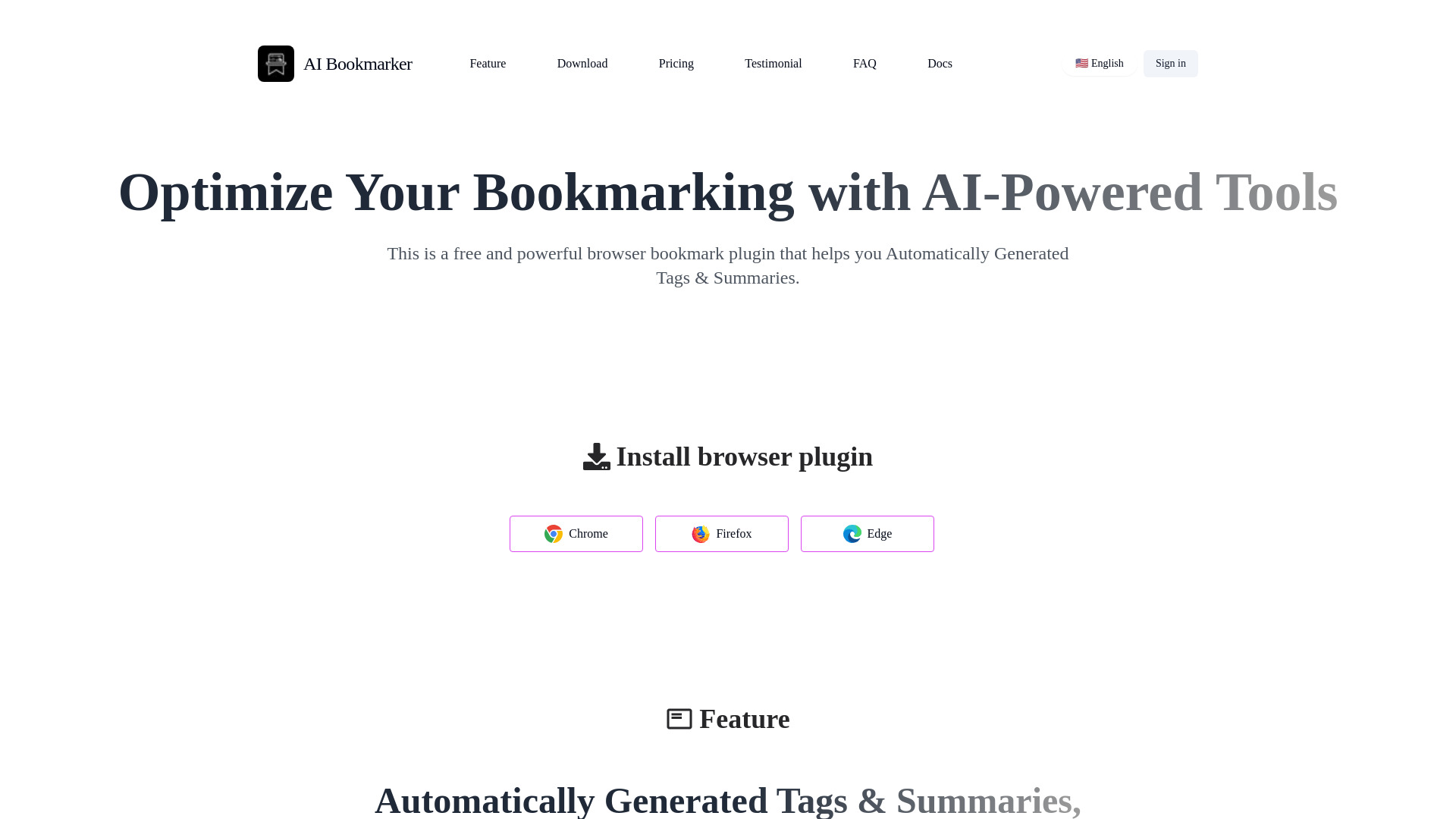
AI Bookmarker is an AI-powered bookmark management tool that automatically generates tags, summaries, and organizes your bookmarks. It offers seamless cloud backups, full-text search, and sync with Notion for a smarter, more efficient way to manage your favorite sites.
Access & connections
Where you can use aibookmarker, and what it plugs into.
Platforms
Integrations
Capabilities
What this tool accepts, produces, and is strongest at.
Highlights
- Automatically generated tags and summaries
- Multi-AI model support (GPT, Claude, Gemini, etc.)
- Cloud backup and full-text search
- Notion integration
FAQ 9
What is AI Bookmarker?
AI Bookmarker is an AI-powered bookmark management tool that automatically generates tags, summaries, and organizes your bookmarks. It offers seamless cloud backups, full-text search, and sync with Notion for a smarter, more efficient way to manage your favorite sites.
How to use AI Bookmarker?
Install the browser plugin (Chrome, Firefox, or Edge), and the AI will automatically generate tags and summaries for your bookmarks. Connect to AI models by entering the API KEY on the plugin's configuration page.
What is AI Bookmark?
AI Bookmark is a browser extension with AI capabilities that automatically tags, categorizes, and generates summary content using AI models.
Where can I use the AI Bookmark extension?
The AI Bookmark extension currently supports Chrome, Firefox, Edge, and other browsers.
Why choose our AI Bookmark extension?
Our AI Bookmark extension is free and powerful, perfect for users who need to improve efficiency. It simplifies the process of creating bookmarks by automatically generating titles, tags, and summary content.
How do I connect to and use AI models?
Open the plugin's configuration page, select different AI models, and simply enter the corresponding AI model API KEY to connect.
How do I obtain an AI model API KEY?
You need to log in to the developer center of the AI model provider and follow the official documentation to obtain it. For example: https://platform.openai.com/docs/quickstart
Is my API KEY safe?
Yes, our plugin will not upload your API KEY to the server. Your API KEY will only be stored in your browser client.
What should I do if I encounter issues using the plugin?
If you encounter any issues while using the plugin, please contact us via email at [email protected].
Related tools
Recommended



aibookmarker
Free + from $1.99 / month