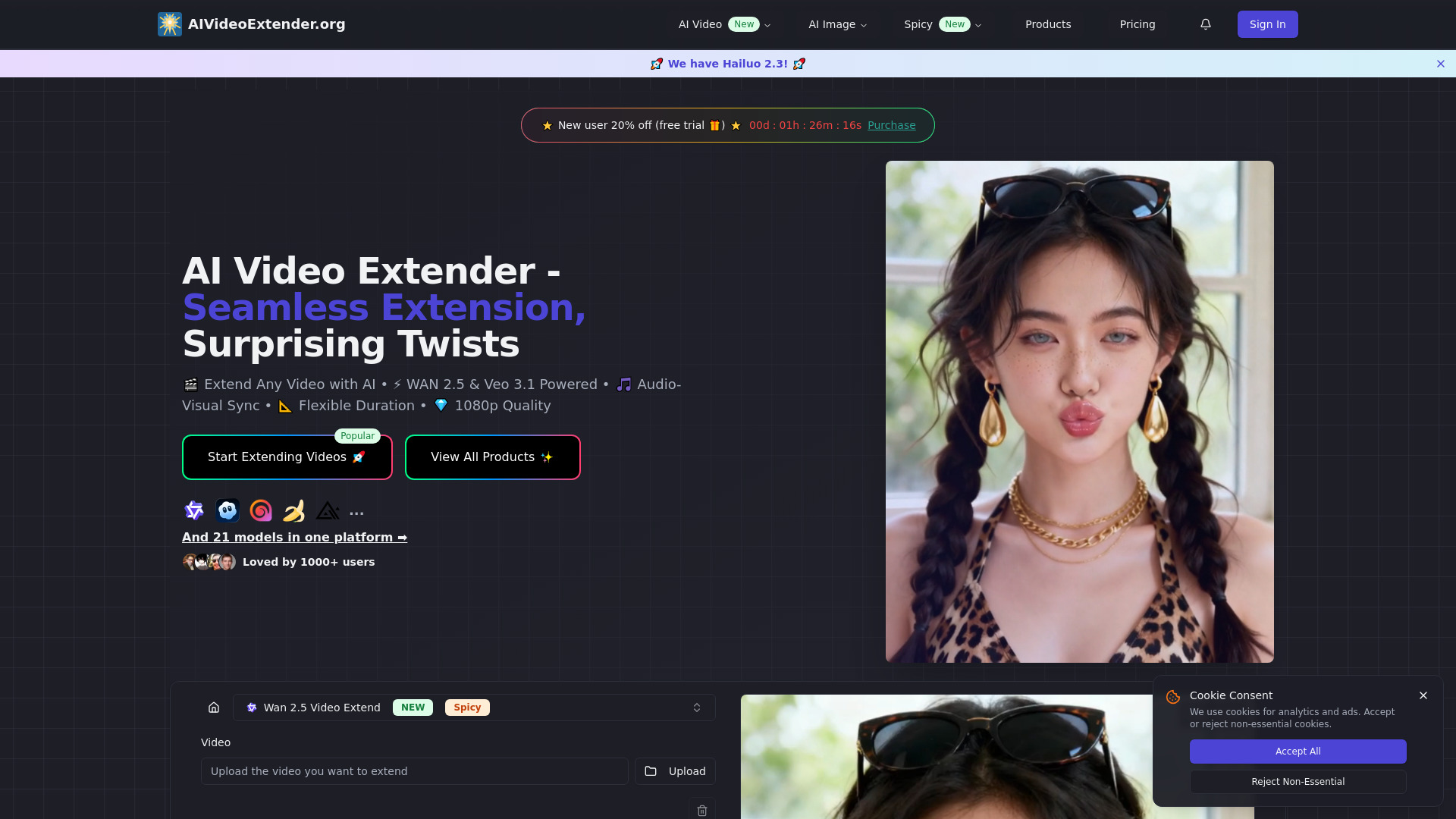
What is AI Video Extender?
AI Video Extender is an advanced technology platform that seamlessly extends existing video clips by generating new frames that naturally continue the scene. It utilizes two powerful AI engines: WAN 2.5 for fast, cost-effective processing and Veo 3.1 for cinema-grade quality. The platform allows users to control video extension duration from 3-10 seconds with resolutions up to 1080p, ensuring perfect motion consistency, stable lighting, coherent scene progression, and automatic audio-visual synchronization. It eliminates the need for reshoots or manual editing, making it ideal for professional results in various commercial projects.
How to use AI Video Extender?
To extend videos with AI Video Extender, users follow three simple steps: 1. Upload their video clip (MP4, MOV, AVI) with clear motion and good lighting. 2. Configure extension settings by selecting the target duration (3-10 seconds), preferred resolution (up to 1080p), and choosing between WAN 2.5 for fast processing or Veo 3.1 for cinematic quality, with an option for audio guidance. 3. Generate and download the extended video, which will have seamless continuations with perfect motion flow and audio synchronization.
What is an AI video extender and how does it work?
An AI video extender is advanced technology that seamlessly extends existing video clips by generating new frames that naturally continue the scene. Our platform uses two powerful engines: WAN 2.5 video extender for fast, cost-effective processing, and Veo 3.1 video extender for cinema-grade quality. The AI extend video system analyzes motion patterns, lighting, camera movement, and scene context to predict realistic continuations. This eliminates the need for reshoots while maintaining visual coherence. You can control AI extend video duration from 3-10 seconds with resolutions up to 1080p.
What's the difference between WAN 2.5 and Veo 3.1 video extender?
WAN 2.5 video extender focuses on speed and affordability - it processes videos 60% faster than traditional methods while supporting flexible AI extend video duration from 3-10 seconds. It excels at multilingual audio sync and is ideal for social media content and quick turnaround projects. Veo 3.1 video extender prioritizes cinematic quality with advanced scene understanding, synchronized dialogue generation, and photorealistic motion. This AI video extender is perfect for high-end commercial work requiring broadcast-quality output. Both engines deliver professional AI extend video results - choose based on your project priorities.
Can I extend videos of any length and format?
Yes, our AI video extender supports common formats including MP4, MOV, and AVI. You can extend clips to achieve desired AI extend video duration goals - the WAN 2.5 video extender supports extensions from 3-10 seconds, while Veo 3.1 video extender offers similar flexibility with enhanced quality. Upload your existing footage, specify target duration, and let the AI extend video system generate seamless continuations. The technology works with various visual styles from realistic to animated content.
Does the AI video extender support audio synchronization?
Absolutely. Both WAN 2.5 video extender and Veo 3.1 video extender include advanced audio-visual synchronization. The AI video extender automatically aligns voiceovers, background music, and sound effects with extended visuals. This is particularly useful for narrated tutorials, storytelling content, and multimedia presentations. The AI extend video process ensures your audio remains perfectly timed throughout the extension, eliminating manual editing work. Veo 3.1 video extender additionally generates contextual dialogue and ambient sounds for enhanced immersion.
Can I use extended videos for commercial projects?
Yes, all AI video extender outputs are suitable for commercial use. Whether you're creating marketing campaigns, social media ads, educational content, or client deliverables, our WAN 2.5 video extender and Veo 3.1 video extender technologies deliver broadcast-quality results. The AI extend video system produces clean, professional footage without watermarks. Many businesses, content creators, and agencies rely on our AI video extender platform for revenue-generating projects requiring seamless AI extend video duration control and cinematic quality.
How long does video extension processing take?
Processing speed depends on your chosen engine and settings. The WAN 2.5 video extender typically completes AI extend video tasks in 3-5 minutes, offering 60% faster processing than traditional methods. Veo 3.1 video extender may take slightly longer due to its advanced scene analysis and audio generation capabilities. Factors affecting speed include target AI extend video duration, resolution, and complexity of the scene. Both engines prioritize quality while maintaining efficient workflows for professional AI video extender applications.
How much does the AI video extender cost per generation?
Our AI video extender pricing is based on credits per generation. You can use either WAN 2.5 video extender for fast processing or Veo 3.1 video extender for premium quality. Credits are purchased in flexible packages that match your AI extend video needs. All pricing includes full AI extend video duration control from 3-10 seconds and resolutions up to 1080p without additional charges.
Do credits expire in the AI video extender platform?
Credits purchased for AI video extender services never expire. Use them for WAN 2.5 video extender or Veo 3.1 video extender generations at your own pace. This flexibility supports both consistent AI extend video production and sporadic project needs. All credits provide the same AI extend video duration options and quality levels regardless of purchase timing.
What AI extend video duration options are included?
Both WAN 2.5 video extender and Veo 3.1 video extender support flexible AI extend video duration from 3-10 seconds. Configure your target duration based on project requirements. The AI video extender maintains motion consistency and audio synchronization across all AI extend video duration settings. Longer extensions don't require additional credits - pricing is per generation regardless of duration within the 3-10 second range.