

SVG illustrations 2026 Rank: #2108
AI SVG.art ✓
Transform text into scalable vector graphics instantly.
Verdict
A quick read before you dig into the full page.
- Best if
- Transform text into scalable vector graphics instantly
- Skip if
- Potentially expensive for Max model
- Pick this when
- Converts text into SVG
Considering SVGStud.io instead? Compare side by side
Overview
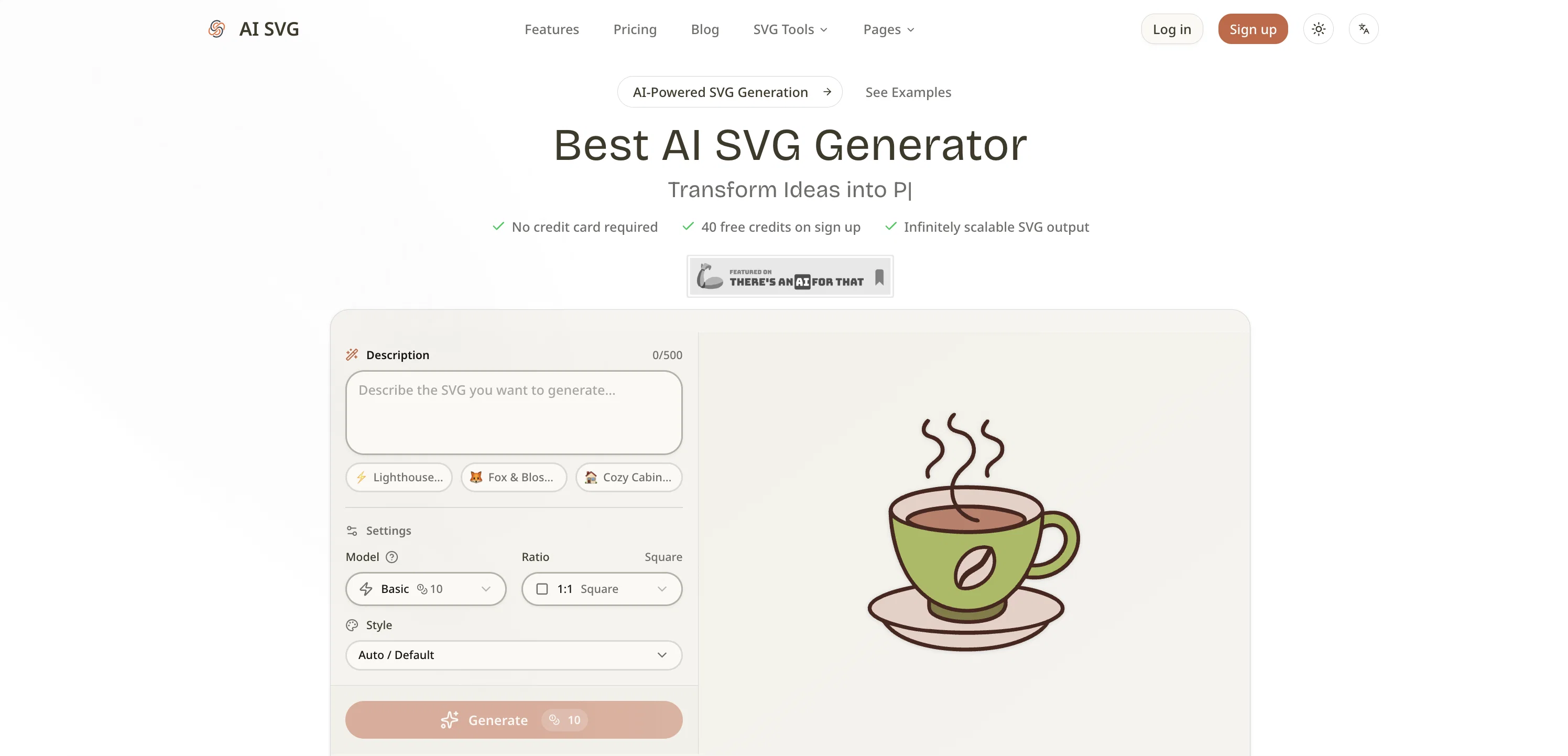
AI SVG Generator is a sophisticated tool that enables users to transform text descriptions into professional vector graphics. Using advanced AI models, it allows for scalable vector graphics (SVG) to be produced instantly, offering a choice of various styles and ratios.
The user-friendly process involves writing a text prompt describing the desired SVG, choosing from 3 AI models according to quality needs, and selecting from a wide range of artistic styles.
The process concludes by generating the SVG instantly and providing options to download the graphic or copy the code to the clipboard. The models range, from Basic to Max, with the latter delivering professional-grade, high-quality SVG output.
Over 22 artistic styles are available, encompassing Vector Illustration, Artists' Choice, and 11 specialized icon styles. The generator offers different aspect ratios, fitting various use cases from app icons to social media banners.
Beyond generating SVGs, users can preview their creations in real-time and utilize preset templates for specific types of illustrations. With its flexibility, real-time preview, and credit-based pricing, AI SVG Generator proves to be a useful tool for professionals across sectors, including web development, graphic design, branding, social media, product design, education, and merchandise design.
Access & connections
Where you can use AI SVG.art.
Platforms
Capabilities
What this tool accepts, produces, and is strongest at.
Input
- Text
Output
- Code
- Image
Supported features
- Image Edit
- Image Generation
- Styling
- SVG
Pros & cons
Pros
- Converts text into SVG
- Several artistic style options
- Aspect ratio selection
- Regenerate graphics with one-click
- Scalable vectors maintain quality
- Multiple templates for applications
- Credit-based pricing system
- Instant SVG output
Show 37 more
- Supports models range
- App icon generation
- Generates social media banners
- Offers copy code feature
- Over 22 artistic styles
- Real-time preview of SVG
- Preset templates for illustration
- Automatic and default style options
- Instant graphic download
- Option to copy SVG code
- SVGs scale infinitely
- Preview SVG in browser
- Pay only for usage
- Integrated prompt templates
- Ideal for various professional sectors
- Supports app and web development
- Suitable for branding
- Assists in social media content
- Relevant in education sector
- Applicable in merchandise design
- Custom SVG icon generation
- No design software needed
- Prototype logo concepts quickly
- Generate educational diagrams
- Optimized for print design
- Requires no design skills
- Produces infinitely scalable vectors
- Export SVG in seconds
- Tiny file size
- Consistent style rendering
- Low learning curve
- Editable SVG code
- Compatible with various design tools
- Compatible with development frameworks
- Support for WordPress and Shopify
- Also works on Webflow
- Compatible with Notion and Google Slides
Cons
- Credit-based pricing system
- Limited number of presets
- Potentially expensive for Max model
- Specific aspect ratios only
- No raster graphics support
- No free SVG downloads
- Commercial use not for free accounts
- Limited history retention in lower plans
Compare alternatives
Similar tools in the catalog — with a clear reason to open each one.

SVGStud.io ✓
FreeGenerate and search custom SVGs with AI
Why look Fully free option
Full comparison
SVGMaker.io ✓
FreemiumGenerate pixel perfect SVGs using AI commands.
Free + from $10
Full comparison
Brushless AI ✓
PaidWe provide brand-consistent and fully customisable illustration sets at speed and scale
Why look Typically cheaper
Full comparison


Releases 1
FAQ 12
How does AI SVG Generator work?
What are the different AI models available in AI SVG Generator?
How do I select an artistic style in AI SVG Generator?
What is the range of aspect ratio available in AI SVG Generator?
How can I regenerate the graphic in AI SVG Generator?
What are the special features of the graphics created by AI SVG Generator?
What types of templates are available in AI SVG Generator?
Where can I use the graphics created by AI SVG Generator?
How does the credit-based pricing schema work in AI SVG Generator?
How quick is the SVG generation process using AI SVG Generator?
How do I describe the SVG I want to create in AI SVG Generator?
Why is AI SVG Generator beneficial for web and app development?
Related tools
Recommended

DeepSeek ✓
FreeUnravel the mystery of AGI with curiosity

Younet ✓
Free TrialAI Agent Orchestration and Automation. Build your agentic business.

Supernormal App ✓
FreemiumThe AI assistant app that turns meetings into completed work

AppDeploy ✓
FreeDeploy real apps directly from ChatGPT or Claude

Whacka ✓
Free TrialTurn ideas into real apps from your phone.

AI Website Builder | Hostinger ✓
FreemiumCreate stunning websites instantly with AI.