
AI Prompt Copy
Curated library of AI prompts for creative and operational needs.
Verdict
A quick read before you dig into the full page.
- Best if
- Curated library of AI prompts for creative and operational needs
- Pick this when
- Curated library of AI prompts for creative and operational needs
Overview
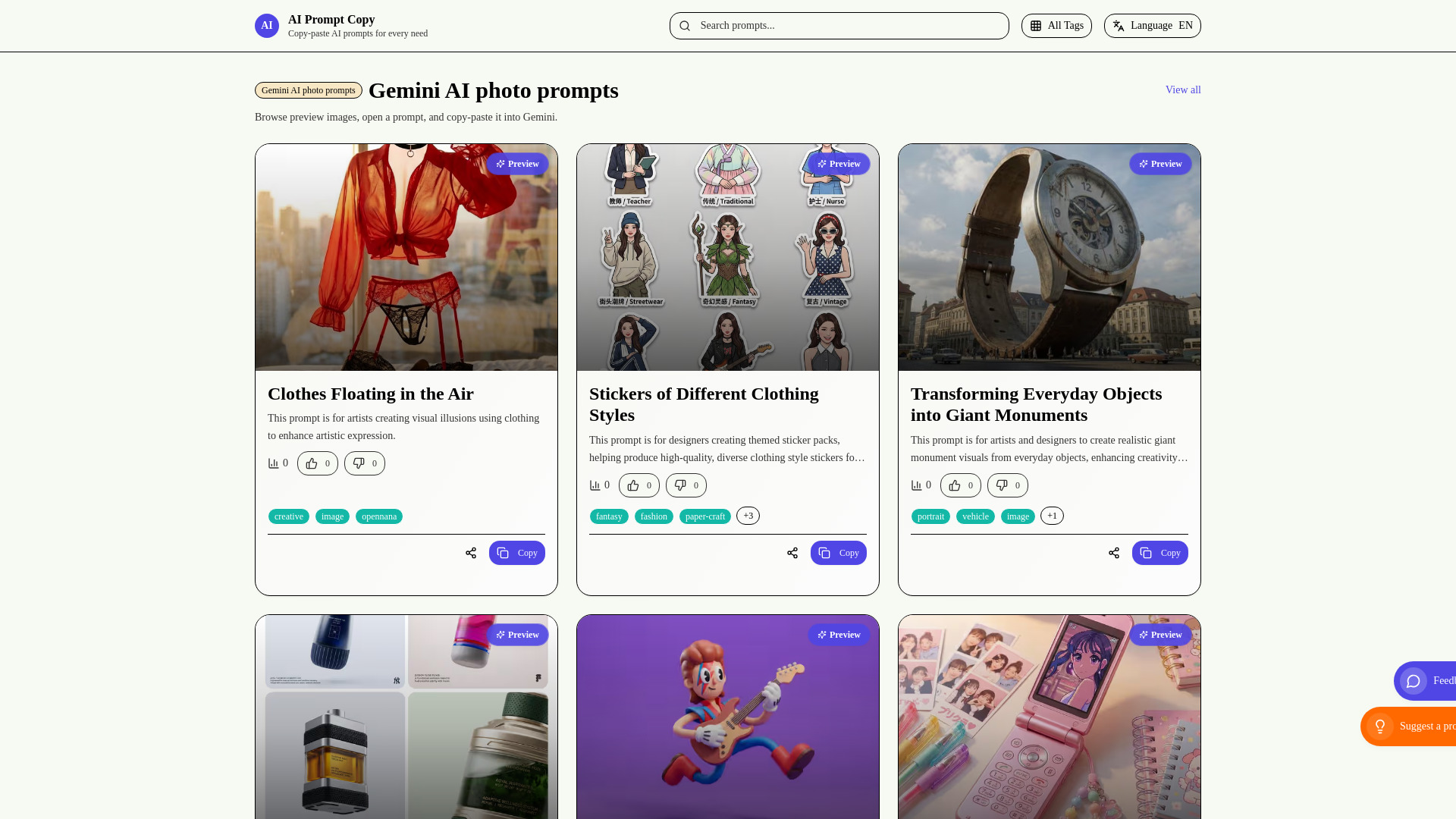
AI Prompt Copy is a website that provides a curated library of AI prompts for various needs, including Gemini AI photo prompts and other AI prompts. It allows users to browse, preview, and copy-paste prompts into their preferred AI tools to enhance artistic expression, design, marketing, learning, and creative play. The platform aims to remove guesswork by offering human-vetted prompts, surfacing real-world wins, and guiding creators towards confident delivery. It serves as a collaborative hub where marketers, builders, and analysts can remix proven prompt frameworks.
Access & connections
Where you can use AI Prompt Copy.
Platforms
Capabilities
What this tool accepts, produces, and is strongest at.
Highlights
- Curated library of AI prompts
- Browse and preview prompts
- Copy-paste functionality for prompts
- Trending and new prompt collections
- Tag-based filtering and category browsing
- Structured metadata for prompt context
- Collaborative hub for teams
FAQ 12
What is AI Prompt Copy?
How to use AI Prompt Copy?
What can I do with AI Prompt Copy?
How do I use a prompt from the AI Prompt Copy library?
How can I share AI Prompt Copy prompts with my team?
Can I submit my own prompts to AI Prompt Copy?
Where do AI Prompt Copy prompts come from?
How do I leave feedback or report an issue?
How do I onboard new teammates with our prompt playbook?
What workflow keeps campaign collaborators aligned?
Can I adapt prompts for teams in regulated industries?
Where do I find help tailoring prompts to my use case?
Related tools
Recommended

Raccoon AI ✓
FreemiumThe AI Coworker for Apps, Research, Docs & Everything Else

AirMusic ✓
Free TrialAI music generator and music video creator in one platform.

PaioClaw ✓
Free TrialMost Secure and Easiest OpenClaw Ever. Live in 60 seconds.

Wondershare Filmora ✓
PaidEdit smarter, faster and easier with Filmora’s powerful AI video tools.