

AI Localizer ✓
Automatically translate your app into 37 languages.
Free + from $8.90
Verdict
A quick read before you dig into the full page.
- Best if
- Automatically translate your app into 37 languages
- Skip if
- Limited to app localization
- Pick this when
- Finds all localizable text
Considering globalize.now instead? Compare side by side
Overview
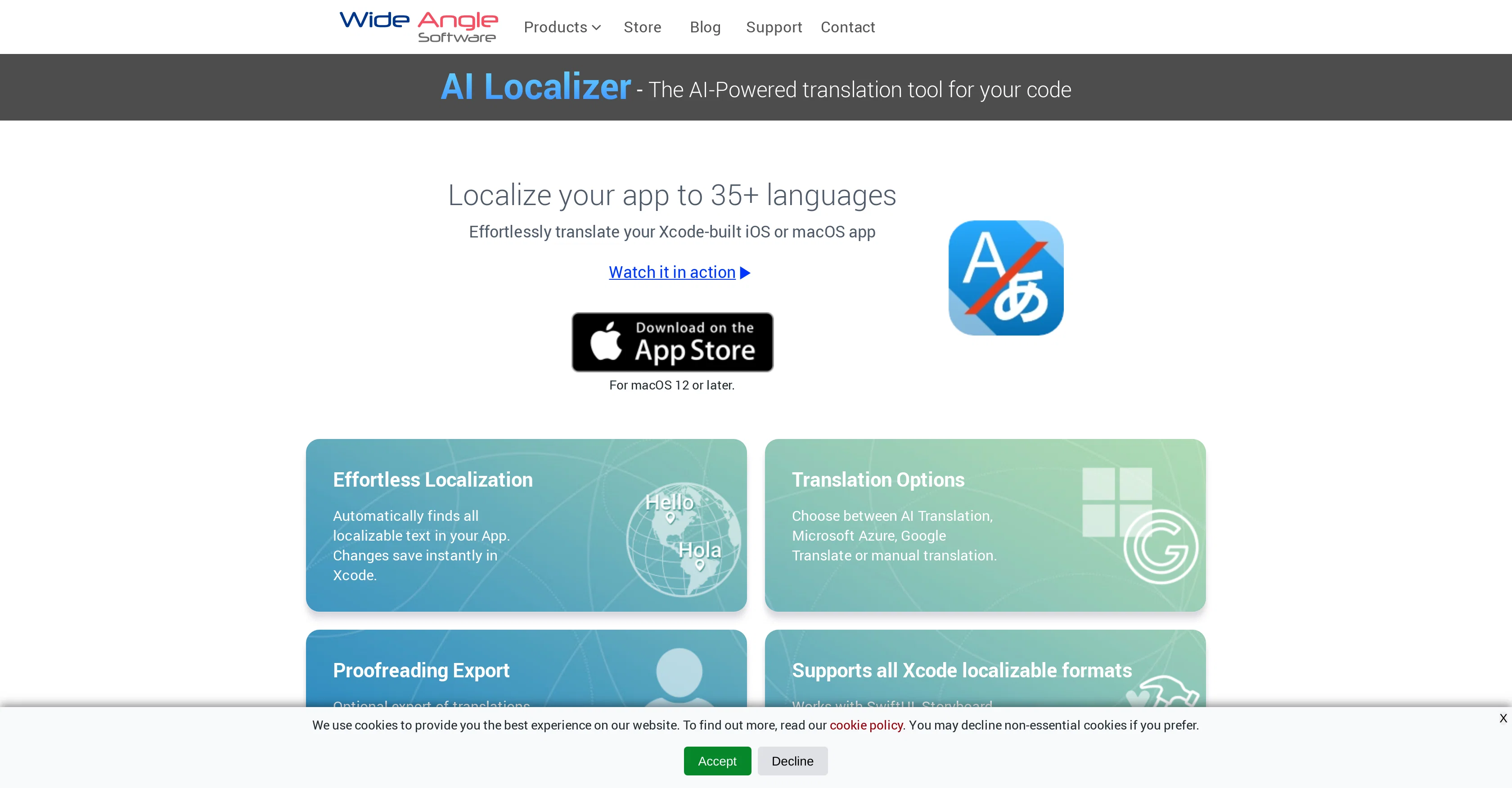
AI Localizer is an AI-powered tool designed for seamless adding of localized translations to Xcode projects. The tool automatically finds all localizable text in an app, making changes instantly in the Xcode environment.
It offers translation options such as AI Translation, Microsoft Azure, Google Translate, along with manual translation. It is capable of supporting all localizable formats in Xcode including SwiftUI, Storyboard, XIB, .strings & .xcstrings formats.
In the process of localization, the tool automatically loads all the localizable resources of the Xcode project, and offers the ability to choose various languages for translating the iOS or macOS app.
Once the language is selected, the tool translates the project strings by leveraging AI Translation Service, saving changes directly back into Xcode. AI Localizer also allows the use of personal accounts for Microsoft Azure or Google Translate services.
Additionally, it offers functionality to manually edit translated strings directly in the app, along with the capacity to export translations to CSV format for review.
Once reviewed, these translations can then be easily imported back into the system using AI Localizer.
Access & connections
Where you can use AI Localizer.
Capabilities
What this tool accepts, produces, and is strongest at.
Input
- Text
Output
- Text
Pros & cons
Pros
- Finds all localizable text
- Instant changes in Xcode
- Multiple translation options
- Supports all Xcode formats
- Automatically loads localizable resources
- Supports various languages
- Saves changes directly into Xcode
- Option to use personal accounts for translation services
Show 10 more
- Manual editing of translated strings
- Export translations to CSV
- Easily import reviewed translations
- Translate project code
- Supports up to 37 languages
- Automatically translates the project
- Applicable for iOS or macOS
- Option for human review of translations
- Process saved in Xcode
- Configure your own translation service
Cons
- Only for Xcode projects
- Exclusively for macOS 12+
- Only supports 35+ languages
- Requires personal Azure/Google accounts
- No support other IDEs
- Cannot work offline
- No real-time translation preview
- Limited to app localization
Show 2 more
- Dependant on third-party APIs
- Localization Not Fully-Automated
Compare alternatives
Similar tools in the catalog — with a clear reason to open each one.

globalize.now ✓
FreemiumMake your app multilingual in minutes
Why look Typically cheaper
Full comparison
OneSky Localization Agent ✓
Free TrialAI-powered localization for global software expansion
Free + from $29/mo
Full comparison
Translized ✓
FreemiumAI-powered software localization made simple and affordable.
Why look Offers a public API
Full comparison
Releases 1
FAQ 12
What exactly is AI Localizer?
How does AI Localizer find all localizable text in an app?
How does AI Localizer integrate with Xcode environment?
What are the translation options provided by AI Localizer?
How does AI Localizer support different formats like SwiftUI, Storyboard, XIB, .strings & .xcstrings?
How can I select a preferred language for translation on AI Localizer?
How does AI Localizer leverage AI Translation Service?
How do changes made on AI Localizer save directly back into Xcode?
Can I use my personal Microsoft Azure or Google Translate accounts with AI Localizer?
How can I manually edit translated strings directly in the AI Localizer app?
How to export translations to CSV format for review on AI Localizer?
How do I import reviewed translations back into the system using AI Localizer?
Related tools
Recommended

Findsight ✓
FreeCompare non-fiction ideas from multiple sources.

Magickpen ✓
FreemiumWrite anything in seconds, just like magic.

LearningStudioAI ✓
Free TrialAI-powered authoring tool for effortless online course creation.

VenturusAI ✓
FreemiumBusiness idea analysis and reporting.

Scisummary ✓
Free TrialCutting-edge scientific articles summarization.

Stunning ✓
PaidBuild AI-powered websites in seconds