

AI Documents by Eraser ✓
Create diagrams at the speed of thought
Free + from $15/mo
Verdict
A quick read before you dig into the full page.
- Best if
- Create diagrams at the speed of thought
- Skip if
- Integration limited to specific platforms
- Pick this when
- Creates self-updating diagrams
Considering Gatsbi AI instead? Compare side by side
Overview
Eraser is an AI-driven technology tool designed to enhance and streamline the processes of creating diagrams and documents. It enables users to generate diagrams and design documents rapidly.
This tool is especially useful for enterprise architects, software engineers, DevOps, and technology consultants. The AI component of Eraser, known as Eraserbot, creates diagrams that self-update and can be integrated with your data and workflows.
A key feature of Eraser is its compatibility with various platforms and tools including Confluence, Notion, VS Code, and GitHub. The Diagramming API connect Eraser AI to your data and workflows, offering a seamless connection between various areas of a project or workflow.
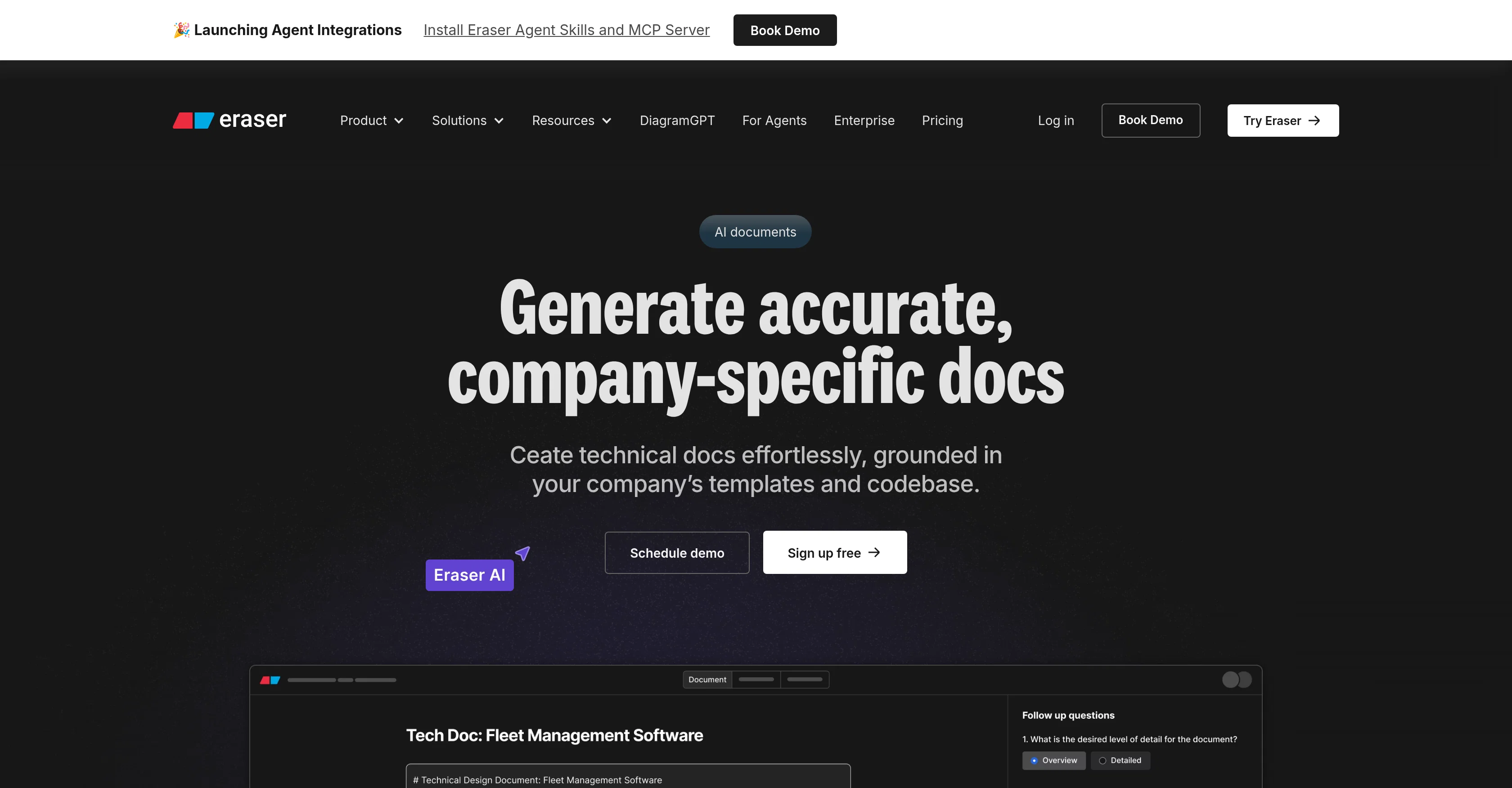
The AI documents feature provides a way to design docs and technical documentation. Eraser also introduces the concept of AI-generated documents that are tailored to a user or company's workflow, with the capability to generate and refine technical docs effortlessly.
The tool also offers codebase integration, which aids in maintaining accuracy and relevance in documentation, by referencing your actual codebase.
Access & connections
Where you can use AI Documents by Eraser, and what it plugs into.
Platforms
Capabilities
What this tool accepts, produces, and is strongest at.
Input
- API
- Code
- Text
Output
- Code
- API
- Text
Pros & cons
Pros
- Creates self-updating diagrams
- Rapid design document generation
- Confluence integration
- VS Code Integration
- Notion integration
- GitHub integration
- Advanced API connectivity
- Codebase integration for documentation
Show 16 more
- Workflow-oriented design
- Efficient for DevOps
- Helpful for Enterprise architects
- Useful for Software engineers
- Tools for Tech consultants
- Automated document generation
- Automated workflow diagramming
- Maintains document relevance
- Maintains document accuracy
- Accelerates technical writing
- Streamlined diagram creation
- Completely eliminates writer's block
- Markdown support for Git
- Algorithm-assisted document creation
- Ensures internal standard compliance
- Promotes team collaboration
Cons
- Slack integration not mentioned
- No mobile app
- Limited to technical documentation
- No offline use
- Potential privacy issues
- Integration limited to specific platforms
- No template creation
- Features still 'coming soon'
Compare alternatives
Similar tools in the catalog — with a clear reason to open each one.

Gatsbi AI ✓
Free TrialAI-powered research innovator and paper generator
Why look Typically cheaper
Full comparison
Documentation.AI ✓
FreemiumAI documentation that stays fresh and reduces support tickets.
Why look Offers a public API
Full comparison

Kopyst ✓
FreemiumTransform complex workflows into engaging videos and documents.
Free + from $15/mo
Full comparison
MindyGem ✓
PaidAI-powered docs for faster, smarter software development.
from $29/mo
Full comparison
TestScribe AI ✓
FreemiumGenerate comprehensive documentation in minutes with AI.
Why look Typically cheaper
Full comparisonReleases 1
FAQ 12
What is Eraser?
What features does Eraser offer?
How does the Eraserbot work in Eraser?
How does Eraser integrate with Confluence, Notion, VS Code, and GitHub?
What is the Diagramming API in Eraser?
How does the AI documents feature in Eraser work?
What kinds of documents can Eraser generate?
How does Eraser reference your actual codebase?
What is the benefit of self-updating diagrams in Eraser?
Can I tailor the AI-generated documents in Eraser to my workflow?
How does Eraser ensure accuracy and relevance in documentation?
How can Eraser enhance the process of creating diagrams and documents?
Related tools
Recommended

Specifys.ai ✓
FreemiumPlan your dream app with smart AI tools

CoWriter AI ✓
FreemiumAI-powered writing assistant for smarter, faster content

AutEng Docs ✓
FreemiumAI-native workspace for technical documentation

CurrentOrigin | ResearchDeck ✓
FreeStructured intelligence for complex tasks.

AI YouTube & Web Summarizer + Instant Translator | TL... ✓
FreeInstantly summarize and translate any YouTube video or website with AI

ReportGPT ✓
FreemiumElevate your document writing with AI