
Kive AI Canvas ✓
Collaborative AI canvas for creative minds.
Free + from $12/mo
Verdict
A quick read before you dig into the full page.
- Best if
- Collaborative AI canvas for creative minds
- Skip if
- Limited privacy customizations
- Pick this when
- Collaborative creation of visuals
Considering SellerPic instead? Compare side by side
Overview
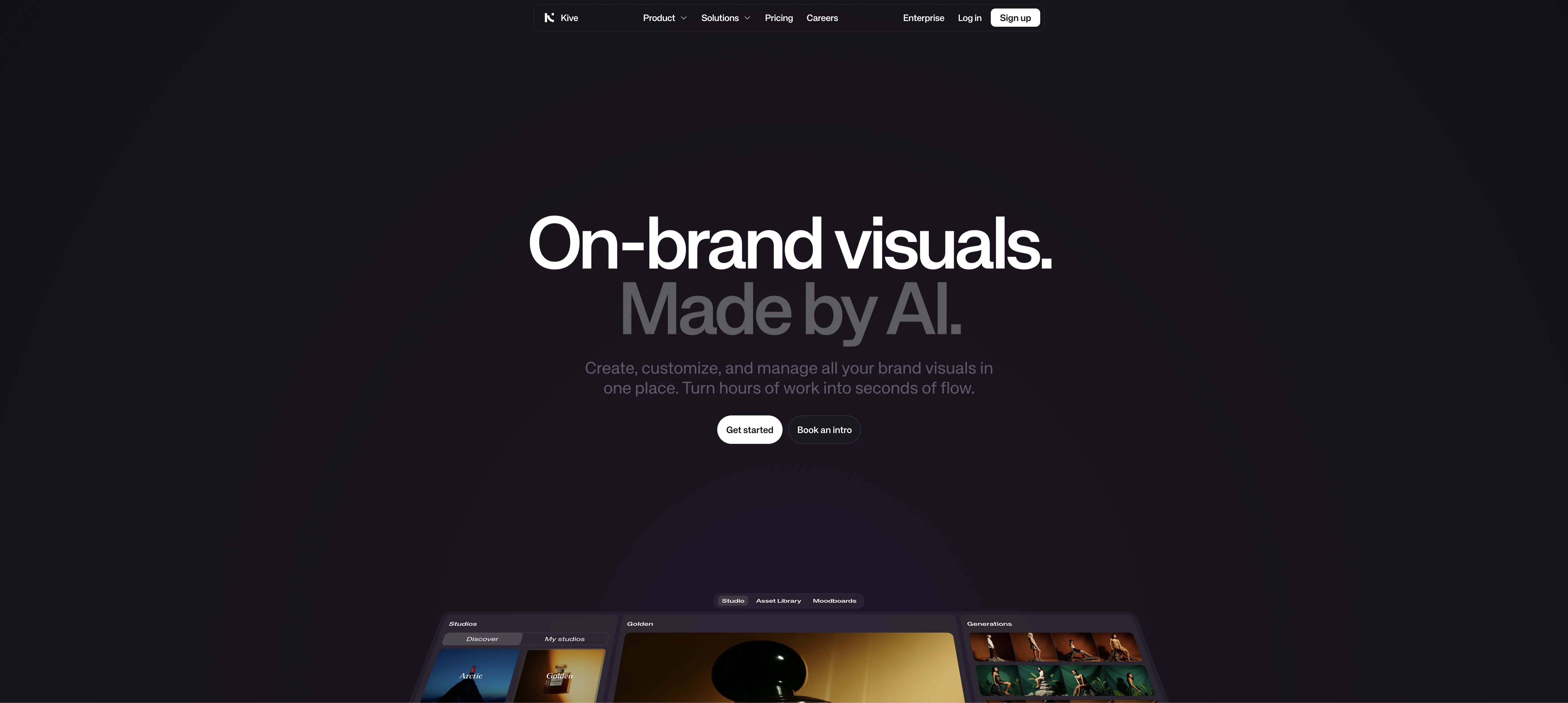
Kive AI Canvas is a collaborative AI creation tool that allows users to generate images and storyboards through text prompts. This platform allows users to create and edit images with ease, allowing them to replace elements, extend images, and change backgrounds with a simple text command.
Furthermore, users can join ongoing canvas rooms or start from scratch with a new empty canvas. Kive AI Canvas also provides preset styles to help users create quality images quickly.
The platform also provides privacy terms, terms of service, careers, images, colors, and documentation, allowing users to find the resources they need to get the most out of their experience.
Access & connections
Where you can use Kive AI Canvas.
Platforms
Capabilities
What this tool accepts, produces, and is strongest at.
Input
- Text
Output
- Image
Pros & cons
Pros
- Collaborative creation of visuals
- Image generation through text prompts
- Easy image editing
- Element replacement via text
- Image extension capabilities
- Background change functionality
- Storyboard generation from text
- Join existing canvas rooms
Show 9 more
- Start with new empty canvas
- Preset image styles
- Privacy terms provided
- Clear terms of service
- Career opportunities
- Ready access to images
- Well-organized documentation
- Supports simple text commands
- Erase and replace feature
Cons
- Limited style presets
- No standalone mobile app
- Lacks image accuracy control
- Inefficient collaborating tool
- Limited text command options
- No undo actions feature
- Limited privacy customizations
- Lacks version history
Show 1 more
- No direct export option
Compare alternatives
Similar tools in the catalog — with a clear reason to open each one.

SellerPic ✓
FreemiumSupercharge photos with AI, boost sales in minutes.
Free + from $29/mo
Full comparison
SellShots ✓
Free TrialTurn one photo into high-converting product images
Why look Stronger for image work
Full comparison
Merchant Floor | Product Images ✓
Free TrialCreate product listings 10x faster with AI.
Free + from $20
Full comparison

Zawa AI | Brand Kit Generator & Editor ✓
FreemiumCreate logos, videos, and brand assets instantly.
Free + from $4.17 / month
Full comparison
ProductViews ✓
PaidGenerate product images from different angles with one upload.
Why look Typically cheaper
Full comparisonReleases 1
Imported reviews 1
its good, but isnt free so if u havent money.....
FAQ 12
What is Kive AI Canvas?
Can I create my own visuals from scratch with Kive AI Canvas?
How does Kive AI Canvas generate images from text prompts?
What are preset styles in Kive AI Canvas?
Can I replace image elements in Kive AI Canvas?
How does Kive AI Canvas let me extend images?
Is there a feature to change the background of an image in Kive AI Canvas?
Can we create storyboards with Kive AI Canvas?
How do I join an ongoing canvas in Kive AI Canvas?
How can I start a new canvas on Kive AI Canvas?
Are there any privacy policies for using Kive AI Canvas?
Where can I find the term of service for Kive AI Canvas?
Related tools
Recommended

Photo AI ✓
PaidCreate beautiful AI photos and videos of real people

TutorAI ✓
FreemiumInstant knowledge on any topic

Stockimg AI ✓
PaidGenerated images and text for design ease.

img2prompt ✓
PaidGenerate text prompts from images for AI art.

Stratup.ai ✓
FreemiumInnovative idea generation for businesses.

Imagetocaption.ai ✓
Free TrialGenerated captions for social media images