

Answer engine optimization 2026 Rank: #1150
AEO God Mode ✓
Make your WordPress content visible to AI search engines.
Verdict
A quick read before you dig into the full page.
- Best if
- Make your WordPress content visible to AI search engines
- Skip if
- Complex setup for beginners
- Pick this when
- Structured data auto-generation
Considering ChatFeatured instead? Compare side by side
Overview
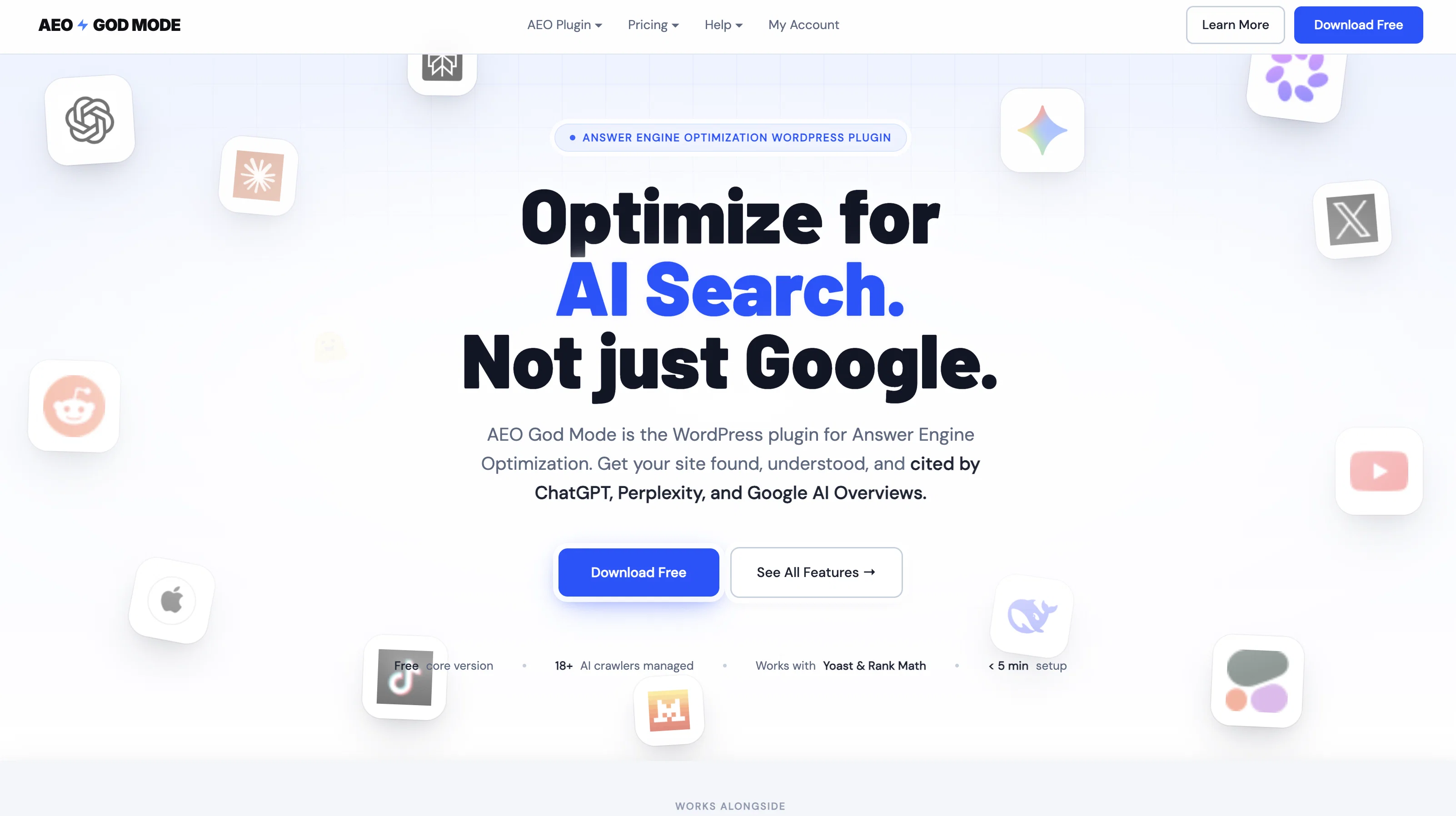
AEO God Mode is a WordPress plugin designed for Answer Engine Optimization. The aim of this tool is to make a website's content more visible to both AI search engines and voice assistant structures like ChatGPT, Perplexity, and Google AI Overviews.
This plugin manages AI crawlers, automatically generates structured data (schemas), handles llms.txt, scans for missing SEO signals(constituted under 'Content Gap Scanning'), and helps track citations, all from one comprehensive WordPress dashboard interface.Under the pro features, the tool offers options to monitor traffic from AI engines, measure citation readiness, and enrich author credibility signals through E-E-A-T Schema.
Extended capabilities include AI-generated titles and descriptions, smart internal linking suggestions by the AI, and live AEO scoring for each post for improved optimization.It allows users to preview and validate structured data.
The real-time content optimization feature enables WordPress posts and pages to be scored on important signals for ChatGPT, Perplexity, and Google AI Overviews.
This plugin checks the structured data, content depth, FAQ markup, meta descriptions, and suggests improvements.AEO God Mode tool is particularly useful for bloggers, publishers, local businesses, SaaS & Product Sites, agencies, and WooCommerce stores.
The intuitive interface allows seamless integration with various SEO tools and WordPress themes. It is an essential tool for those looking to optimize their content for the trending AI Search environment, transcending traditional SEO tactics.
Access & connections
Where you can use AEO God Mode, and what it plugs into.
Platforms
Capabilities
What this tool accepts, produces, and is strongest at.
Input
- Tabular
Output
- Tabular
- Text
Supported features
- SEO
- Search
- Automation
- Writing
- Text Generation
- Citations
- Integrations
Pros & cons
Pros
- Structured data auto-generation
- Content gap scanning
- Author credibility signals monitoring
- Internal linking suggestions
- Live AEO Scoring
- Plugin setup under 5 minutes
- Citation tracking feature
- E-E-A-T profiles
Show 33 more
- Google Search Console integration
- Successful WordPress plugins compatibility
- Real-time content optimization
- Post score on optimization signals
- Suggests improvements for optimization
- Useful for bloggers and publishers
- Works for local businesses
- WooCommerce stores compatible
- Enriched user experience via Editor Panel
- One-click fixes for gaps
- Provides citability score
- Allows content previews
- Constant content rescans on update
- Auto-detection of content type
- No need for JSON-LD editing
- Bypasses Yoast and RankMath conflicts
- Live AEO score on every post
- Content scanner for optimization gaps
- Plug-and-play WordPress dashboard interface
- Real-time post optimization feedback
- Directly works inside Gutenberg editor
- Validates schema, FAQ markup, meta descriptions
- Offers 'llms.txt' Generator
- Allows control bot access
- Included conflict detector for SEO plugins
- Allows for multiple AEO audits
- Offers product Schema for WooCommerce stores
- Autogenerated meta descriptions
- FAQ detection during writing
- Straightforward integration with various SEO tools
- Transcends traditional SEO tactics
- Voice assistant optimization
- Automatic rescan after content update
Cons
- WordPress exclusive
- Complex setup for beginners
- Content gap scanner limitations
- Limited tool integrations
- Lacks multi-platform compatibility
- No multi-language support
- No non-WordPress website support
- Limited schema validators
Show 2 more
- Inadequate support for beginners
- Performance issues on large websites
Compare alternatives
Similar tools in the catalog — with a clear reason to open each one.

ChatFeatured ✓
Free TrialGet featured in ChatGPT & AI search results.
Why look Offers a public API
Full comparison
Promptmonitor ✓
FreemiumGet mentioned in ChatGPT, Gemini and other AI/LLMs
Free + from $99/mo
Full comparison
Opttab ✓
FreemiumManage your visibility and presence in AI models.
Why look Offers a public API
Full comparison
LPagery AI Rank Tracker ✓
Free TrialTrack your business rankings in AI chatbots.
Free + from $59/mo
Full comparison
Aiso ✓
Free TrialGet visible in ChatGPT conversations about your brand.
Why look Offers a public API
Full comparison
Geneo ✓
Free TrialOptimize for AI search before your competitors do
Free + from $39.9/mo
Full comparisonReleases 1
Imported reviews 2
Crawlers, schema and llms.txt in one plugin is convenient, but the part I would watch is conflicts - most WordPress sites already have an SEO plugin writing JSON-LD, and two sources of schema on one page is a classic silent problem. Do you detect an existing plugin and defer to it, or is the operator expected to turn the other one off? Worth answering right on the listing, it is the first thing an experienced WP owner asks.
5 stars! this thing is brill!! Just upgraded to pro
FAQ 12
What is AEO God Mode?
How does AEO God Mode make my website's content visible to AI search engines?
What features does AEO God Mode offer for Answer Engine Optimization?
How does AEO God Mode work with WordPress?
What is structured data auto-generation in AEO God Mode?
How can AEO God Mode help me track AI mentions of my website?
Can AEO God Mode assist in checking my website's citation readiness?
How does the internal linking feature of AEO God Mode work?
What are the premium features of AEO God Mode?
How does AEO God Mode validate schema?
What does the term 'Content Gap Scanning' mean in the context of AEO God Mode?
How can I use AEO God Mode to measure my author credibility signals?
Related tools
Recommended

Automateed ✓
Free TrialCreate eBooks effortlessly with Automateed, the AI-powered writing tool.

CodeRabbit ✓
Free TrialEnhanced code review for improved workflow and quality.

remio: Your Personal ChatGPT ✓
FreemiumGet Tailored Answer with Your Personal ChatGPT

Serno ✓
FreemiumCustom AI experts that map what one AI can't

Denovo ✓
FreemiumTurn your idea into a real business in minutes.

Evalyze ✓
FreemiumAI automates startup fundraising from pitch deck to investor match.