

Repository
unitree_rl_mjlab
Unitree RL Mjlab is a reinforcement learning project built upon the physics simulation backend, currently supporting Unitree Go2, A2, As2, G1, R1, H1_2 and H2. physics to provide l · License unknown · Maintenance unknown
- License
- Unknown
- Go2
- G1
- <img src="doc/gif/go2-velocity-real.gif" width="300"/>
- <img src="doc/gif/g1-velocity-real.gif" width="300"/>
Specs
- Go2G1
- Go2G1
- <img src="doc/gif/go2-velocity-real.gif" width="300"/><img src="doc/gif/g1-velocity-real.gif" width="300"/>
README
Unitree RL Mjlab
✳️ Overview
Unitree RL Mjlab is a reinforcement learning project built upon the
mjlab, using MuJoCo as its
physics simulation backend, currently supporting Unitree Go2, A2, As2, G1, R1, H1_2 and H2.
Mjlab combines Isaac Lab's proven API
with best-in-class MuJoCo
physics to provide lightweight, modular abstractions for RL robotics research
and sim-to-real deployment.
📦 Installation and Configuration
Please refer to setup.md for installation and configuration steps.
🔁 Process Overview
The basic workflow for using reinforcement learning to achieve motion control is:
Train → Play → Sim2Real
- Train: The agent interacts with the MuJoCo simulation and optimizes policies through reward maximization.
- Play: Replay trained policies to verify expected behavior.
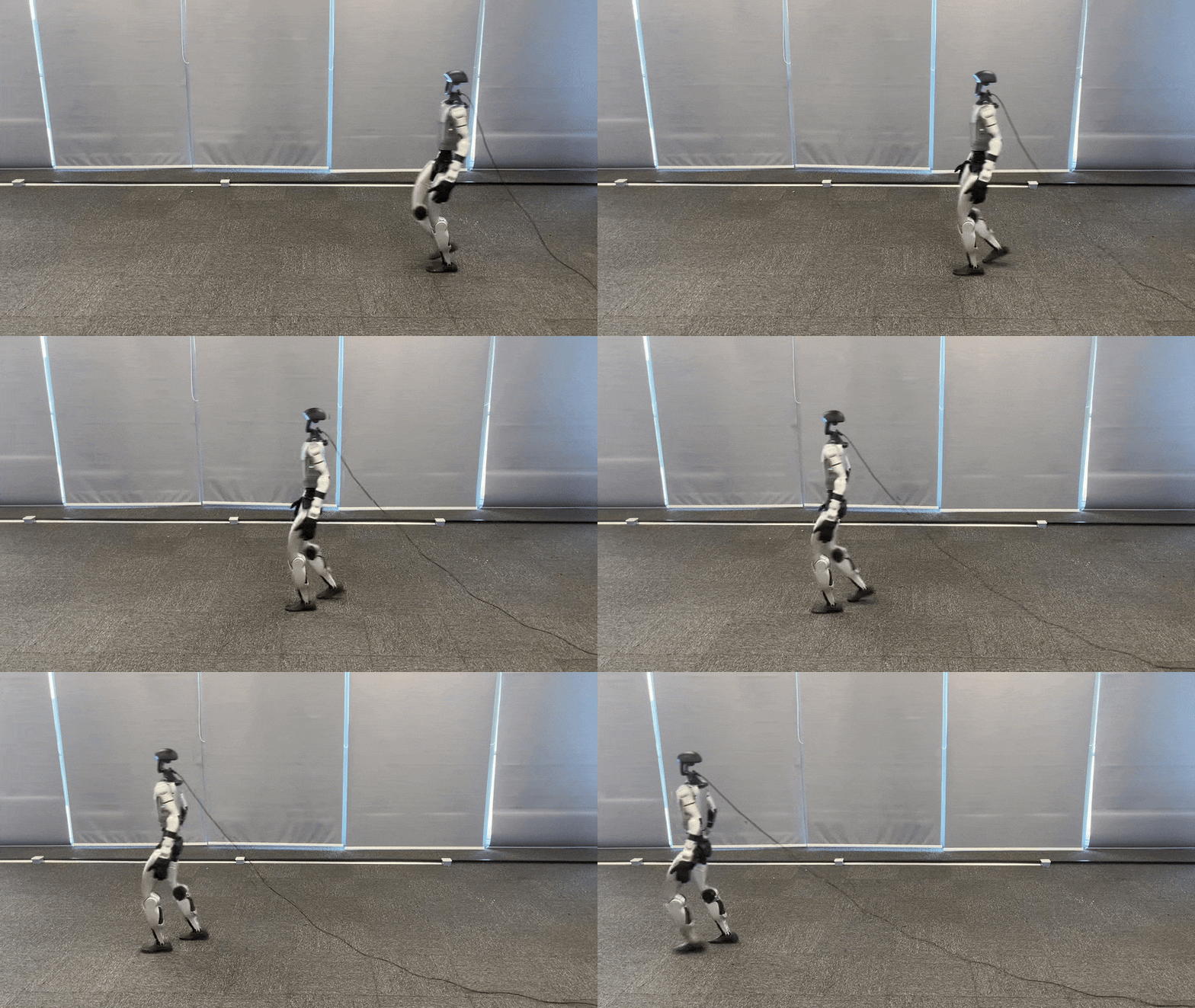
- Sim2Real: Deploy trained policies to physical Unitree robots for real-world execution.
🛠️ Usage Guide
1. Velocity Tracking Training
Run the following command to train a velocity tracking policy:
python scripts/train.py Unitree-G1-Flat --env.scene.num-envs=4096Multi-GPU Training: Scale to multiple GPUs using --gpu-ids:
python scripts/train.py Unitree-G1-Flat \
  --gpu-ids 0 1 \
--env.scene.num-envs=4096- The first argument (e.g., Mjlab-Velocity-Flat-Unitree-G1) specifies the training task.
Available velocity tracking tasks:- Unitree-Go2-Flat
- Unitree-G1-Flat
- Unitree-G1-23Dof-Flat
- Unitree-H1_2-Flat
- Unitree-A2-Flat
- Unitree-R1-Flat
[!NOTE]
For more details, refer to the mjlab documentation:
mjlab documentation.
2. Motion Imitation Training
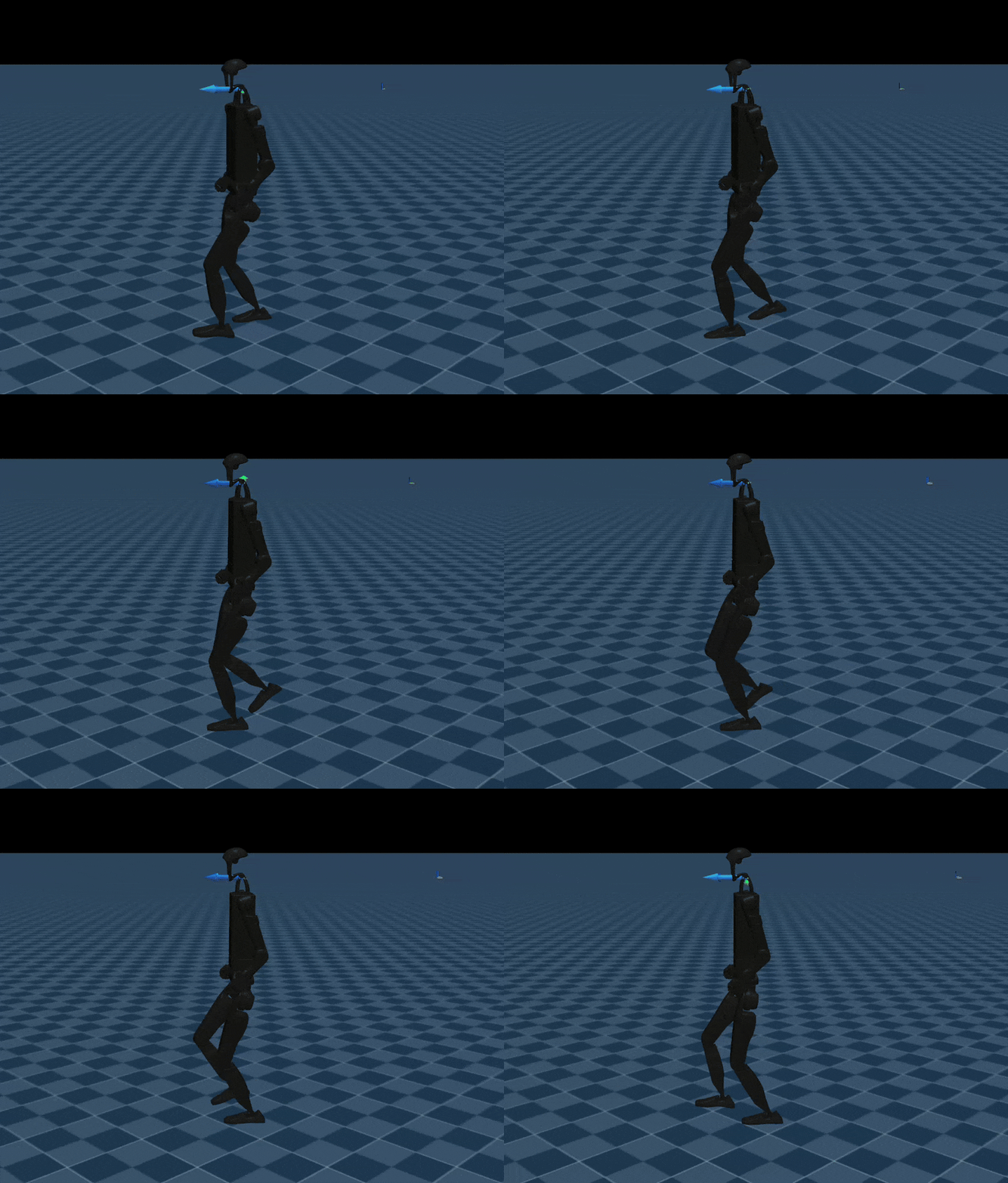
Train a Unitree G1 to mimic reference motion sequences.
[!NOTE]
For detailed motion imitation instructions, refer to the BeyondMimic documentation:
BeyondMimic documentation.
⚙️ Parameter Description
--env.scene: simulation scene configuration (e.g., num_envs, dt, ground type, gravity, disturbances)--env.observations: observation space configuration (e.g., joint state, IMU, commands, etc.)--env.rewards: reward terms used for policy optimization--env.commands: task commands (e.g., velocity, pose, or motion targets)--env.terminations: termination conditions for each episode--agent.seed: random seed for reproducibility--agent.resume: resume from the last saved checkpoint when enabled--agent.policy: policy network architecture configuration--agent.algorithm: reinforcement learning algorithm configuration (PPO, hyperparameters, etc.)
Training results are stored at:logs/rsl_rl/<robot>_(velocity | tracking)/<date_time>/model_<iteration>.pt
3. Simulation Validation
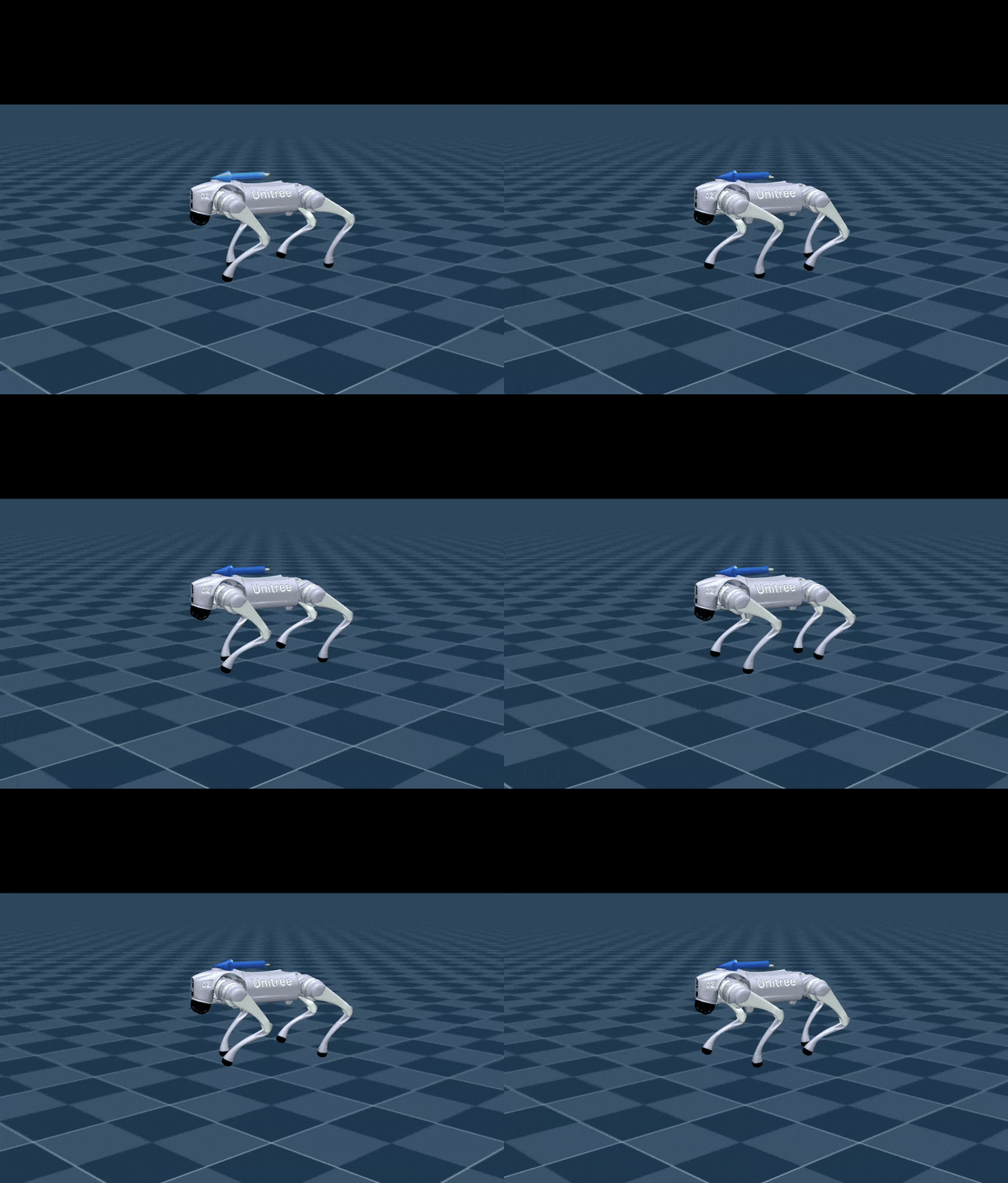
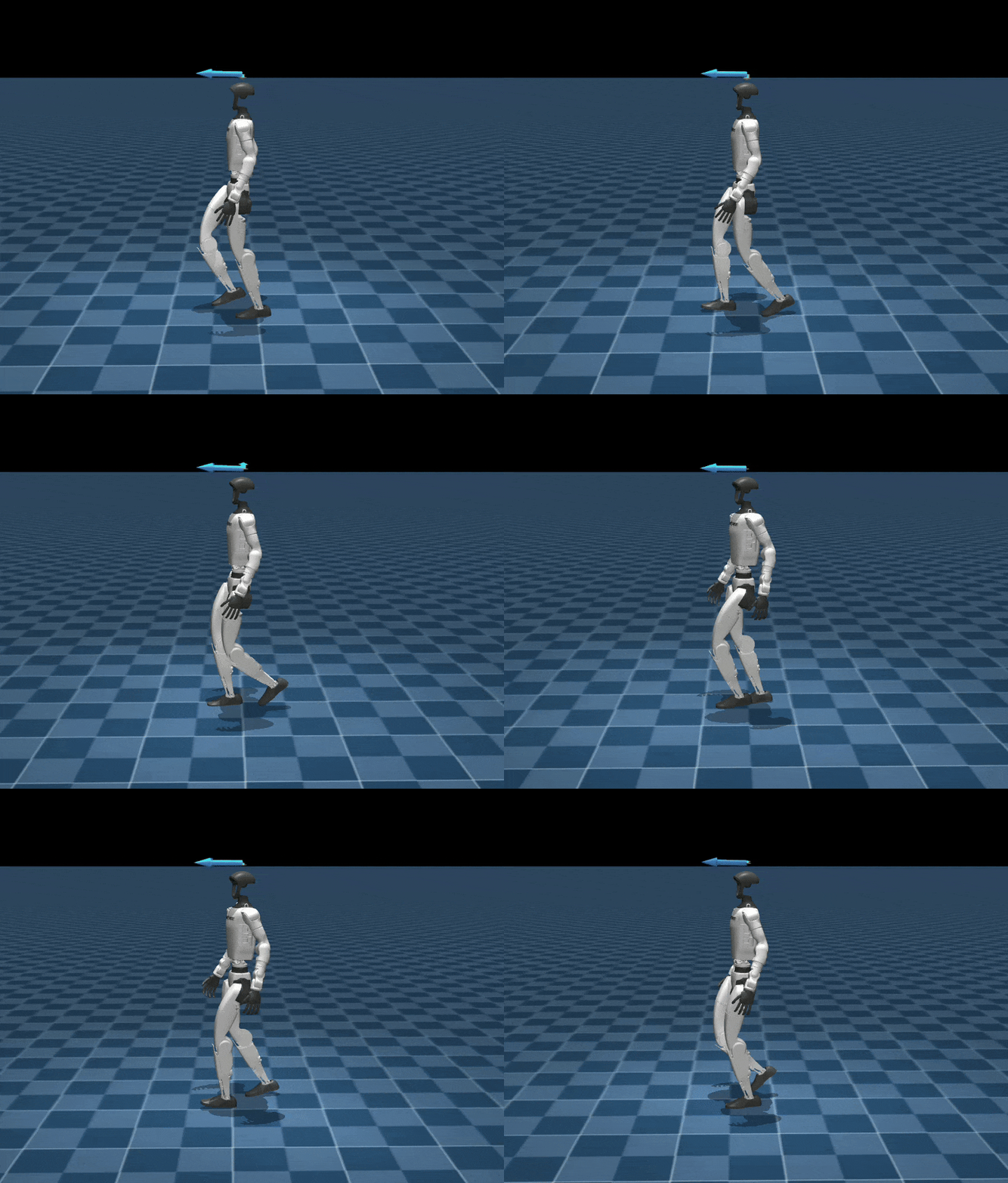
To visualize policy behavior in MuJoCo:
Velocity tracking:
python scripts/play.py Unitree-G1-Flat --checkpoint_file=logs/rsl_rl/g1_velocity/2026-xx-xx_xx-xx-xx/model_xx.ptMotion imitation:
python scripts/play.py Unitree-G1-Tracking-No-State-Estimation --motion_file=src/assets/motions/g1/dance1_subject2.npz --checkpoint_file=logs/rsl_rl/g1_tracking/2026-xx-xx_xx-xx-xx/model_xx.ptNote:
- During training, policy.onnx and policy.onnx.data are also exported for deployment onto physical robots.
Visualization:
| Go2 | G1 | H1_2 | G1_mimic |
|---|---|---|---|
 |
 |
 |
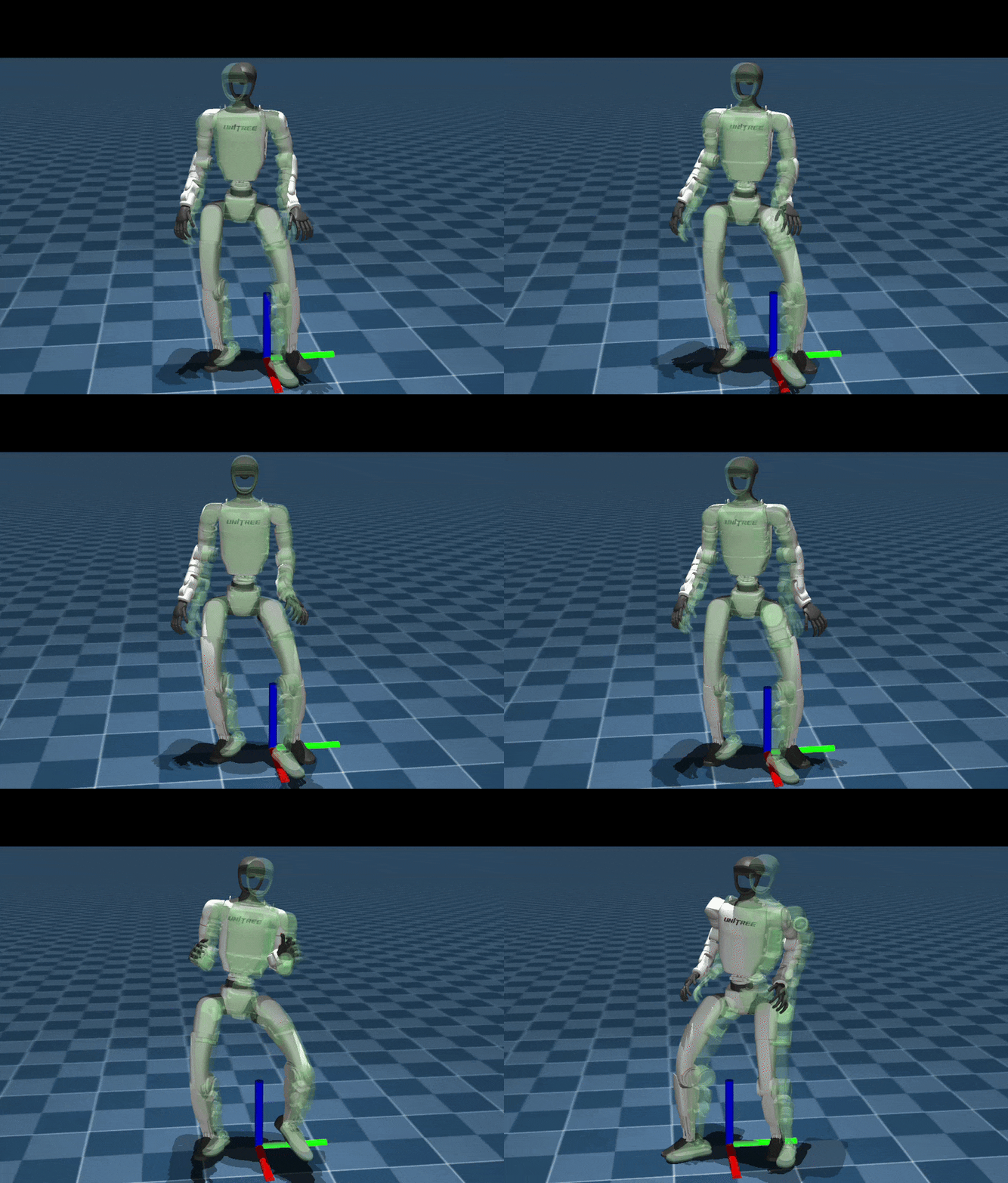 |
4. Real Deployment
Before deployment, install the required communication tools:
Deployment Results:
| Go2 | G1 | H1_2 | G1_mimic |
|---|---|---|---|
| <img src="doc/gif/go2-velocity-real.gif" width="300"/> | <img src="doc/gif/g1-velocity-real.gif" width="300"/> | <img src="doc/gif/h1_2-velocity-real.gif" width="300"/> | <img src="doc/gif/g1-mimic-real.gif" width="300"/> |
🎉 Acknowledgements
This project would not be possible without the contributions of the following repositories:
- mjlab: training and execution framework
- whole_body_tracking: versatile humanoid motion tracking framework
- rsl_rl: reinforcement learning algorithm implementation
- mujoco_warp: GPU-accelerated rendering and simulation interface
- mujoco: high-fidelity rigid-body physics engine