

Repository
mocopi-receiver-plugin-unrealengine
mocopi Receiver Plugin for Unreal Engine mocopi Receiver Plugin for Unreal Engine is a plugin for receiving motion data transmitted from the mocopi app and applying it to 3D avatar · License unknown · Maintenance unknown
- License
- Unknown
- Platform
- Supported Versions
- Windows
- Windows
- macOS
- macOS
Specs
- PlatformSupported Versions
- WindowsWindows
- macOSmacOS
README
mocopi Receiver Plugin for Unreal Engine


mocopi Receiver Plugin for Unreal Engine is a plugin for receiving motion data transmitted from the mocopi app and applying it to 3D avatars in Unreal Engine in real-time.
License Notice
- This project is licensed under the Apache License 2.0 - see the LICENSE file for details.
- Notwithstanding the foregoing, this repository does not include the mocopi logo or application icons. Use of these assets requires entering into a separate mocopi Logo and Icon License Agreement. (here)
Overview
mocopi is a motion capture system that captures full-body motion data using a smartphone app or PC app combined with mocopi sensors. By using this Unreal Engine plugin, you can easily apply captured motion data to 3D avatars in your Unreal Engine applications.
Key Features
- Real-time Motion Capture: Directly receive motion data from mocopi app via UDP through Live Link
- Avatar Integration: Apply motion data to Unreal Engine characters with automatic bone mapping
- Cross-Platform Support: Works on Windows and macOS
- Easy Integration: Simple Live Link setup for quick configuration and customization
Supported Platforms
| Platform | Supported Versions |
|---|---|
| Windows | Windows 10/11 |
| macOS | macOS 10.15+ |
Note: Android, iOS, and Linux are not currently supported.
Requirements
Development Environment
- Unreal Engine: Unreal Engine 5.5 or later
- Network: Local network connection between mocopi app and Unreal Engine application
Runtime Requirements
- mocopi app (Mobile version: Android/iOS, or PC version: Windows)
- UDP communication connection between mocopi app and Unreal Engine application
- Maximum motion data frame rate: Depends on mocopi app settings
Installation and Building
Building the Plugin
- Ensure you have Unreal Engine 5.5 or later installed
- Run the appropriate build script for your platform:
Windows
BuildScripts/PackagePluginWindows.batmacOS
chmod +x BuildScripts/PackagePluginMac.sh
BuildScripts/PackagePluginMac.sh
This will create a packaged plugin in the output directory.
Installing to Your Project
- Copy the built plugin to your Unreal Engine project's
Pluginsdirectory - Open your Unreal Engine project
- Go to Edit > Plugins and enable "mocopi Live Link"
- Restart the Unreal Engine editor when prompted
Quick Start
For detailed setup instructions, please refer to the following video tutorials:
1. Plugin Setup
mocopi for Unreal Engine Tutorial #1 Plugin Setup

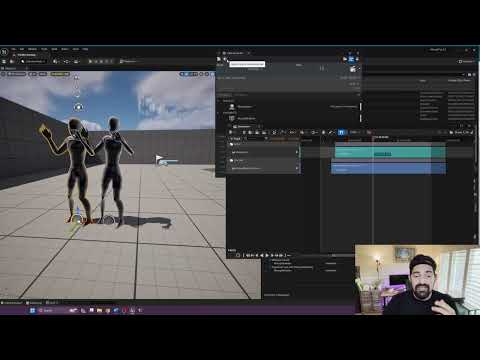
2. Motion Recording
mocopi for Unreal Engine Tutorial: #2 Record your motion
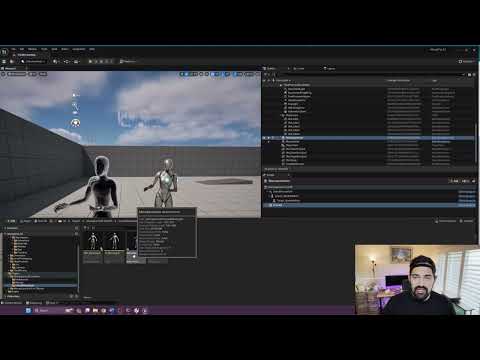
3. Live Retargeting
mocopi for Unreal Engine Tutorial: #3 Live Retargeting
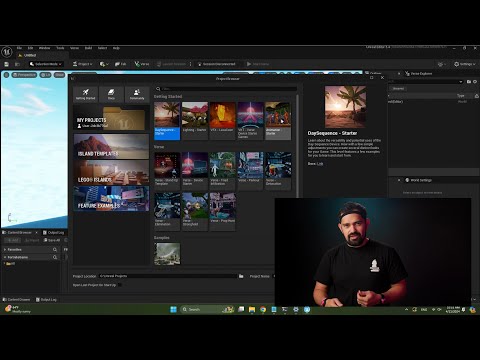
4. UEFN / LiveLink Hub
UEFN / LiveLink Hub tutorial
Network Setup
Please ensure that the smartphone running the mocopi app and your Unreal Engine application are connected to the same local network. The plugin communicates via UDP on port 12351 by default.
Sample Projects
This repository includes sample scenes and assets demonstrating basic usage:
- Basic Live Link Sample: Shows fundamental Live Link setup and character control
- Advanced Integration: Demonstrates custom bone mapping and data processing
- Sample Characters: Pre-configured character Blueprints and Animation Blueprints
To check the samples, please refer to the plugin's Content folder after installation.
Troubleshooting
Common Issues
Q: Motion data is not being received
- Please verify that both devices are connected to the same network
- Please check UDP port configuration (default: 12351)
- Please confirm that the mocopi app is transmitting data
Q: Avatar movement appears jerky
- Please check network latency and stability
- Please verify frame rate settings in the mocopi app
- Please consider implementing motion smoothing
For additional troubleshooting, please see the FAQ.
Support
For technical support and questions, please join the following Discord server:
Discord: https://discord.gg/k55wY45y5N
Resources
- mocopi Official Developer Site: https://sony.net/mocopi-dev/
- Documentation: Unreal Engine Plugin Guide
Copyright © 2026 Sony Corporation. All rights reserved.