Repository
sample-django-app
A demo app created using Django and ShopifyAPI To run this app locally, you can clone the repository and do the following. file to specify this app's app credentials that can be fo · License unknown · Install via pip · Maintenance unknown
- License
- Unknown
README
Sample Django App
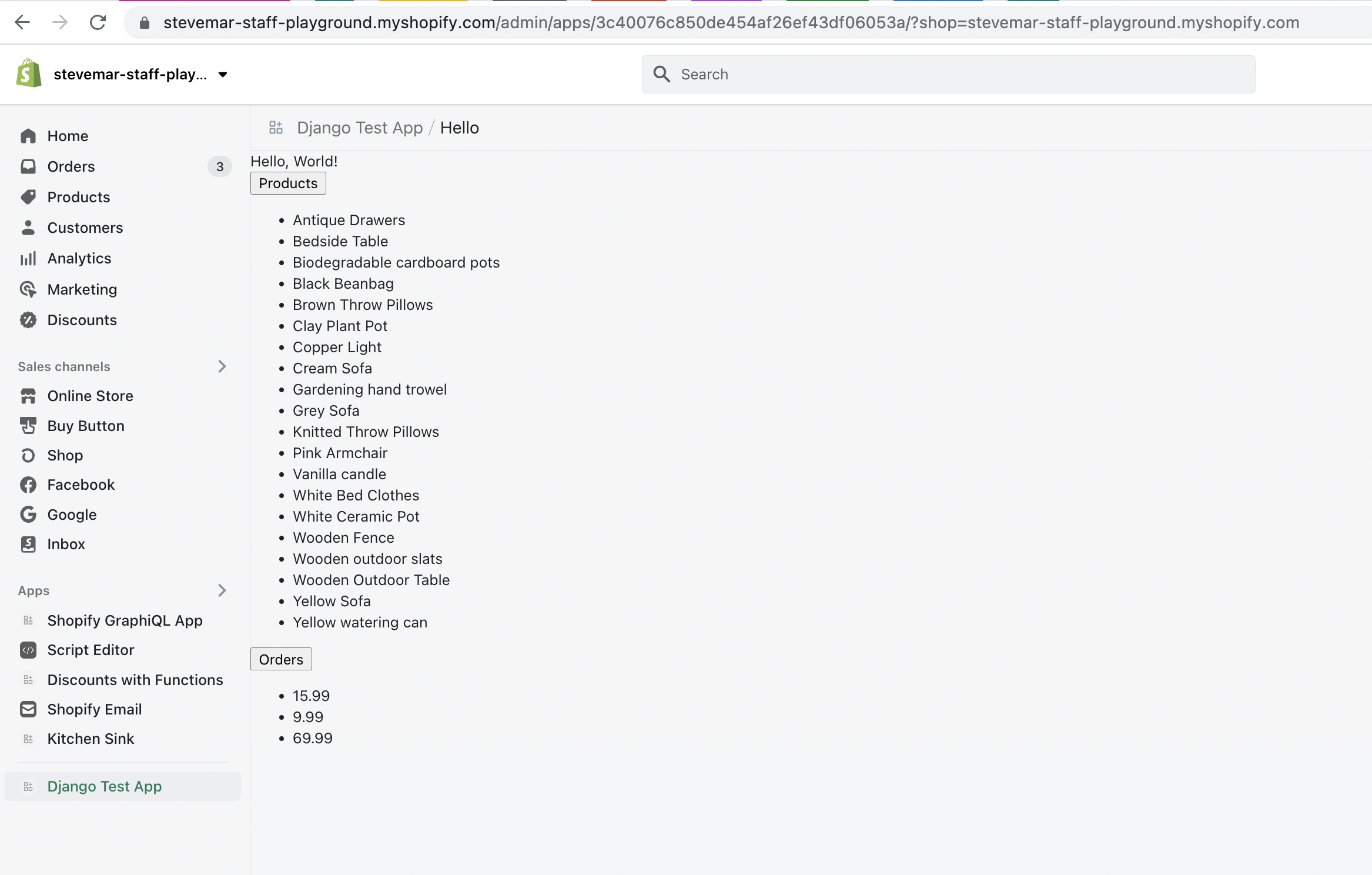
A demo app created using Django and ShopifyAPI v8.4+.
Quick start
To run this app locally, you can clone the repository and do the following.
- Create a
.envfile to specify this app'sAPI keyandAPI secret keyapp credentials that can be found in the Shopify Partners dashboard.
SHOPIFY_API_KEY=<The API key app credential specified in the Shopify Partners dashboard>
SHOPIFY_API_SECRET=<The API secret key app credential specified in the Shopify Partners dashboard>
APP_URL=<The public app URL specified in the Shopify Partners dashboard>
SCOPES=<Scopes needed for the app>
Note: It's recommended to follow along the tutorial Build a Shopify App with Node and React to understand how to retrieve the
API keyandAPI secret keyapp credentials.
- Run the following to install the required dependencies:
$ pip install -r requirements.txt- Change directories to the main
sample_django_appapp and run all pending migrations:
$ cd sample_django_app
$ python manage.py migrate- Ensure ngrok is running on port
8000:
$ ngrok http 8000- In a new terminal, run the server:
$ python manage.py runserver- Create an
APP_URLenvironment variable based on the URL ngrok gives you. This is used in theCSRF_TRUSTED_ORIGINSandALLOWED_HOSTSsection ofsettings.py. Do not include a schema (http:// or https://) in this variable.
export APP_URL=<ngrok-url.ngrok.io>- From the Partner dashboard, update the "App URL" and "Allowed redirection URL(s)" to include the callback URL:
<https://ngrok-url.ngrok.io>/auth/shopify/callback- In your browser, open the
httpsngrok url to install and open this app on a shop. Requests to authenticated resources like theproductsview in theapiapp should now be secured with anAuthorization: Bearer <session token>header.