

Repository
R2R-Application
react + next.js dashboard for R2R: The most advanced AI retrieval system. Containerized, Retrieval-Augmented Generation (RAG) with a RESTful API.
README
<h2 align="center">
R2R Dashboard
</h2>
<h3 align="center">
Manage and Monitor Your R2R RAG Applications with Ease
</h3>
About
The R2R Dashboard is an open-source React+Next.js application designed to provide R2R developers with an easy interface to interact with their pipelines. This dashboard aims to reduce development and iteration time by offering a user-friendly environment.
Key Features
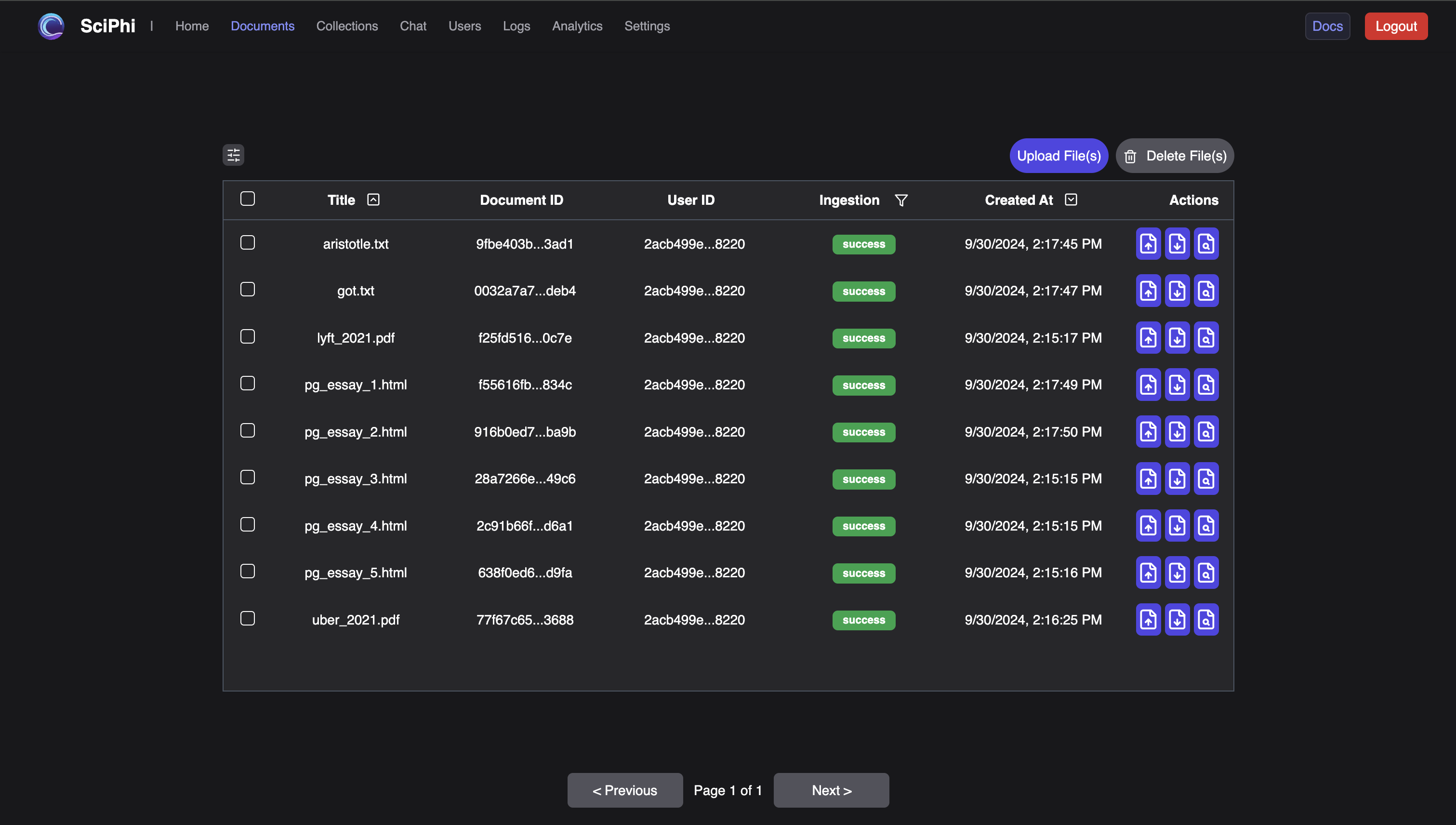
- 🗂️ Document Management: Upload, update, and delete documents and their metadata.
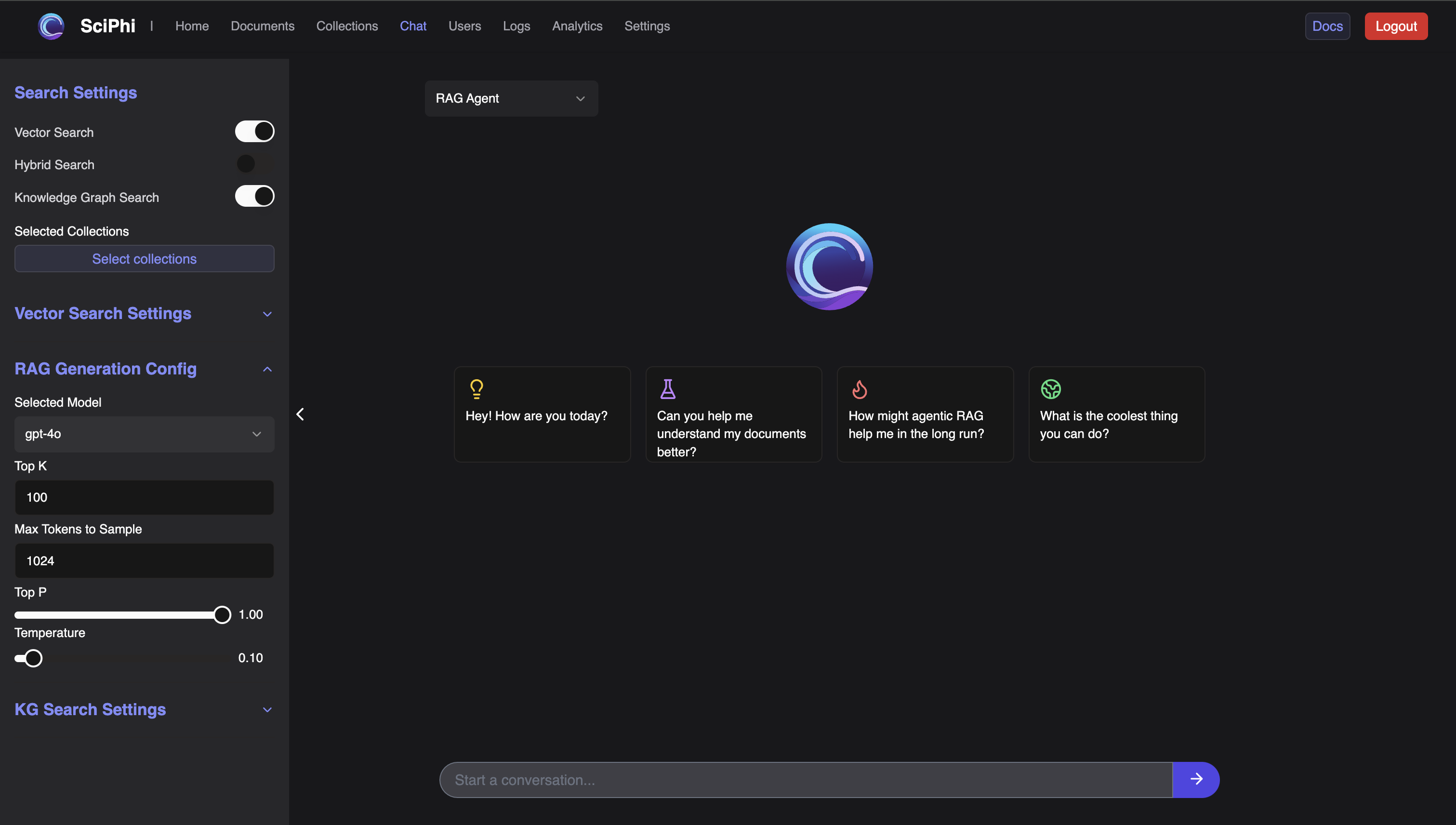
- 🛝 Playground: Stream RAG responses with different models and configurable settings.
- 📊 Analytics: View aggregate statistics around latencies and metrics with detailed histograms.
- 📜 Logs: Track user queries, search results, and LLM responses.
- 🔧 Development Tools: Easily start a development server, format code, and run lint checks.
Table of Contents
Quick Install
Install PNPM
PNPM is a fast, disk space-efficient package manager that helps you manage your project dependencies. To install PNPM, visit the official PNPM installation page for the latest instructions, or follow the instructions outlined below:
<details>
<summary>PNPM Installation</summary>
For Unix-based systems (Linux, macOS):
curl -fsSL https://get.pnpm.io/install.sh | sh -For Windows:
iwr https://get.pnpm.io/install.ps1 -useb | iexAfter installing PNPM, you may need to add it to your system's PATH. Follow the instructions provided on the PNPM installation page to ensure it's properly set up.
</details>
Clone the R2R Dashboard and Install Dependencies
-
Clone the project repository and navigate to the project directory:
git clone [email protected]:SciPhi-AI/R2R-Application.git cd R2R-Application -
Install the project dependencies using PNPM:
pnpm install -
Build and start the application for production:
pnpm build
pnpm start
This will build the application on port 3000. After pnpm start runs successfully, the dashboard can be viewed at http://localhost:3000.
Developing with the R2R Dashboard
If you'd like to develop the R2R dashboard, you can do so by starting a development server:
-
Start the development server:
pnpm dev -
Pre-commit checks (optional but recommended):
Ensure your code is properly formatted and free of linting issues before committing:
pnpm format
pnpm lint
Links
Docs
- R2R Dashboard: A how-to guide on connecting with the R2R Dashboard.
- R2R Demo: A basic demo script designed to get you started with an R2R RAG application.
- R2R Client-Server: An extension of the basic
R2R Demowith client-server interactions. - Local RAG: A quick cookbook demonstration of how to run R2R with local LLMs.
- Hybrid Search: A brief introduction to running hybrid search with R2R.
- Reranking: A short guide on how to apply reranking to R2R results.
- SciPhi Cloud Docs: SciPhi Cloud documentation.
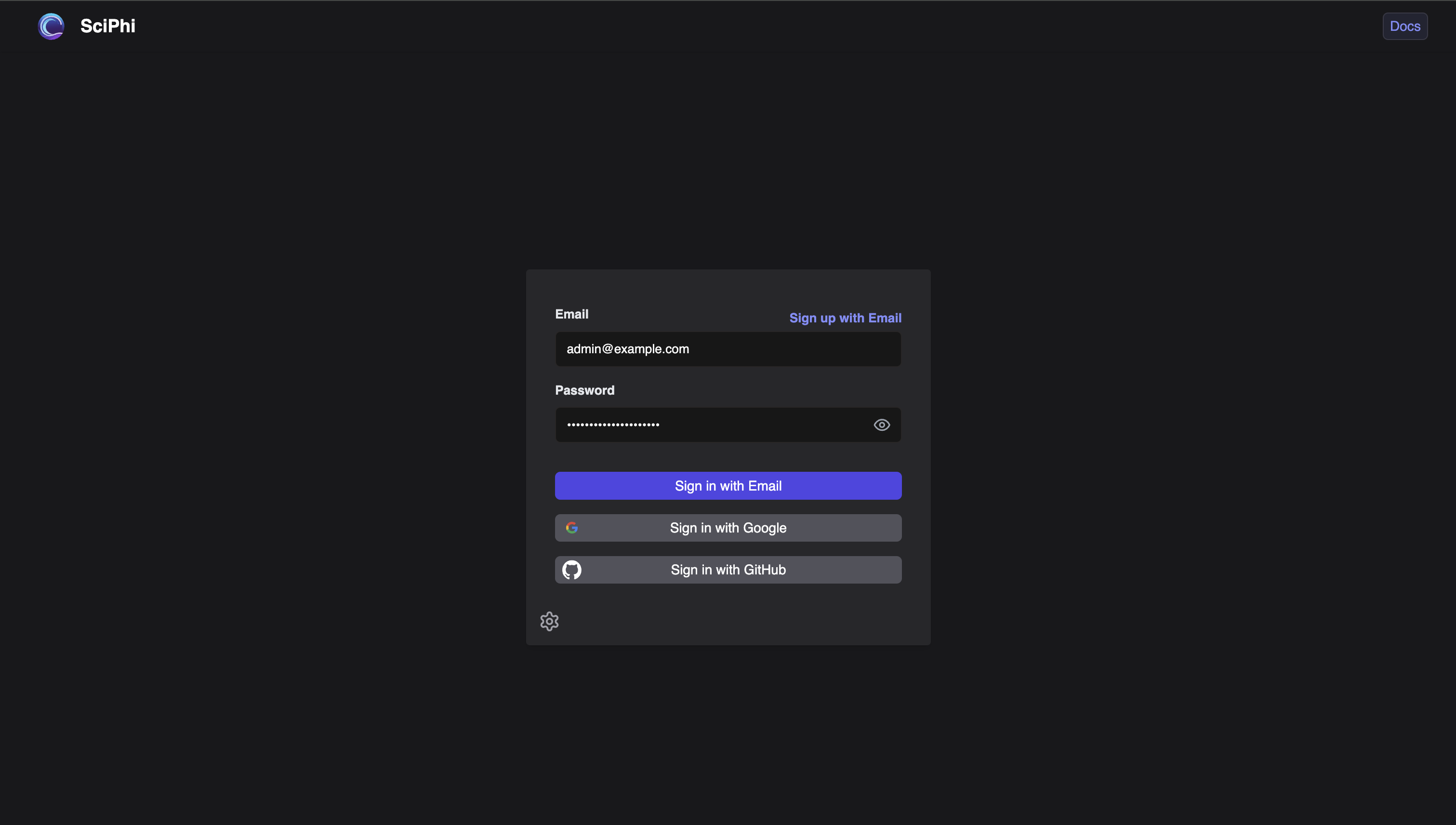
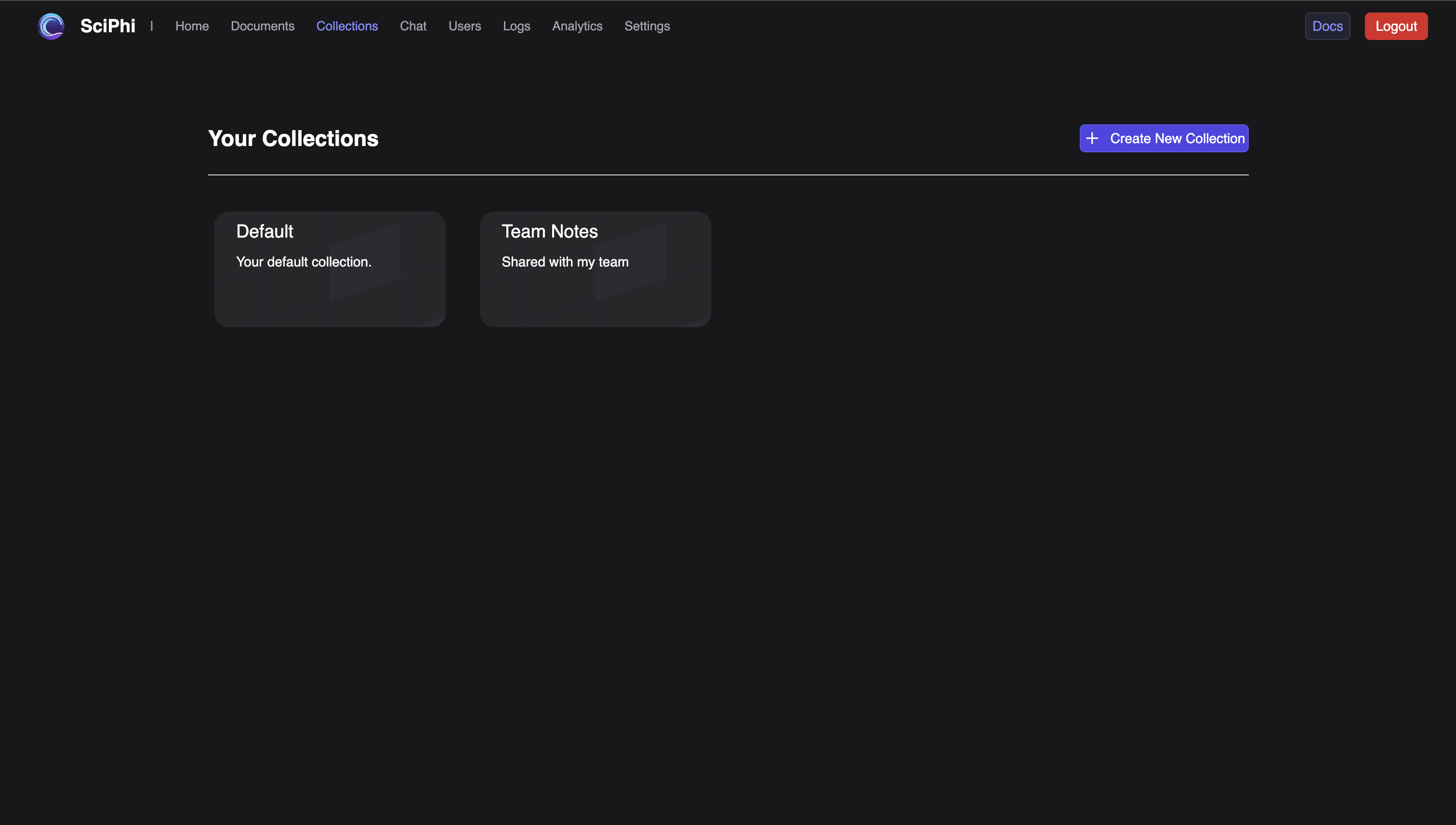
Screenshots
Summary
The R2R Dashboard is a comprehensive tool designed to streamline the management and monitoring of Retrieval-Augmented Generation (RAG) pipelines built with the R2R framework. By providing a user-friendly interface and robust core features, the dashboard helps developers efficiently interact with their RAG systems, enhancing development and operational workflows.