

Repository
Quantum-Calibration-Agent-Blueprint
This is a reference agent blueprint for AI-powered quantum device calibration. It provides an intelligent agent interface for discovering, executing, and analyzing quantum calibration experiments with support for automated workflows and vision-based analysis.
- Command
- Description
- qca
- Launch interactive TUI (default)
- qca serve
- Start the backend server
- qca -n "prompt"
- Run single prompt non-interactively
Specs
- CommandDescription
- qcaLaunch interactive TUI (default)
- qca serveStart the backend server
- qca -n "prompt"Run single prompt non-interactively
- qca -r <thread_id>Resume previous conversation
- CommandDescription
- qca experiments listList all available experiments
- qca experiments schema <name>Show experiment parameter schema
- qca experiments run <name>Execute an experiment
- CommandDescription
- qca workflow listList all workflows
- qca workflow show <id>Display workflow definition
- qca workflow status <id>Check runtime progress
- CommandDescription
- qca history listList past experiment executions
- qca history show <id>Show detailed experiment results
- qca data arrays <id>List arrays stored in experiment
README
Quantum Calibration Agent Blueprint


Part of NVIDIA Ising. This is a reference agent blueprint for AI-powered quantum device calibration. It provides an intelligent agent interface for discovering, executing, and analyzing quantum calibration experiments with support for automated workflows and vision-based analysis.
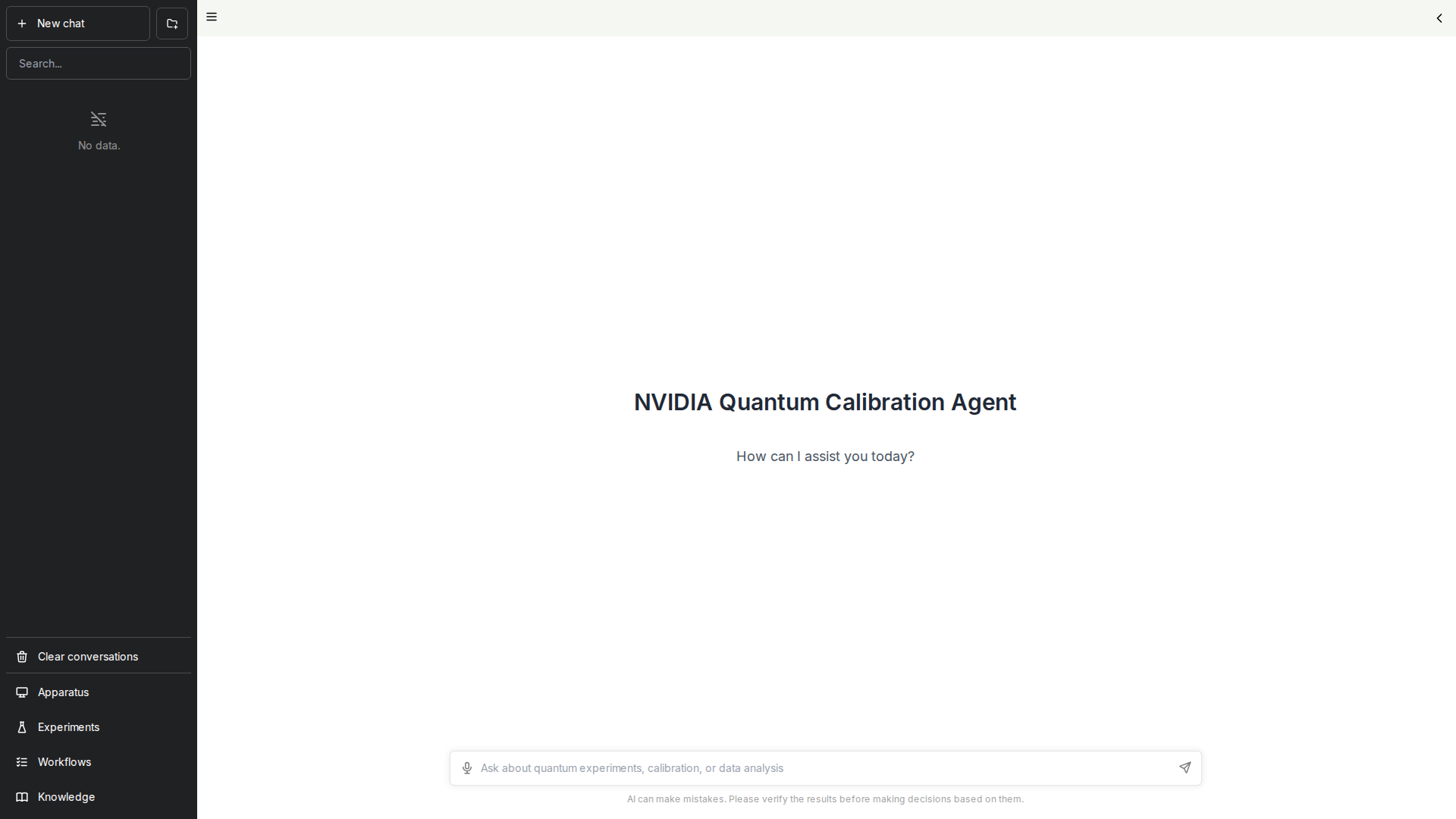
The Web UI provides a chat interface for natural language interaction with the calibration agent.
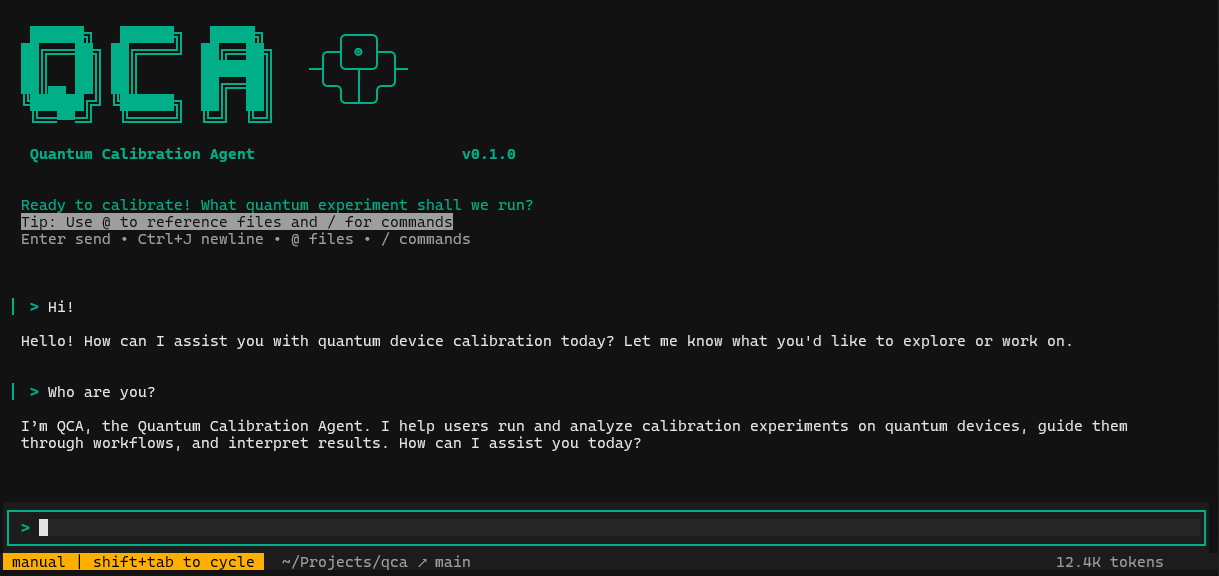
The CLI provides a terminal-based interface for quantum calibration experiments.
What is this?
This is a reference agent blueprint for quantum device calibration that combines:
- Intelligent Experiment Discovery: Automatically find and understand available quantum calibration experiments
- AI-Driven Execution: Run experiments through natural language commands or structured workflows
- Visual Analysis: Inspect plots and data using vision language models (VLMs)
- Workflow Automation: Execute complex multi-step calibration sequences with built-in validation
- Smart Data Management: Store and retrieve experiment results with HDF5 and SQLite
The agent supports multiple LLM providers including NVIDIA, Anthropic, and OpenAI.
Quick Start
Prerequisites
- Python 3.11+
- Node.js 18+ and npm 9+ (for Web UI)
- API Key from one of the supported providers:
- NVIDIA API Catalog (default)
- Anthropic
- OpenAI
Installation
# Clone repository
git clone https://github.com/NVIDIA/Quantum-Calibration-Agent-Blueprint.git
cd Quantum-Calibration-Agent-Blueprint

# Set up Python environment
python -m venv .venv
source .venv/bin/activate  # Windows: .venv\Scripts\activate
pip install -e .

# Install UI dependencies
cd ui && npm install && cd ..

# Configure environment
cp .env.example .env
# Edit .env and add your API key (choose one):
# NVIDIA_API_KEY=nvapi-your-key-here
# ANTHROPIC_API_KEY=sk-ant-your-key-here
# OPENAI_API_KEY=sk-your-key-here
Running QCA
Option 1: Full System (Backend + Web UI)
# Terminal 1 - Start Backend
qca serve

# Terminal 2 - Start Web UI
cd ui && npm run dev
Open http://localhost:3000 in your browser.
Option 2: CLI Only
qcaOption 3: Non-Interactive Commands
qca experiments list
qca experiments run t1_measurement
qca workflow list
Key Features
- Interactive TUI: Rich terminal interface for conversational experiment management
- Web UI: Browser-based chat interface with experiment visualization
- CLI Commands: Direct command-line access to all functionality
- Experiment Scripts: Write Python experiments with automatic parameter discovery
- Workflow Engine: JSON-based workflow definitions with state tracking
- VLM Integration: Analyze plots and experimental data visually
- History Tracking: Complete experiment history with SQLite indexing
CLI Commands
Main Commands
| Command | Description |
|---|---|
qca |
Launch interactive TUI (default) |
qca serve |
Start the backend server |
qca -n "prompt" |
Run single prompt non-interactively |
qca -r <thread_id> |
Resume previous conversation |
Experiment Management
| Command | Description |
|---|---|
qca experiments list |
List all available experiments |
qca experiments schema <name> |
Show experiment parameter schema |
qca experiments run <name> |
Execute an experiment |
Workflow Management
| Command | Description |
|---|---|
qca workflow list |
List all workflows |
qca workflow show <id> |
Display workflow definition |
qca workflow status <id> |
Check runtime progress |
History and Data
| Command | Description |
|---|---|
qca history list |
List past experiment executions |
qca history show <id> |
Show detailed experiment results |
qca data arrays <id> |
List arrays stored in experiment |
Documentation
Full documentation is available in the docs/ directory:
pip install -e ".[docs]"
cd docs && make html
# Open docs/_build/html/index.html
Development
# Install with test dependencies
pip install -e ".[test]"

# Run tests
pytest

# Run with coverage
pytest --cov=core --cov=tools
License
Apache License 2.0 - Copyright 2026 NVIDIA Corporation