

README
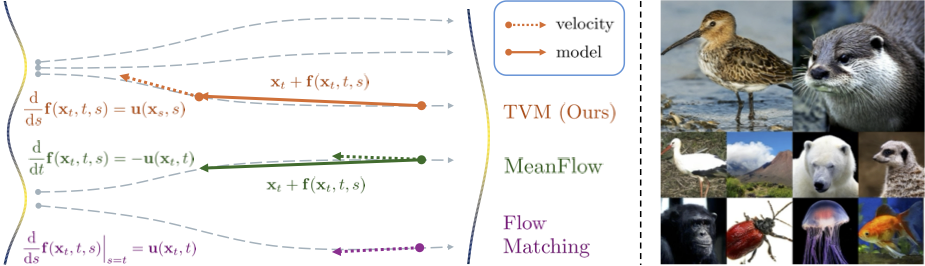
Terminal Velocity Matching
Official Implementation of Terminal Velocity Matching
</br>
Also check out our previous paper Inductive Moment Matching.
Checklist
- [x] Add model weights and model definitions.
- [x] Add evaluation scripts.
- [x] Add training scripts.
Dependencies
To install all packages in this codebase along with their dependencies, run
conda env create -f env.ymlFor multi-node jobs, we use Slurm via submitit, which can be installed via
pip install submititPre-Trained Models
We provide pretrained checkpoints through our repo on Hugging Face:
<table>
<tr>
<th colspan="4">ImageNet-256x256</th>
</tr>
<tr>
<td>CFG</td>
<td>NFE</td>
<td>FID</td>
<td>Link</td>
</tr>
<tr>
<td>2.0</td>
<td>1</td>
<td>3.29</td>
<td> <a href="https://huggingface.co/lumaai/tvm/resolve/main/im256_w2.pkl"> im256_w2.pkl </a></td>
</tr>
<tr>
<td>1.75</td>
<td>4</td>
<td>1.99</td>
<td> <a href="https://huggingface.co/lumaai/tvm/resolve/main/im256_w1p75.pkl"> im256_w1p75.pkl</a> </td>
</tr>
<tr>
<th colspan="4">ImageNet-512x512</th>
</tr>
<tr>
<td>2.5</td>
<td>1</td>
<td>4.32</td>
<td> <a href="https://huggingface.co/lumaai/tvm/resolve/main/im512_w2p5.pkl"> im512_w2p5.pkl</a></td>
</tr>
</table>
Datasets
Datasets are stored as uncompressed ZIP archives containing uncompressed PNG or NPY files, along with a metadata file dataset.json for labels. When using latent diffusion, it is necessary to create two different versions of a given dataset: the original RGB version, used for evaluation, and a VAE-encoded latent version, used for training.
Please refer to IMM for dataset setups. ImageNet-512x512 follows similar procedures.
Training
The default configs are in configs/. Before training, properly replace the logger and dataset.path fields to your own choice. You can train on a single node by
bash train.sh NUM_GPUS_PER_NODE CONFIG_NAME REPLACEMENT_ARGSIf you want to replace any config args, for example, network.do_scale_param on ImageNet-256x256 to false, you can run
bash train.sh 8 im256_w2.yaml network.do_scale_param=falseTo train multi-node, we use submitit and run
python launch.py --ngpus=NUM_GPUS_PER_NODE --nodes=NUM_NODES --config-name=CONFIG_NAMEAnd output folder will be created under ./outputs/
Evaluation
The eval scripts calculate FID scores. We provide the data reference stats at img256.pkl and img512.pkl.
bash eval.sh NUM_GPUS_PER_NODE CONFIG_NAME eval.resume=YOUR_MODEL_PKL_PATH network.compile=falseFor example, to evaluate on ImageNet-256x256 with your model saved at ./img256_w2.pkl with 8 GPUs on a single node, run
bash eval.sh 8 im256_w2.yaml eval.resume=./img256_w2.pklYOUR_MODEL_PKL_PATH can also be a directory containing all checkpoints of a run labeled with training iterations (i.e. your training directory). It will sort from the latest checkpoint to earliest and evaluate in that order.
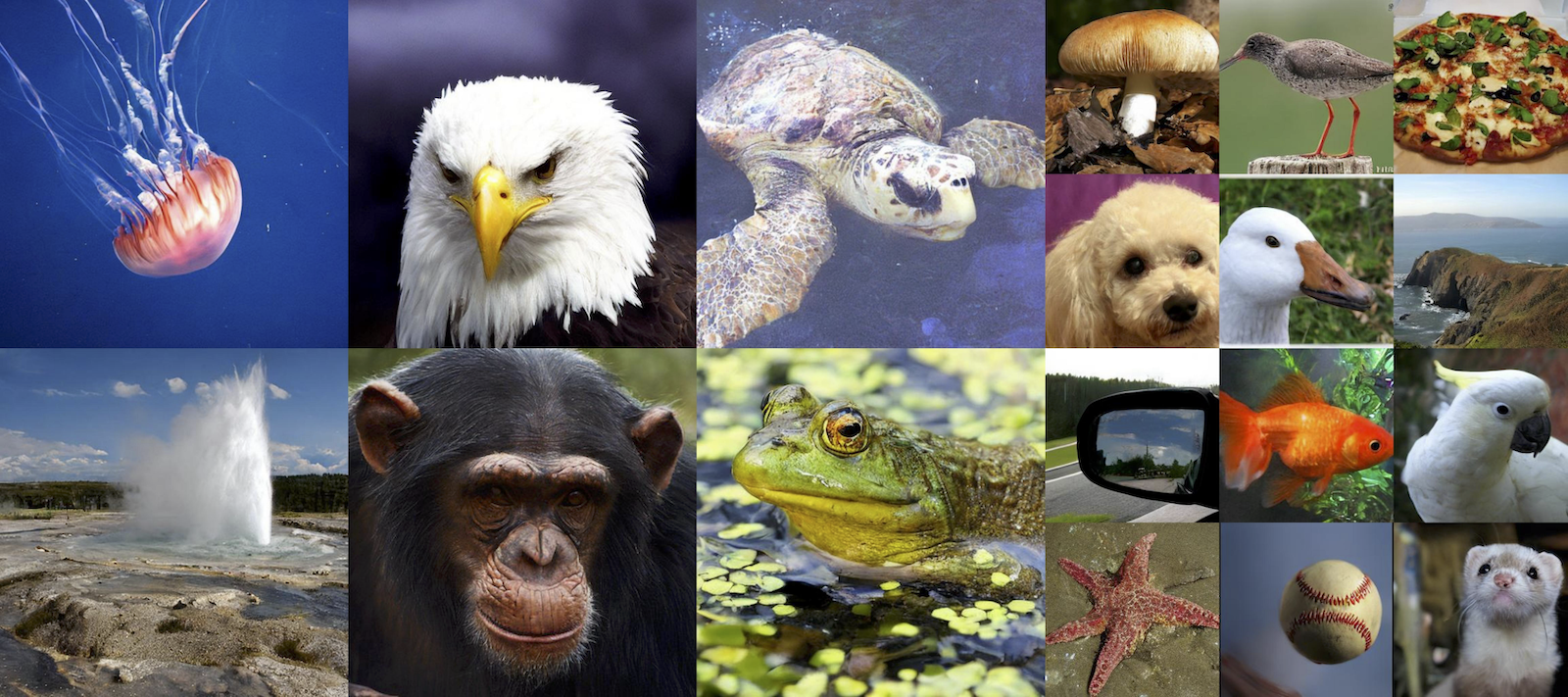
ImageNet Samples
Citation
 @misc{zhou2025terminal,
      title={Terminal Velocity Matching},
      author={Linqi Zhou and Mathias Parger and Ayaan Haque and Jiaming Song},
      year={2025},
      eprint={2511.19797},
      archivePrefix={arXiv},
      primaryClass={cs.LG},
      url={https://arxiv.org/abs/2511.19797},
}